3
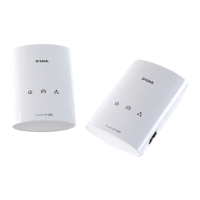
You can connect the DHP-200 directly to PC’s network adapter, switch, or any
other Ethernet enabled device. (Note: The Ethernet Port on the DHP-200 is Auto-
MDI/MDIX. Meaning you can use a straight-through or a crossover Ethernet
(CAT 5) cable when connecting to another Ethernet enabled device.)
For the D-Link Conguration Utility, connect the DHP-200 directly to a PC.
OR
(Access Point)
Connecting DHP-200 To Your Network
(continued)
(PC)














 To Next Page