20D-Link DIR-1760 User Manual
Section 3 - Installation
D-Link Wi-Fi App (continued)
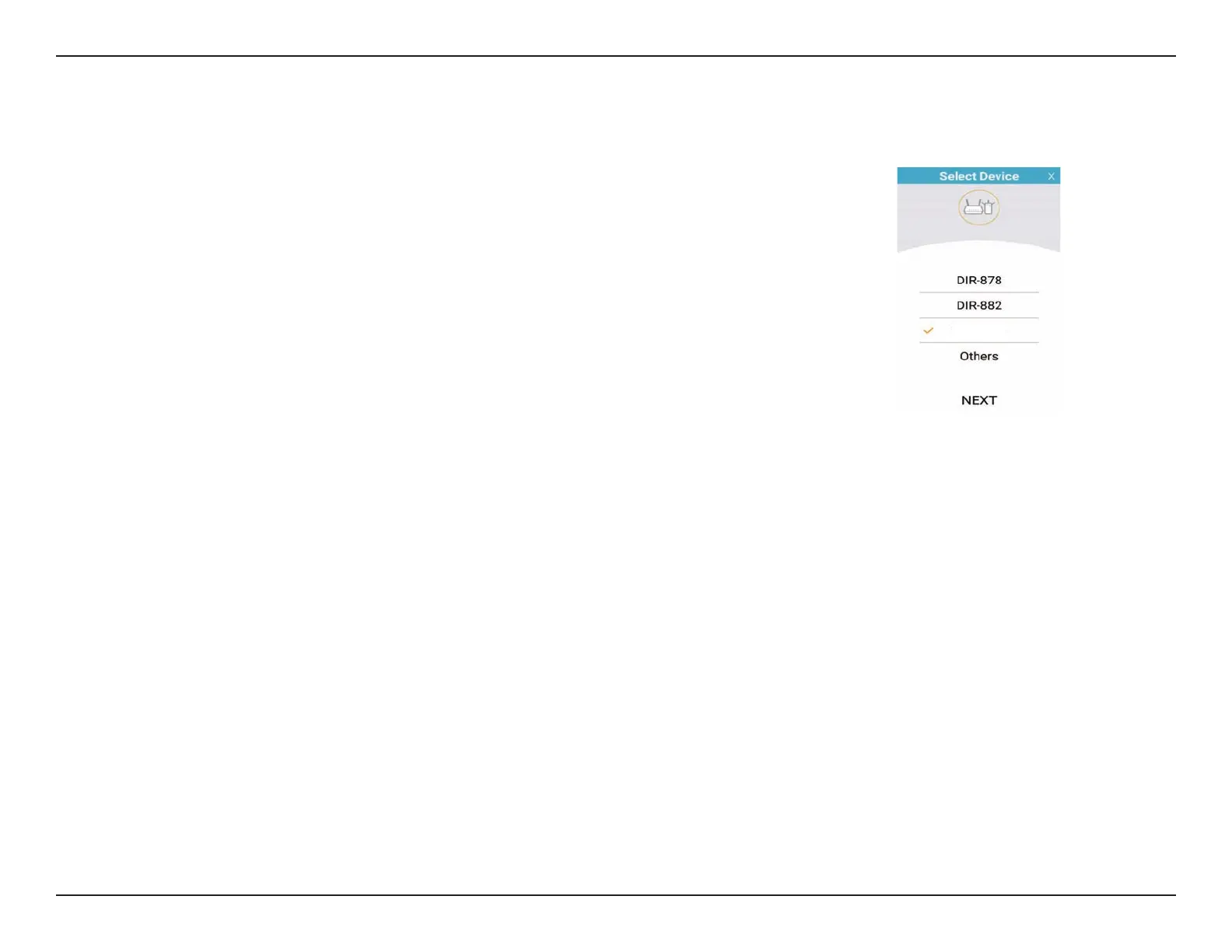
Step 4
Select from list of options the device you want to install. If you do not see your
device listed choose "Others" then tap NEXT.
Step 5
You will now be guided through a step-by-step process for setting up your
device. Simply follow the on-screen instructions to complete the installation
and DIR-1760 conguration process.
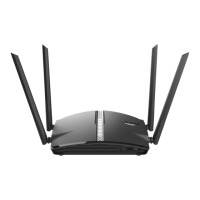
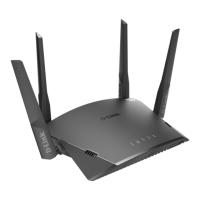
DIR-1760










 To Next Page