11D-Link DIR-2055 User Manual
Section 2 - Installation
Step 5
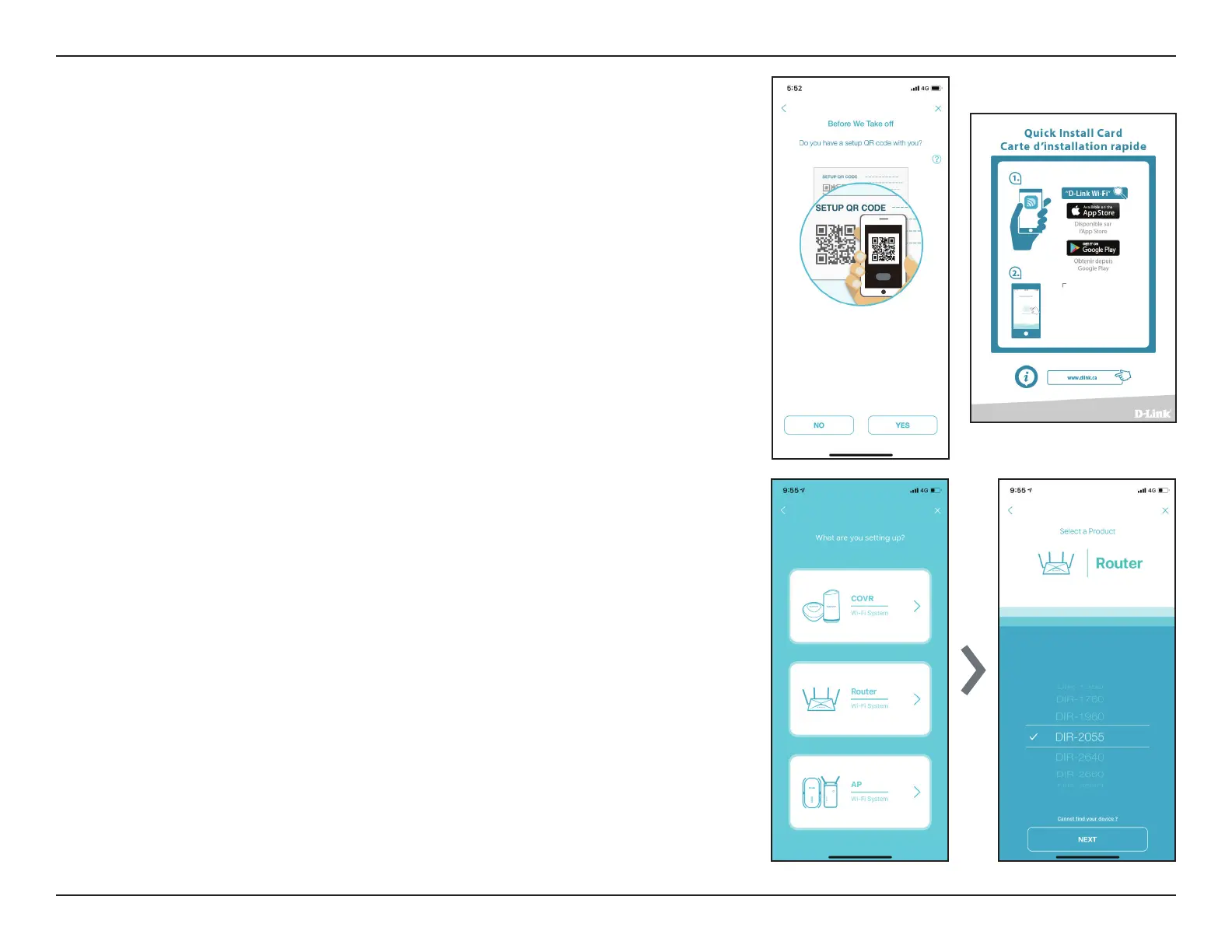
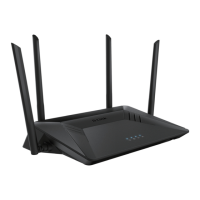
Select Router and select DIR-2055 from the list of available devices. Tap
Next to continue.
Step 6
You will now be guided through a step-by-step process for setting up your
router. Simply follow the on-screen instructions to continue the installation
and the conguration process.
Step 4
Tap Yes to scan the setup QR code located in the Quick Install Card and
proceed to step 6. Alternatively, you can tap No to proceed to step 5.


 To Next Page