36D-Link DIR-301 User Manual
Section 3 - Configuration
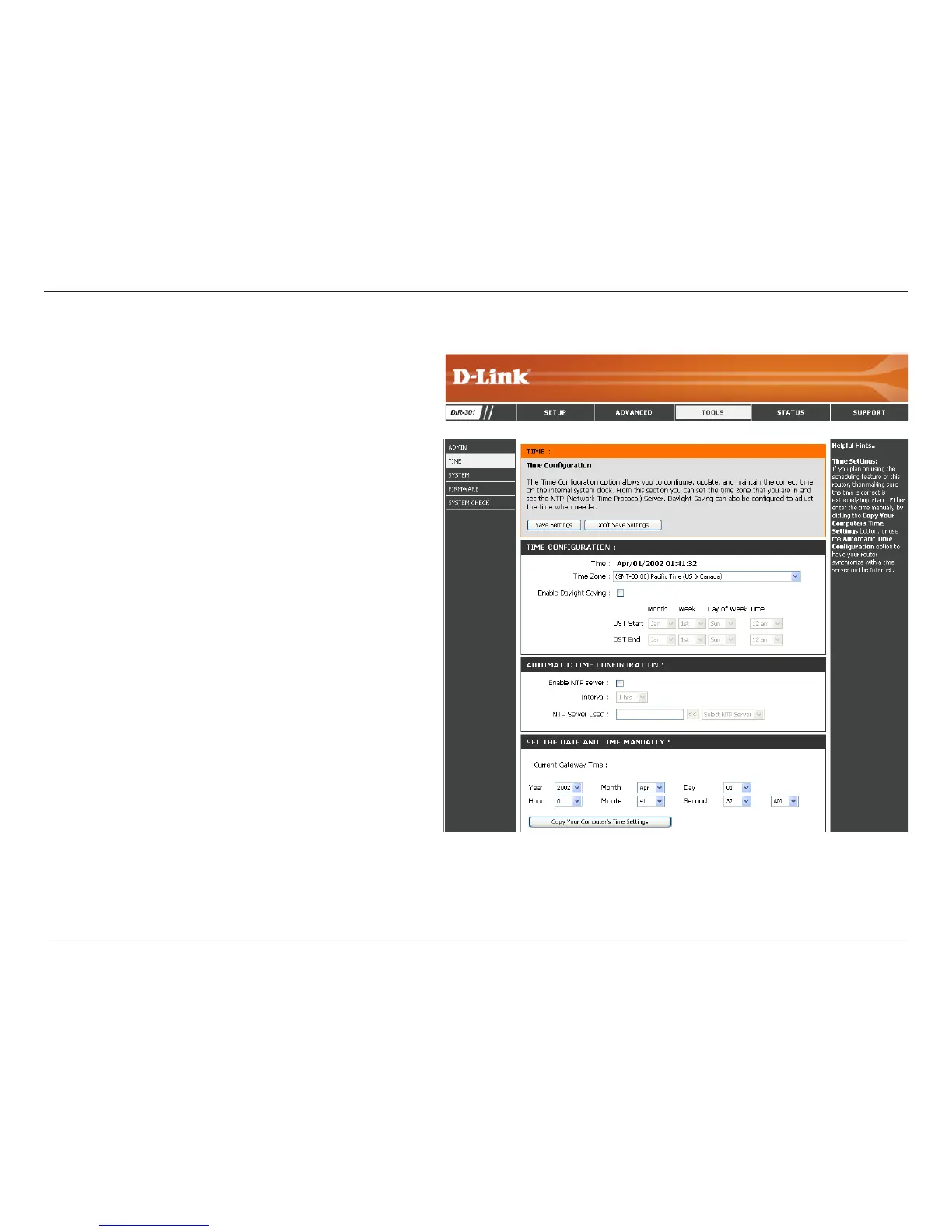
Time Settings
Select the Time Zone from the drop-down
menu.
To select Daylight Saving time manually, select
enabled or disabled, and enter a start date and
an end date for daylight saving time.
NTP is short for Network Time Protocol. NTP
synchronizes computer clock times in a network
of computers. This eld is optional.
To manually input the time, enter the values
in these elds for the Year, Month, Day, Hour,
Minute, and Second. Click Set Time. You
can also click Copy Your Computer’s Time
Settings.
Time Zone:
Daylight Saving:
Automatic:
Manual:













 To Next Page