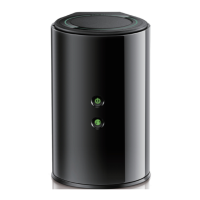
DIR-830M Quick Installation Guide
PPPoE, IPv6 PPPoE, PPPoE Dual Stack, PPPoE + Dynamic IP (PPPoE
Dual Access): Enter authorization data provided by your ISP (the username
(login) in the Username field and the password in the Password field).
Click the Show icon ( ) to display the entered password. If authorization is
not required, select the Without authorization checkbox.
PPPoE + Static IP (PPPoE Dual Access): Enter authorization data provided
by your ISP (the username (login) in the Username field and the password in
the Password field). Click the Show icon ( ) to display the entered
password. If authorization is not required, select the Without authorization
checkbox. Also fill in the following fields: IP address, Subnet mask,
Gateway IP address, and DNS IP address.
33


 To Next Page