18D-Link DIR-855 User Manual
Section 3 - Configuration
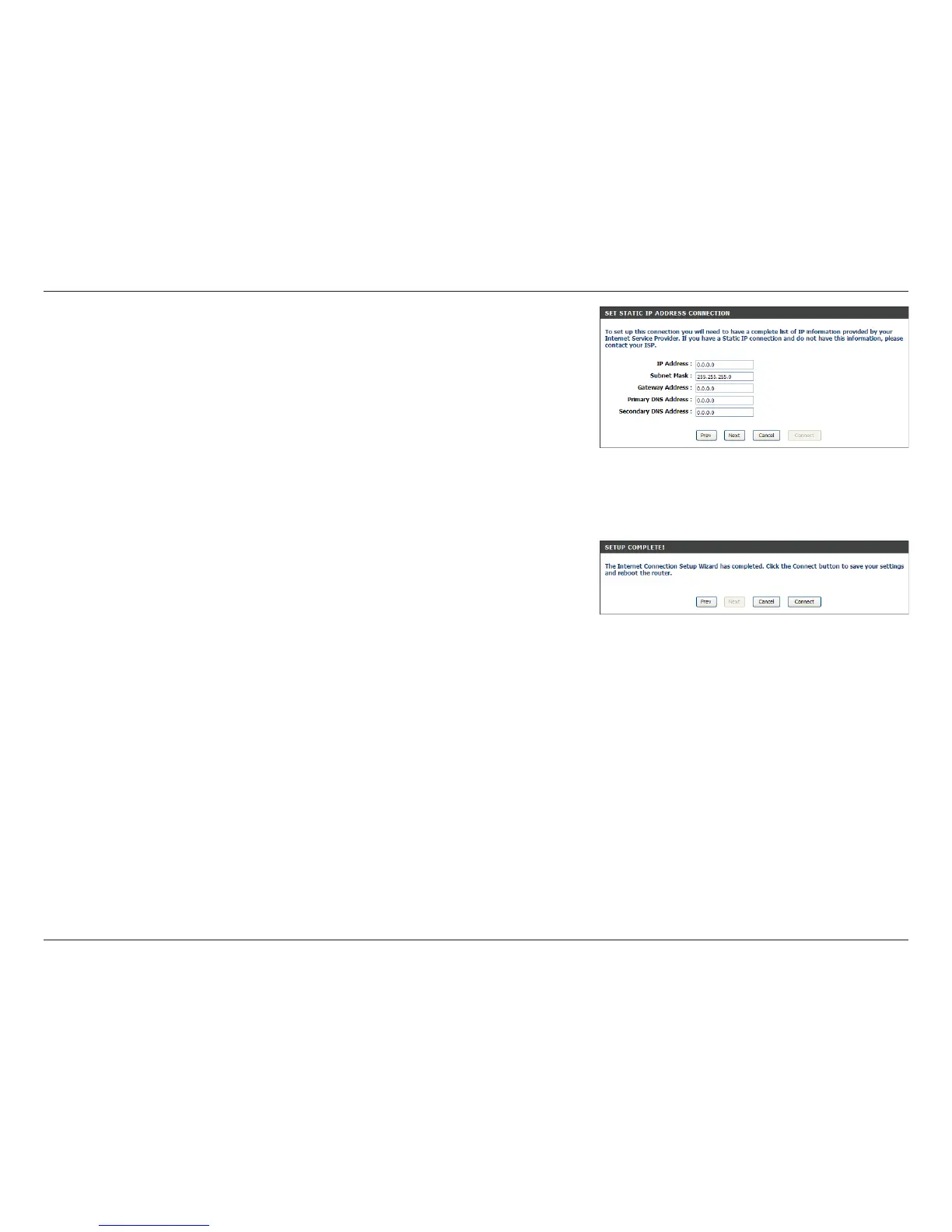
If you selected Static, enter your network settings supplied by your Internet
provider. Click Next to continue.
Click Connect to save your settings. Once the router is finished rebooting,
click Continue. Please allow 1-2 minutes to connect.
Close your browser window and reopen it to test your Internet connection.
It may take a few tries to initially connect to the Internet.



 To Next Page