DWL-700AP User’s Manual
19D-Link Systems, Inc.
Using the Configuration Utility (continued)
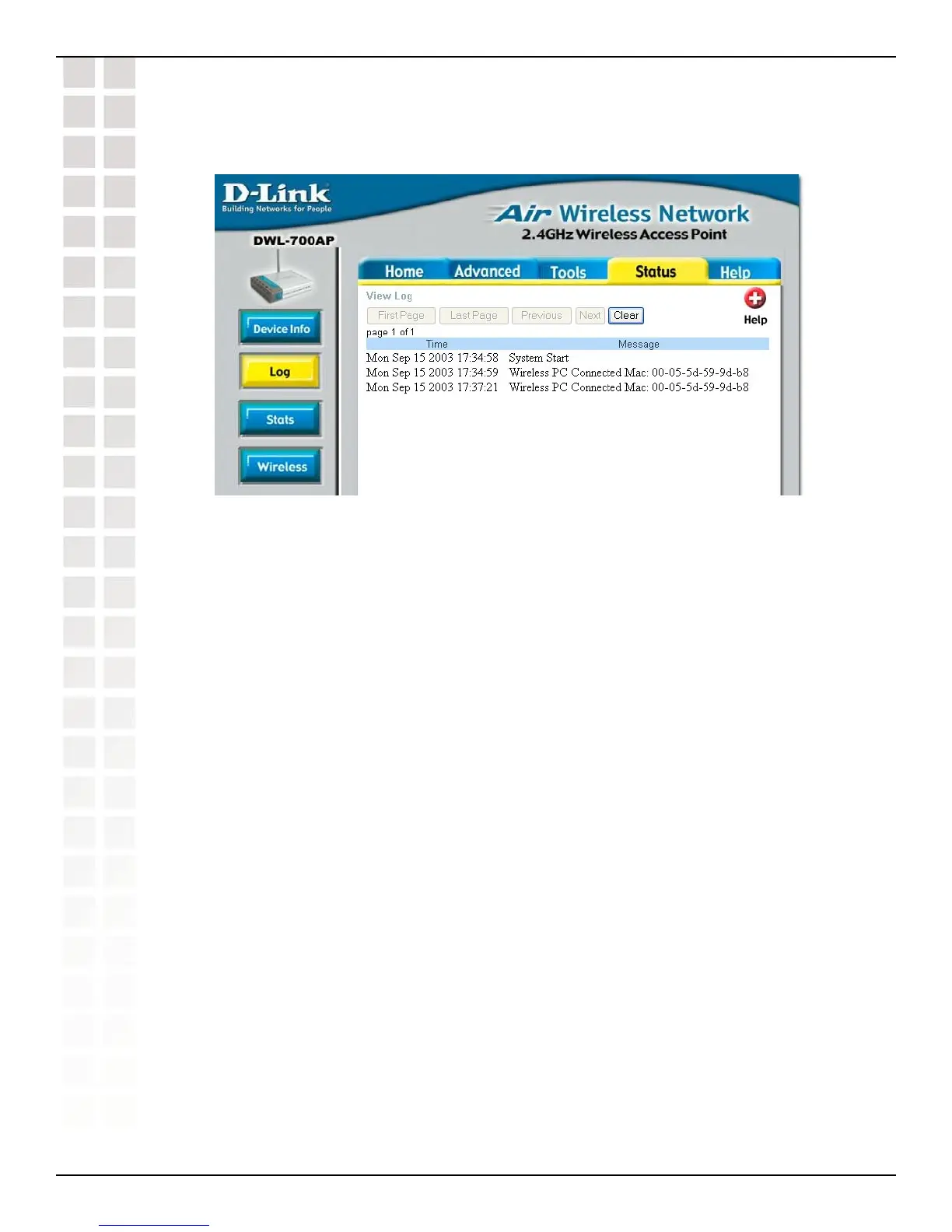
Status > Log
View Log
The access point keeps a running log of events and activities occurring on the AP. If
the device is rebooted, the logs are automatically cleared.
First Page - The first page of the log.
Last Page - The last page of the log.
Previous - Moves back one log page.
Next - Moves forward one log page.
Clear - Clears the logs completely.
Using the Configuration Utility












 To Next Page