Step 2:
Confirm your existing setup.
Step 2: Confirm your existing setup
5
If your existing setup includes
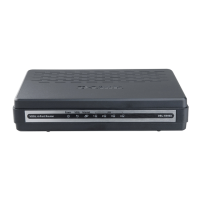
a DSL or Cable Modem only,
proceed to page 6.
If your existing setup includes
a DSL or Cable Modem and Router,
proceed to page 10.
4
NOTE: If you have a DSL or Cable Modem
with a built-in Router, the setup process is
the same as if you have a separate modem
and router. Proceed to page 10.












 To Next Page