Getting Started- PLAY
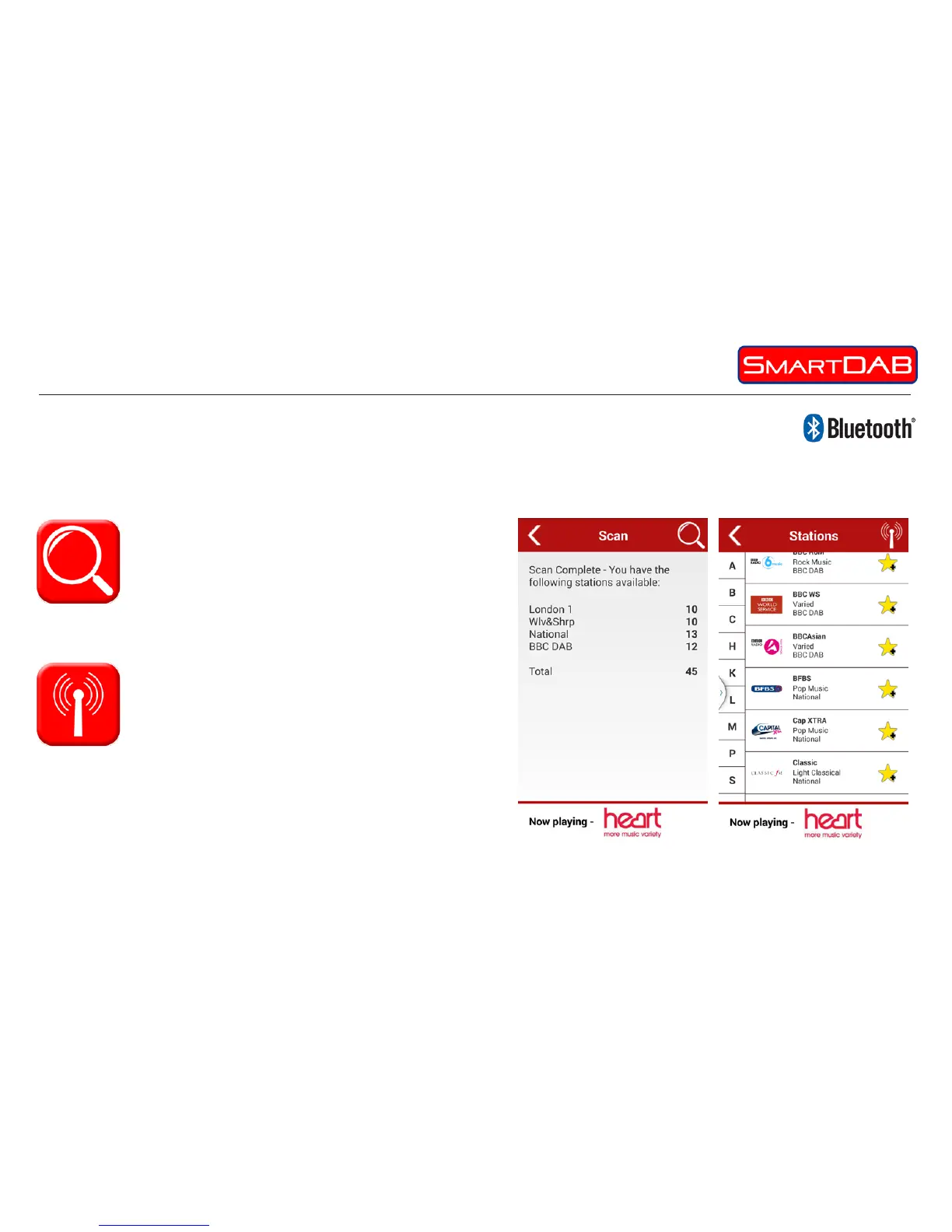
1) Scan – selection of scan will cause the device
to scan to see what stations are available to you.
A simple progress bar will keep you informed of pro-
gress but normally a scan will be quite quick. At the end of the
scan your Smart will tell you how many stations were found.
The 1st menu has 4 options as follows;
Bluetooth Connection
When you open the app it will automatically look for and connect with your SmartDAB device.
2) Stations – A list of stations available to you
will be displayed either alphabetically if ‘list
mode’ selected from settings or by ensemble if
‘ensemble mode’ selected. Selection of ensemble or letter
will help you quickly nd your desired station.
• Simply touch your desired station to select it and it will start
playing and display in the play screen.


 To Next Page