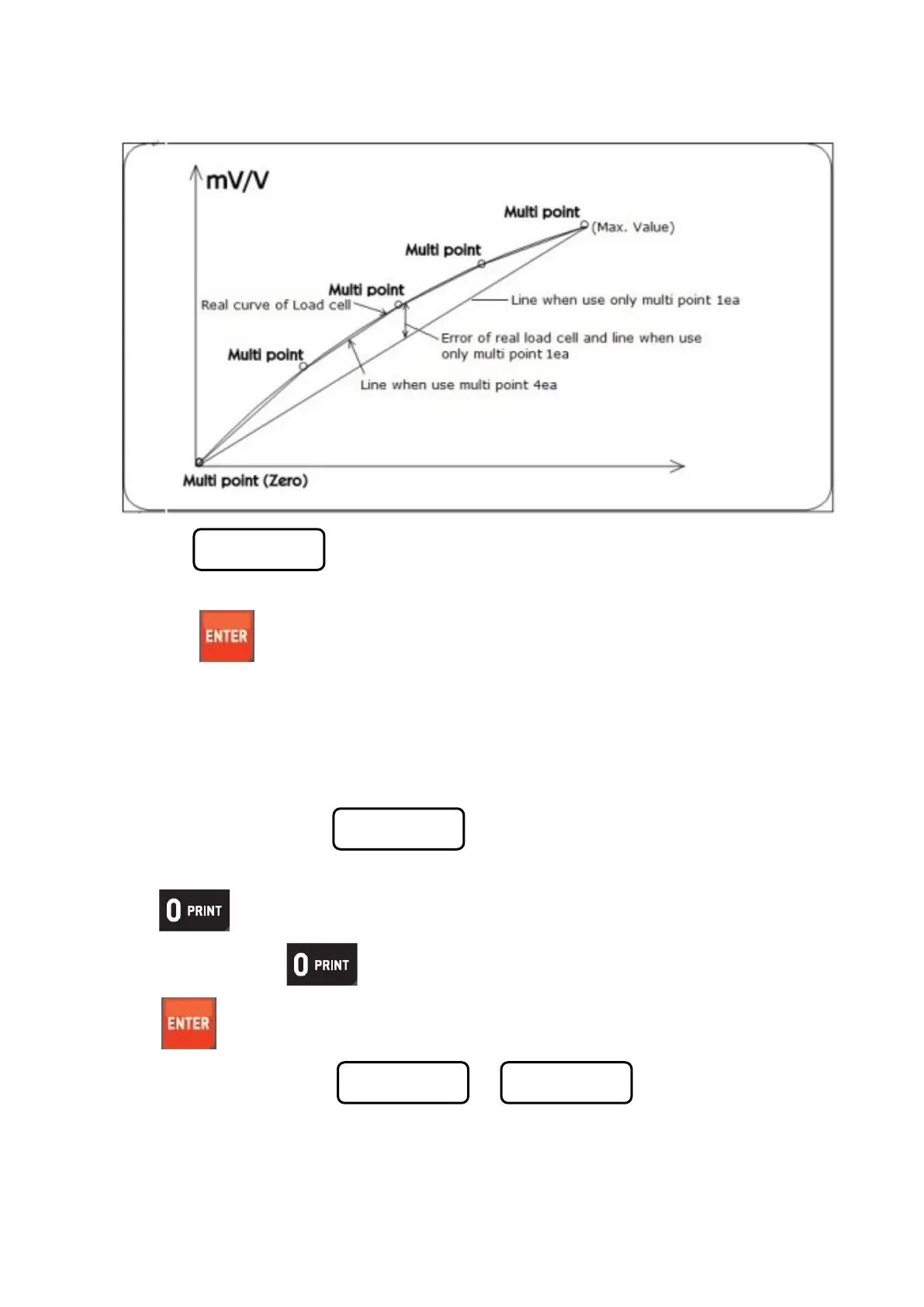
2-3. Under display, if press a keypad No. 2, it will be change the section 2.
And, if press a keypad No. 3 or 4 or 1, it will be change the section 3 or 4 or 1.
Then press key, and move to next step.”
2-4. It would be repeat Step 6~7 when progressing over than 2times to the multi calibration.
So, when progress over than 2times of section calibration, for example if you want some calibration to
set 40kg and prepared Test weight as 1kg and 3kg at Step 6, you should input & up-load a 1kg at first
time then you should input & up-load a 3kg when return to Step 6 again.
Step 3. Digit(Division)setting ( display)
Press key and stop the optimal Digit value.
(Whenever pressing key , digit value will be changed, like 01-02-05-10-20-50)
Press key and save change and move to next step.
Step 4. Max. Capacity Setting (
display)
Input Max. Capacity of Scale with No. keys.
13 / 41



 To Next Page