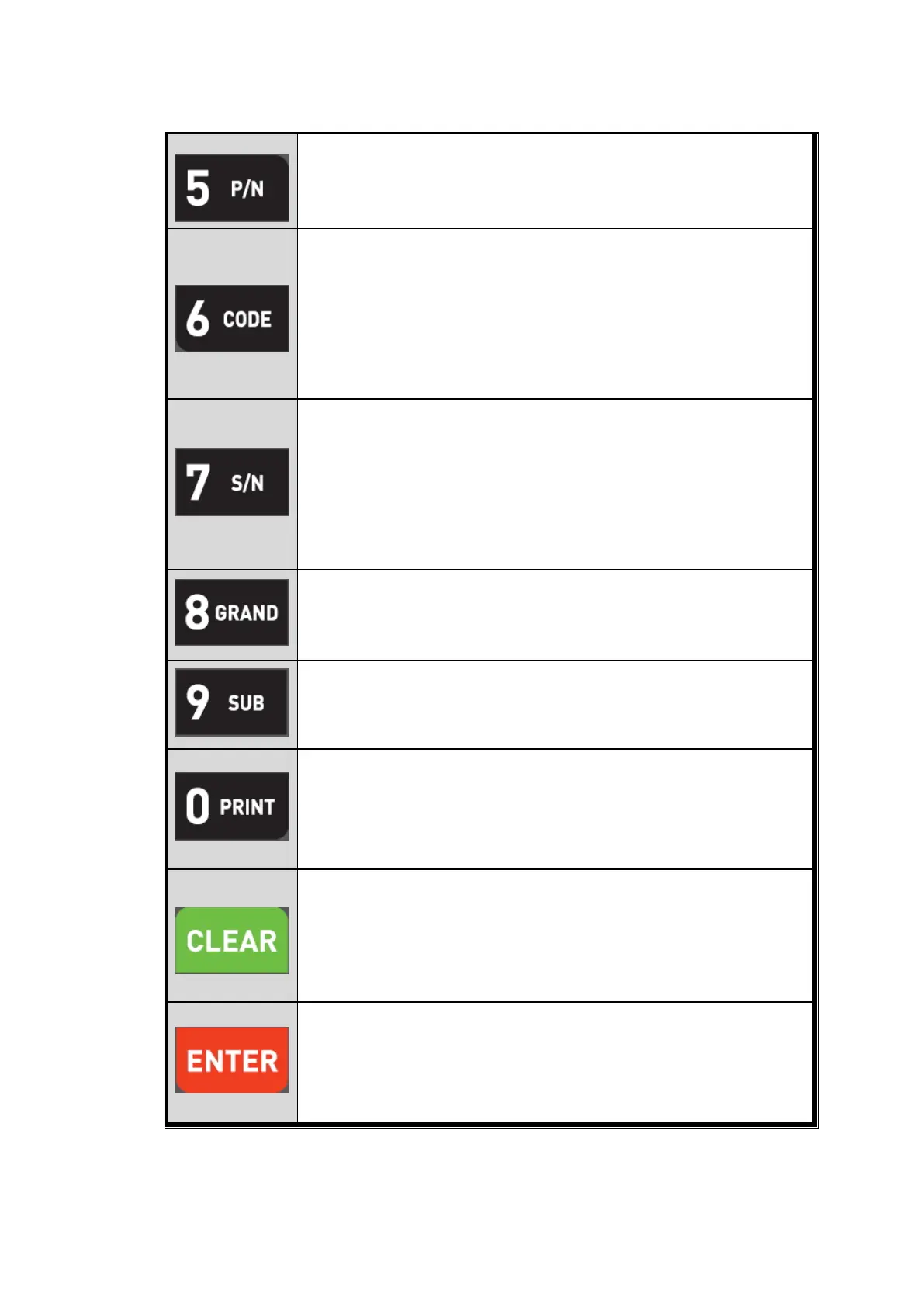
You can set each weighing process as a certain P/N.
And you can call certain P/N with pressing this key.
P/N save : Select P/N and Enter key input.
P/N call : P/N + Number key + Enter
Under each “Part No.(P/N)”, you can make more detailed sorting function
with this key.
Under each P/N, you can set Max. 6digit code, and manage the each
code.
Code Check : Code key input, then
Code No. will be displayed
during 3sec.
Code Change : Code key input, then enter new Code value with No.
key and Enter to save.
Check Accumulated Weighing Count from beginning.
Max. Serial No. Display : Max. 99,999
If the Serial No. is beyond 99,999, count will be return to 00,000.
But, indicator will take all serial count, even if the display will be 00,000.
S/N Check “ S/N key input, then Accumulated serial No. will be
displayed during 3sec.
S/N Change :
S/N key input, then press new S/N count and press
Enter to save.
Under Print installation, you can print out the “Grand-
current P/N.
Printed Data : Accumulated count and weight of All P/N.
Under Print installation, you can print out the “Sub-total data” of current
P/N.
Printed Data : Accumulated count and weight of current P/N.
Manual Print
Whenever press this key, you can print out.
Calibration mode
- Digit setting
Whenever pressing “0”key, digit will be change 1, 2, 5, 10, and 50.
1. Modify the set value during setting process.
2. Calibration mode
- Move back to previous step.
3. F-function setting mode
- Change F-function No.
F-function no.(number key) + Clear directly move
1. Save set value during setting process.
2. Calibration mode
- Save current setting and move to next step.
3. F-Function mode
- Save current F-function setting, and move to next F-function
7 / 41


 To Next Page
 Loading...
