Chapter 7. Error and Treatment
1. TEST Mode
TEST 1. Analogue TEST mode This mode is Analogue testing
TEST 2. Keypad TEST mode
This mode is Keypad testing or
Analogue Option Card Test
(4~20mA or 0~10v)
- No.1 key : 4mA / 0V output
- No.2 key : 8mA / 2.5V output
- No.3 key : 12mA / 5V output
- No.4 key : 16mA / 7.5V output
- No.5 key : 20mA / 10V output
TEST 3. SET.CAL Mode
This mode is F-Function setting or
Calibration setting
TEST 4. Display TEST Mode Check that display is normal or not
TEST 5. Relay output TEST Mode
If have a relay, check the relay
output
TEST 6. External input(Digital Input)TEST Mode
Check that external input is normal
or not
TEST 7. Un-Calibrated Analogue TEST Mode
Check the pure analogue value
when not calibration
If you installed Analogue Option card, you can test Analogue output test with “TEST 2”
mode. (Please check detailed information)
1.1
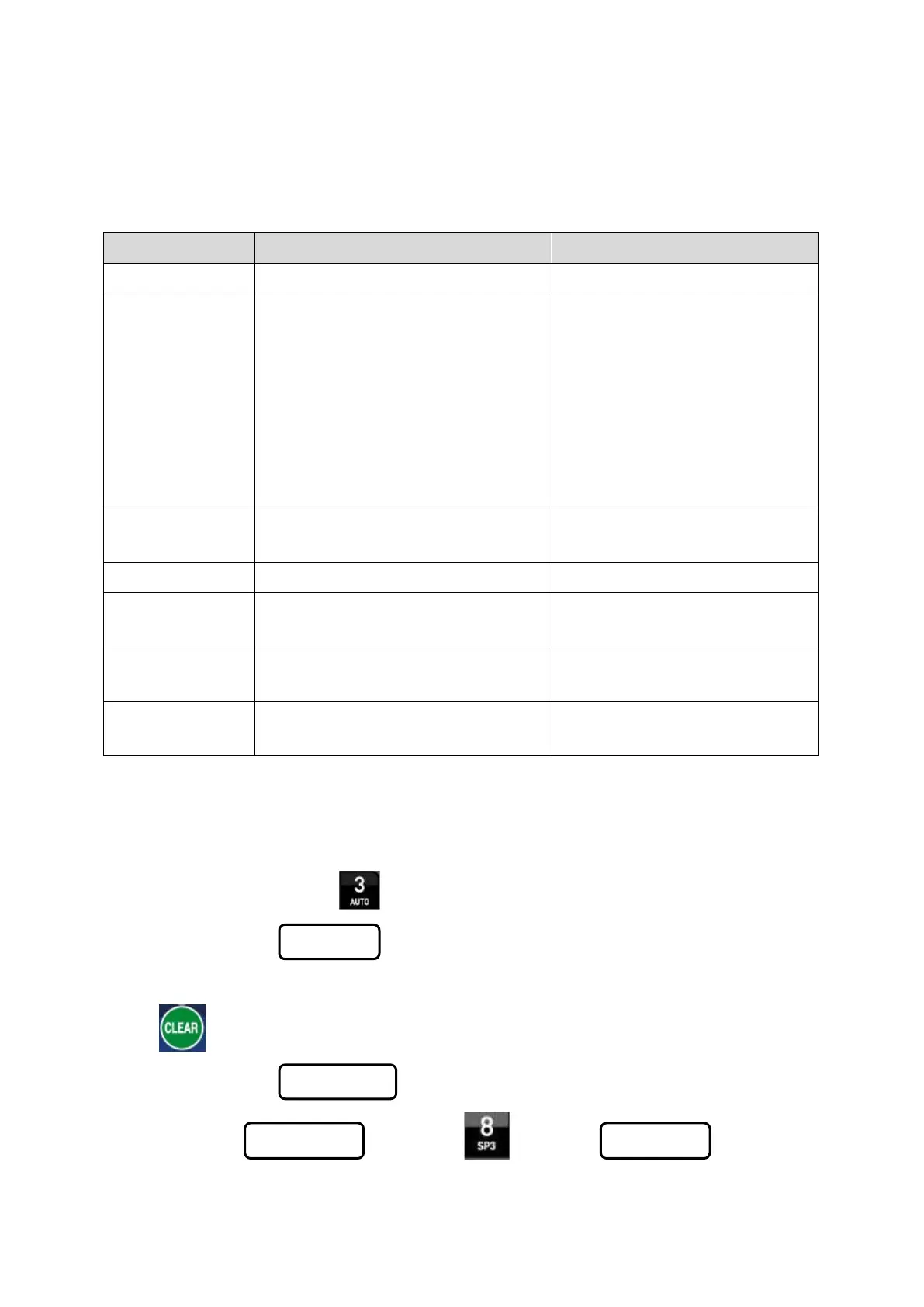
Enter to TEST Mode
Turn on the power with pressing key.
Then, display will show , then press No. key and move to the certain TEST mode.
1.2 Exit from TEST Mode
Press key to exit from each TEST mode.
Then, display will show
※ Under TEST 3. mode, press
key to exit .
46 / 49


 To Next Page
 Loading...
