11
I
GB
DSX26
Ruotando l’encoder sarà possibile selezionare
l’opzione desiderata, premere quindi SAVE/ENTER
una terza volta per completare l’operazione.
2.4 Richiamo di un programma
Premendo RECALL si entra in modalità di richia-
mo; l’ultimo programma utilizzato viene visualiz-
zato sullo schermo. Utilizzare i tasti PREV/NEXT o
l’encoder per selezionare il programma da richia-
mare. Sarà possibile scegliere solo programmi
che sono già stati memorizzati. Nella memoria
dell’unità ci sarà sempre almeno un programma
assegnato in mancanza di specicazione da parte
dell’utente.
Premendo RECALL una seconda volta si richiame-
rà il programma.
2.5 Eliminazione di un programma
In modalità Setup, premere PREV per entrare nel-
la modalità eliminazione programma (Delete Pro-
gram).
ll programma da modicare può essere selezio-
nato utilizzando i tasti___e___oppure ruotando
l’encoder in senso orario.
Premere SAVE/ENTER per cancellare il program-
ma.
Premendo in qualsiasi momento i tasti PREV/
NEXT si potrà uscire dalla modalità di eliminazio-
ne programma.
Nota: prima di poterli cancellare è necessario
sbloccare i programmi protetti; questo vale sia
per il blocco Programma che per i blocchi OEM/
Proprietario.
and press SAVE/ENTER a third time to complete
the operation.
STORE UNlocked?
LOCKED
STORE UNlocked?
UNLOCKED
STORE UNlocked?
LOCKED
STORE UNlocked?
UNLOCKED
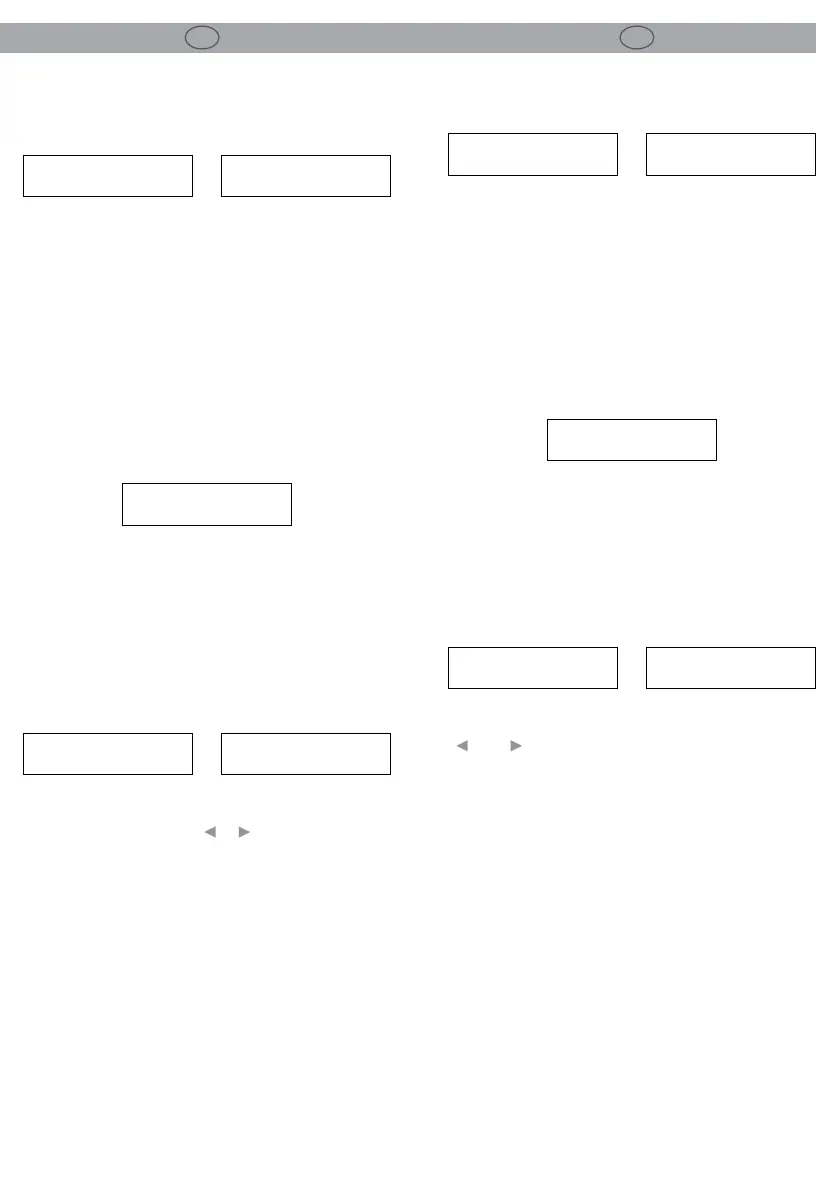
2.4 Program recall
Pressing RECALL will enter the recall mode with
the last used Program on the screen. Use the
PREV/NEXT buttons or the rotary encoder to se-
lect a Program to recall. Only Programs that have
already been stored will be available to choose
from. There will always be at least one default Pro-
gram in existence in the unit’s memory.
recall
1 unused
recall
1 unused
Premendo RECALL una seconda volta si richiame-
rà il programma.
2.5 Delete program
Under Setup mode, press PREV to enter into the
Delete Program mode (Delete Program):
setup
delete prog no
enter to delete
1 monitors
Choose the Program to be deleted using the
___and___buttons or turn the encoder clockwise.
Press SAVE/ENTER to delete the Program.
Pressing the PREV/NEXT buttons at any time will
exit the Delete Program mode.
Note: locked Programs have to be unlocked be-
fore they can be deleted, this applies to Program
lock and OEM/Owner locks.
setup
delete prog no
enter to delete
1 monitors


 To Next Page
 Loading...