22
I
GB
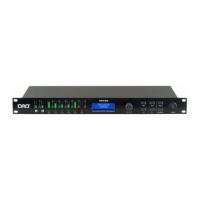
DSX26
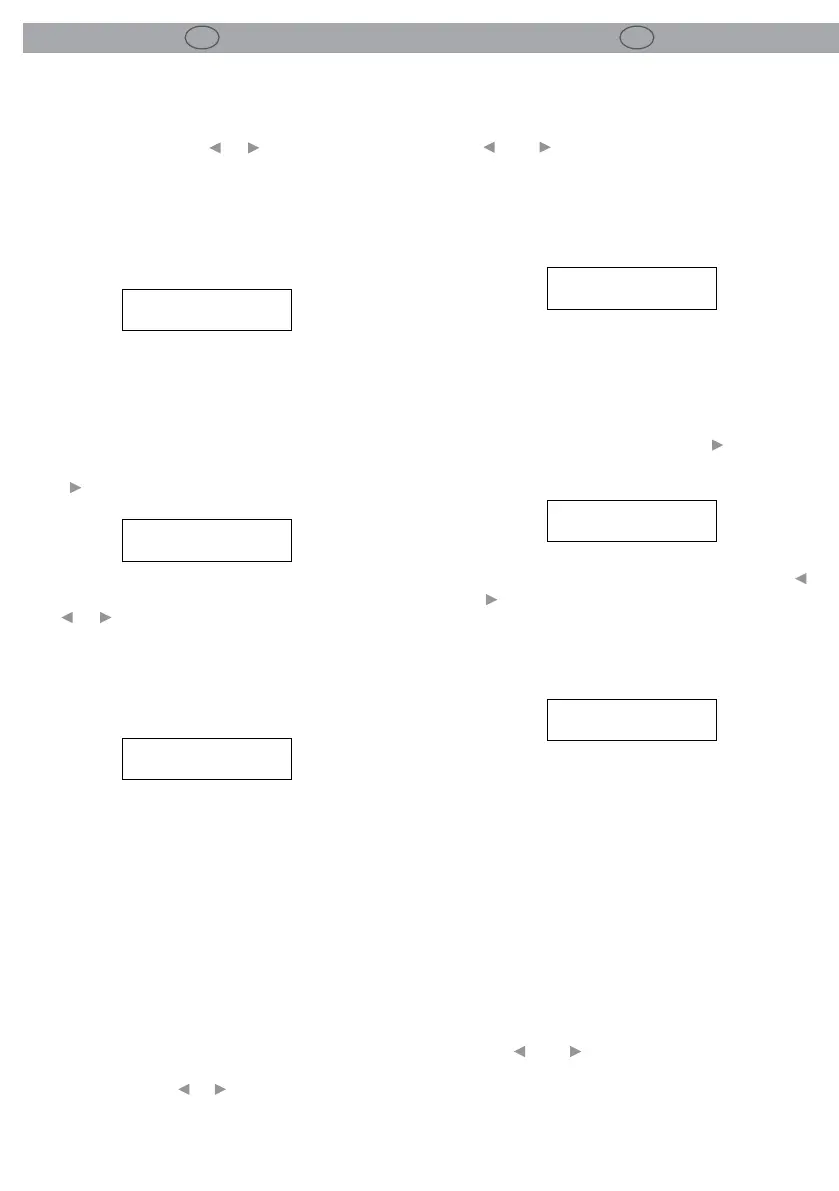
-7- REGOLAZIONE DISPLAY
7.1 Contrasto
I pulsanti dei parametri___e___o l’encoder rota-
tivo permettono di aumentare/diminuire il con-
trasto del display e l’angolo di visualizzazione del
display. La modica del parametro viene visua-
lizzata gracamente mediante il simbolo di una
linea che gira su sé stessa.
-8- CANCELLAZIONE PROGRAMMI
8.1 Cancellazione Programma
É possibile cancellare un programma premendo il
tasto___o girando l’encoder in senso orario.
Scegliere il programma da cancellare utilizzando i
tasti___e___o l’encoder rotante.
Premere SAVE/ENTER per cancellare il program-
ma. La pressione in qualunque momento del
pulsante PREV/NEXT permette di abbandonare la
modalità cancellazione programma.
Nota:
I programmi protetti devono essere sbloccati pri-
ma di poter essere cancellati, questo si riferisce al
blocco Program lock e al OEM/Owner lock.
9 FUNZIONAMENTO MIDI
9.1 Numero Canale MIDI (1-16)
Il MIDI serve a trasmettere e ricevere le modiche
del programma e a trasmettere i dati relativi al sy-
stem exclusive dump tra le unità.
Utilizzare i pulsanti___e___oppure l’encoder ro-
tante per impostare il numero del canale da 1 a
16. Per poter comunicare correttamente sia l’uni-
tà di trasmissione che quella di ricezione devono
-7- DISPLAY
7.1 Contrast
The___and___parameter buttons or rotary con-
trol increase/decrease the display contrast and
viewing angle of the display.
A graphical indication of the parameter changing
is displayed by a rotating line symbol.
SETUP
CONTRAST
SETUP
DELETE PROG NO
ENTER TO DELETE
1 MONITORS
SETUP
CONTRAST
-8- DELETE PROGRAM
8.1 Delete Program
To delete a Program, press either___or turn the
encoder clockwise.
SETUP
DELETE PROG NO
Choose the program to be deleted using the___
and___button, or rotary control.
Press Enter to delete the Program.
Pressing the PREV/NEXT button at any time will
leave the Delete Program mode.
ENTER TO DELETE
1 MONITORS
Note:
Locked Programs have to be unlocked before
they can be deleted, this applies to Program lock
and the OEM/Owner locks
-9- MIDI OPERATION
9.1 MIDI Channel Number (1-16)
MIDI is used to transmit and receive Program
changes and to transmit system exclusive dump
data between units.
Use the___and___buttons or rotary encoder to
adjust the channel number from 1 to 16.
Both sending and receiving equipment needs to
be set to the same MIDI channel to communicate
correctly.


 To Next Page