19
I
GB
DSX26
6.4 Protezione totale
Questa azione permette di bloccare immediata-
mente tutti i parametri, che possono poi essere
successivamente sbloccati.
Per bloccare tutti i parametri utilizzare___o ruo-
tare l’encoder in senso orario no alla visualizza-
zione di “Yes”. Nel caso in cui siano già state im-
postate alcune protezioni e si desideri sbloccarle,
portare questa opzione su “Yes” e quindi ritornare
su “No”. Premere SAVE/ENTER per tralasciare que-
sta opzione.
6.5 Modalità Lock set up
Una ulteriore pressione dei tasti PREV o NEXT in-
serisce la modalità di blocco impostazione.
Una volta entrati in modalità Lock set up è possi-
bile navigare normalmente nelle schermate Input
ed Output ma con le seguenti importanti die-
renze:
• I valori dei parametri non possono più essere
modicati.
• Non è più possibile accedere alle videate SAVE
e RECALL.
• È possibile bloccare solo le Cong and Stereo
Link Utilities
• L’unità è sempre scollegata.
Se un parametro non è protetto il nome e valore
dello stesso vengono visualizzati normalmente.
Premendo___ruotando l’encoder in senso orario
è possibile modicare il valore visualizzato con un
“check mark”, come sotto mostrato, che indica che
il parametro è ora bloccato. Selezionare i parame-
tri specici da bloccare e modicarne i valori. Al
contrario, se è stato selezionato Lock All (blocco
totale) è possibile selezione e modicare i para-
metri sbloccandoli.
Gli EQ non vengono visualizzati nella modalità
Lock set-up se non sono stati assegnati, cioè se
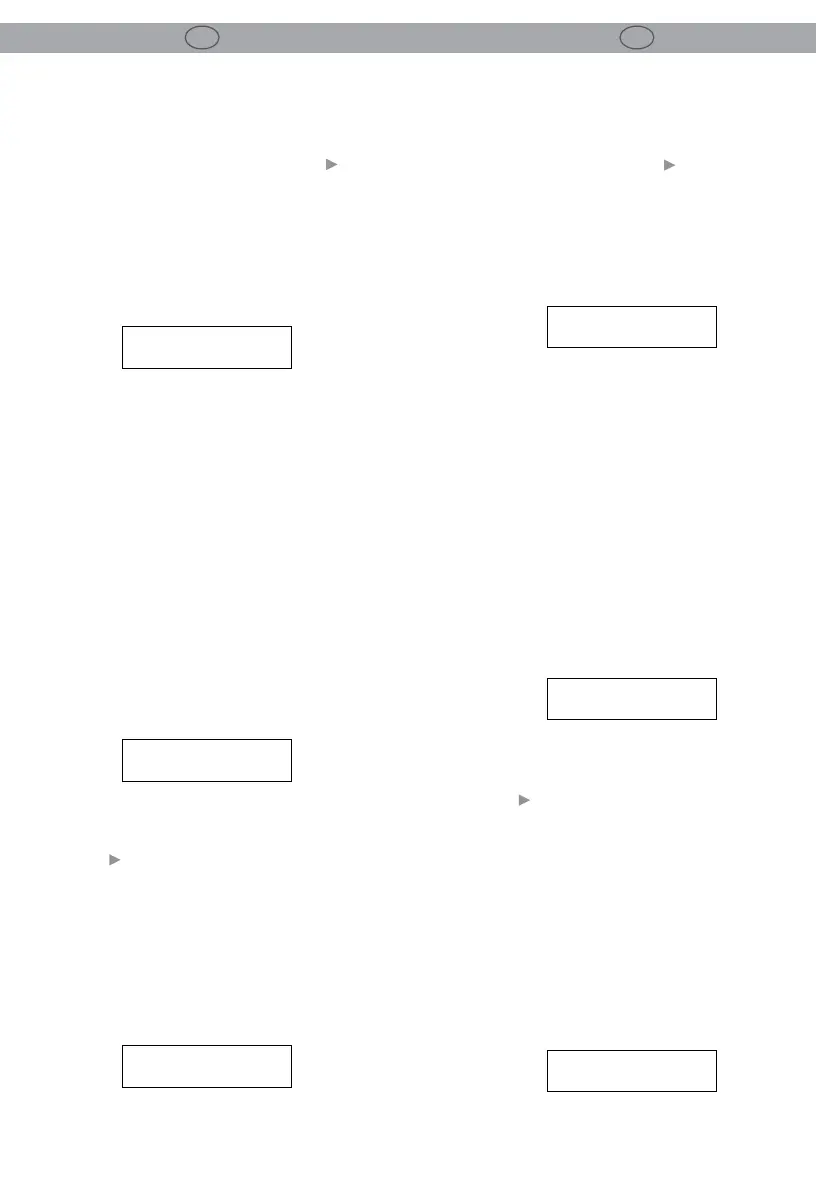
LOCK SETUP OEM
LOCK ALL? NO
SETUP
XOVER MODE BOTH
IN B OEM
DELAY
6.4 Lock All
This screen allows all the parameters to be locked
immediately, they can then be selectively un-
locked at a later date.
To Lock all parameters, use___or turn the rotary
encoder clockwise to display “Yes” .
If some locks have already been set and you want
to unlock them all, set this option to “Yes” then
back to “NO”.
To skip this option, press Save/Enter.
LOCK SETUP OEM
LOCK ALL? NO
6.5 Lock set up mode
A further press of either the PREV or NEXT buttons
enters the Lock set up mode.
Once in the Lock set-up mode it is possible to
navigate around the Input and Output screens as
normal but with these important dierences:
• Parameter values can no longer be changed.
• The SAVE and RECALL screens are not acces-
sible.
• Only the Cong and Stereo Link Utilities are
lockable.
• The unit is always unlinked.
If a parameter is unlocked the parameter name
and value is displayed as usual.
Pressing___or turning the encoder clockwise
changes the value display to a check mark, as
shown below, to indicate that this parameter is
now locked.
Select the particular parameters that are to be
locked from view and change their values to
check marks.
Conversely, is Lock All was selected then select
and change the parameters is state to unlocked,
e.g.
No check mark, as required.
SETUP
XOVER MODE BOTH
IN B OEM
DELAY
EQs will not display in lock set up mode if they are


 To Next Page
 Loading...