02
ENIT IDEA Series
INSTALLAZIONE DEL SOFTWARE
• Scaricare dalla sezione download degli am-
plicatori il software “ ARK Editor Software” e
i driver “PL2303 Drive”.
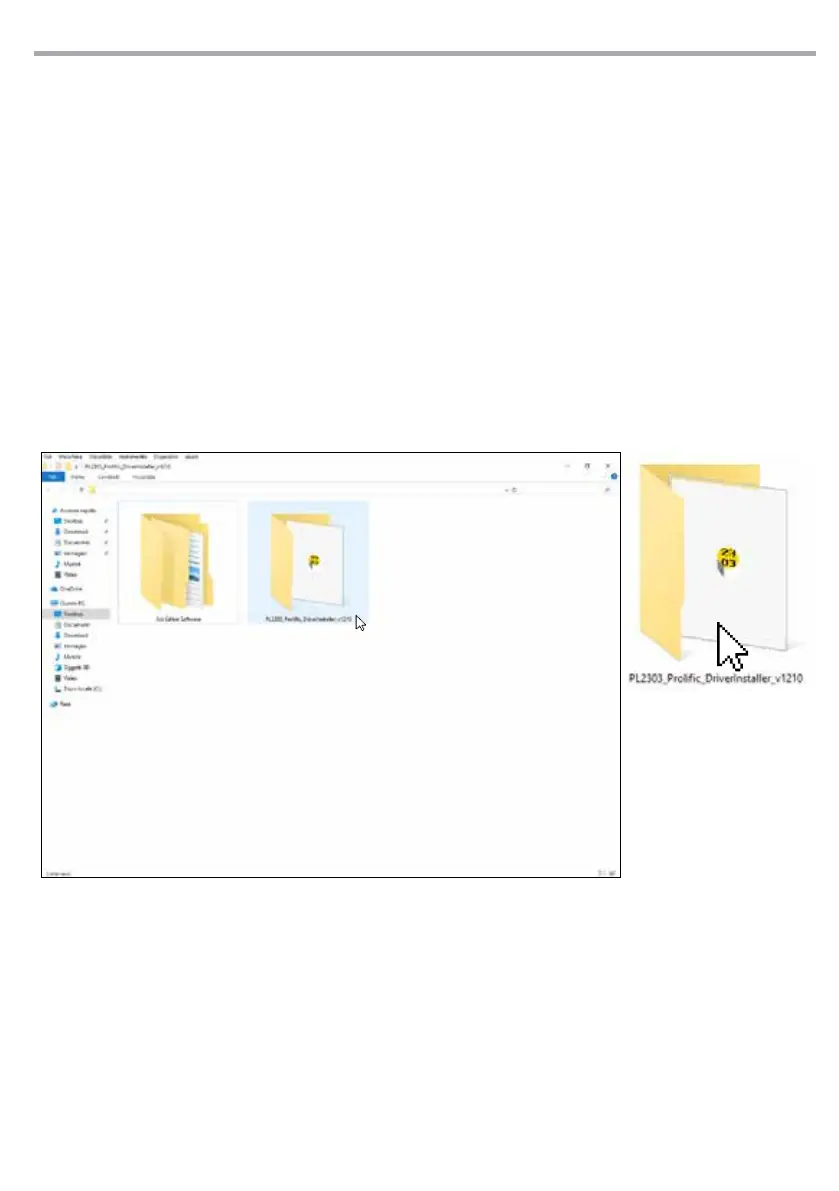
• All’interno della cartella “Ark software” sono
presenti i le da estrarre “ AddressEditor” e
“SpeakerEditor”.
INSTALLAZIONE DRIVER
• Fare doppio click su “PL2303_Prolic_Drive-
rInstaller_v1210”, che consentirà di installare
il driver per riconoscere la porta COM corretta.
SOFTWARE INSTALLATION
• Download the “ARK Editor Software” software
and the “PL2303 Drive” drivers from the ampli-
er download section.
• The “AddressEditor” and “SpeakerEditor” les
to be extracted are inside the “Ark software”
folder.
DRIVER INSTALLATION
• Double-click on “PL2303_Prolic_Driver In-
staller_v1210”, which will allow you to install
the driver to recognize the correct COM port.



 To Next Page