Level 1
mode
Level 2
Level 3
AUTO
Power OFF
1st
2nd
3rd
4th
5th
number of clicks
Lighting 25%
brightness
Lighting 50%
Lighting 75%
Lighting 100%
Power OFF
1st
2nd
3rd
4th
5th
number of clicks
How to use operation mode How to control Mood Light
Level 1 → Level 2 → Level 3 →
AUTO
→ OFF
Lighting 25%
→
Lighting 50%
→
Lighting 75%
→
Lightin
g 100
%
→
OFF
16 17
operation
mode
air quality
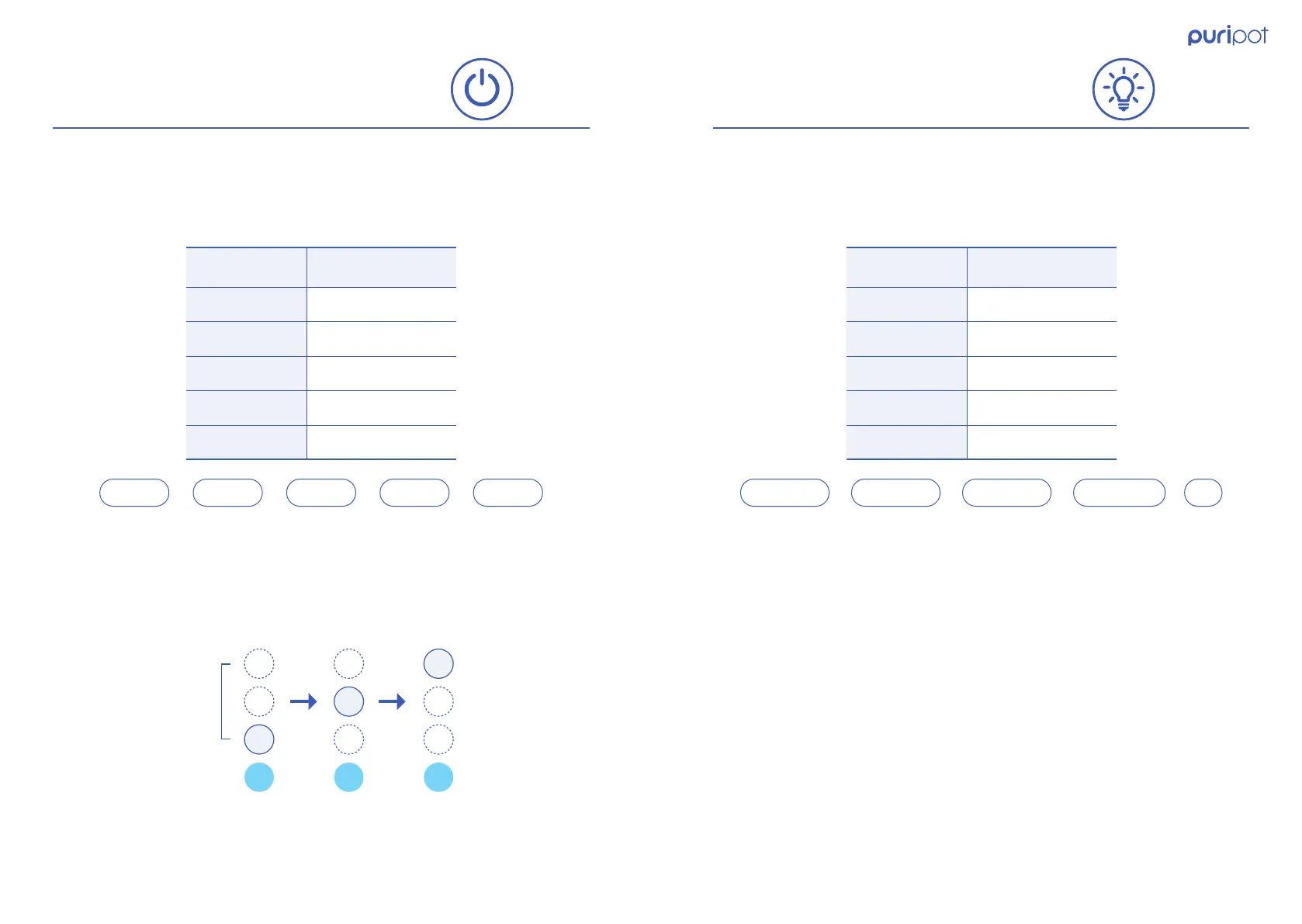
There are 5 operation modes.
※ The previous saved settings are used even after the power of the puripot is
turned off and on.
When the puripot enters to AUTO mode, upper 3 LED blinks every 1 second in
order. Puripot sensor monitors the air quality and it controls the fan speed level
automatically.
There are 5 mood light brightness levels.
1. Operation mode 1. Mood Light Brightness
2. AUTO mode
※ The previous saved settings are valid even after the power of the puripot is
turned off and on.



 To Next Page