EasyManua.ls Logo

Daewoo International DSK-600 - User Manual

Daewoo International DSK-600
27 pages
Go to English
Print Icon
To Next Page IconTo Next Page
Loading...
DSK-600
Manual de instrucciones · User manual
Manuel d’instructions · Manual de instruções
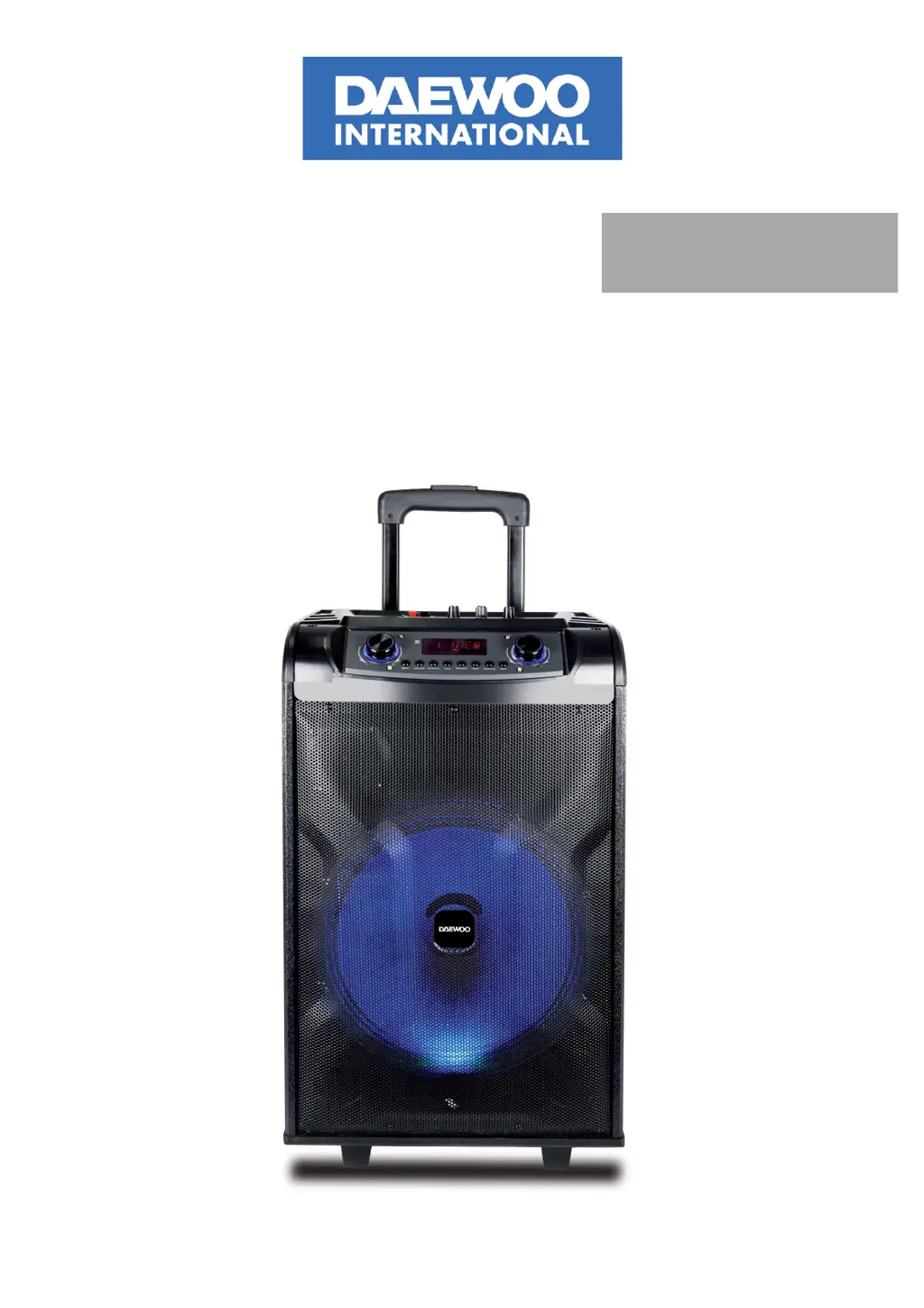
ALTAVOZ TROLLEY KARAOKE
TROLLEY KARAOKE SPEAKER
KARAOKE TROLLEY HAUT!PARLEUR
COLUNA TROLLEY KARAOKE

Questions and Answers

  • A
    Alex LaneAug 5, 2025
    Why is my Daewoo International Karaoke System remote control not working properly?
    • S
      Steven BlanchardAug 5, 2025
      The remote control might not be working because it is too far from the unit; try operating it within 6 meters. An obstacle might be in the way; remove any obstacles between the remote and the unit. The battery may also be exhausted; replace it with a new one.
  • J
    Joshua SimmonsAug 13, 2025
    What to do if my Daewoo International Karaoke System MP3 does not play?
    • S
      Scott WilliamsAug 13, 2025
      If your MP3 isn't playing, it could be due to an incorrect song format; transform the song into MP3 format. An improper operation might have caused a process disorder; try rebooting the machine. Also, check if the USB disk/TF Card is disconnected; if so, insert it properly.
  • M
    Misty FryAug 21, 2025
    Why does my Daewoo International Karaoke System have no sound?
    • J
      Jessica MontgomeryAug 21, 2025
      If there is no sound, the cause may be that there is no input sound source. Try using a better music signal. Alternatively, the volume may be too low, so adjust the volume.
  • K
    Karen TuckerAug 27, 2025
    What to do if Daewoo International Karaoke System sound is distorted?
    • E
      Elizabeth GuzmanAug 28, 2025
      If the sound is distorted, the volume may be too high; turn down the volume. Alternatively, the speaker may be damaged; if so, repair or replace it.

Summary

SAFETY PRECAUTIONS

CHARGER AND BATTERY

Details on charging the speaker, charging time, and battery status indicators.

BATTERY WARNINGS

Instructions for low voltage battery and long-term storage to prevent damage.

TECHNICAL SPECIFICATION

MODEL AND SPECIFICATIONS

Lists model name, voltage, power, sensitivity, battery, charging, working time, frequency, and S/N.

REMOTE CONTROL OPERATION

BASIC REMOTE FUNCTIONS

Mute, track skip, volume, play/pause, input selection.

ADDITIONAL REMOTE FEATURES

Recording, EQ, folder navigation, repeat, party light.

DESCRIPTION OF CONTROLS

POWER AND INPUT PORTS

Details on DC power inputs for charging and external battery.

MICROPHONE AND AUDIO INPUTS

Connectors for microphones and auxiliary audio sources (AUX).

MEDIA INPUTS

Ports for USB drives and TF cards for media playback.

SPEAKER CONTROL KNOBS

Controls for power, treble, bass, echo, and microphone volume.

WIRELESS MICROPHONE OPERATION

MICROPHONE CONTROLS AND INDICATORS

Describes the ON/OFF switch, mute button, and status light on the microphone.

RECORDING FUNCTION

Instructions for recording voice to USB/TF card and playing back recordings.

FM RADIO FUNCTION

How to select FM input, tune stations, and switch channels.

BLUETOOTH OPERATION

PAIRING PROCEDURE

Steps to connect the speaker to a Bluetooth device.

TROUBLESHOOTING AND WARNINGS

Guide for common issues and general warnings about repair.

PRODUCT DISPOSAL AND GUARANTEE

PRODUCT DISPOSAL

Environmental guidelines for disposing of batteries and electrical products.

GUARANTEE INFORMATION

Details on the 2-year manufacturing defect guarantee and its validity.

Daewoo International DSK-600 Specifications

General IconGeneral
TypeKaraoke System
BrandDaewoo International
ModelDSK-600
CategoryKaraoke System
Number of Channels2
Microphone Inputs2
USB PortYes
BluetoothYes
FM RadioYes
EqualizerYes