66
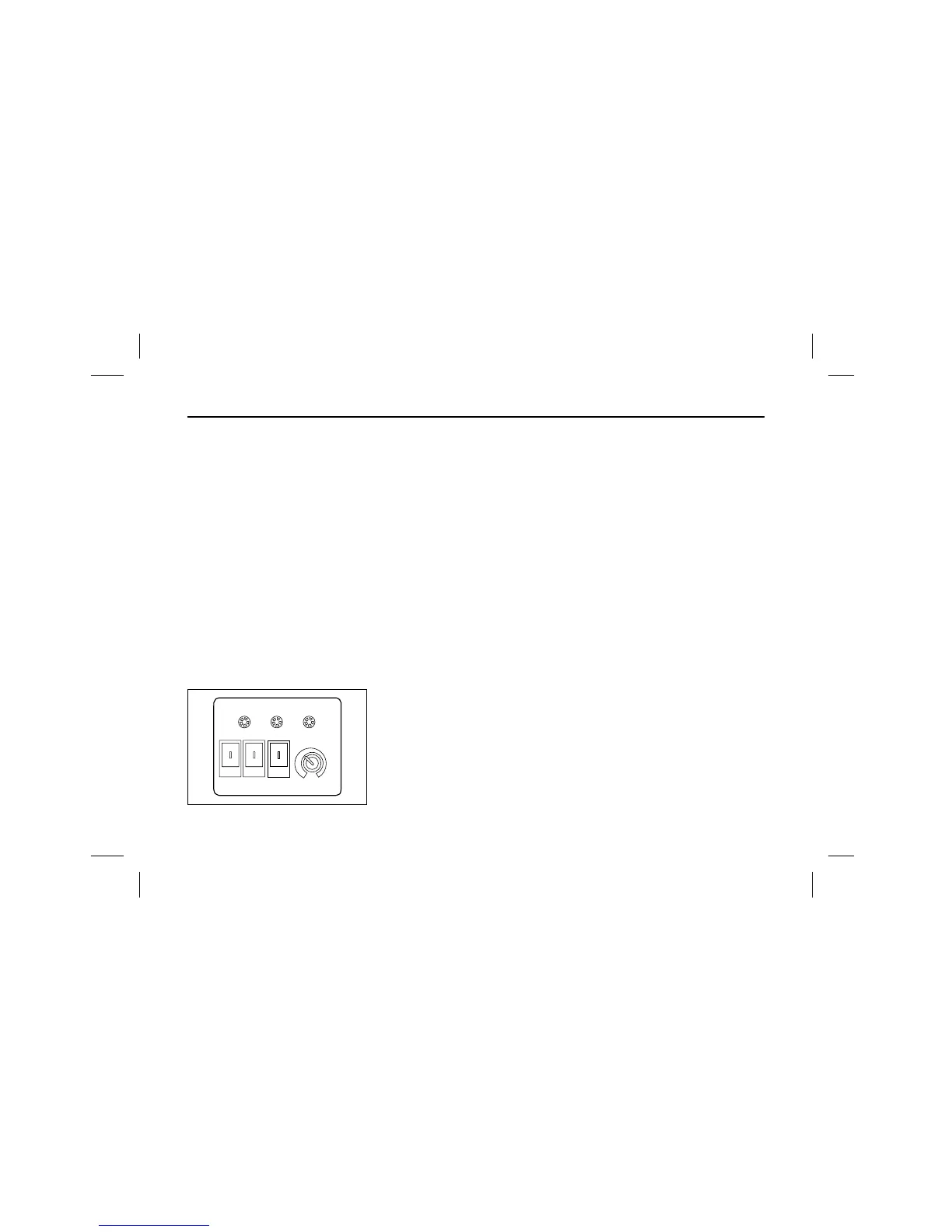
(Type B : Seesaw type control
panel)
Cooling
ҮFirst start engine and set the room
temperature with the control knob.
ҮPush the cooling/vent switch to
“cooling” side.
ҮPush “ON” the power switch, the all
systems like the compressor, con-
denser fan and evaporator blower
start operation for cooling.
(The “cooling” indicating lamp
comes on).
ҮWhen the room temperature drops
below the set temperature, the sys-
tem does air blowing operattion
only, and the room temperature
rises beyond the set temperature,
the system returns to cooling oper-
ation automatically.
Ventilation
ҮPush the cooling/vent switch to
“VENT” side.
ҮPush “ON” the power switch, to
maintain adequate room tempera-
ture by blowing in the fresh and
cool outdoor air.
ҮAt this time the compressor and
condenser fan do not operate, but
the blowers in the evaporator oper-
ate.
Stop
ҮNormal stopping
First push “cooling/vent” switch to
“vent” side, then cooling stops and
the system operates only for venti-
lation, Push power switch “OFF”,
then all systems stop operation.
ҮEmergency self stopping.
- When refrigerant pressure rises
abnormally high (over 22kg/cm
2
),
the electric clutch of compressor is
disengaged, so the compressor
stops working.
(The “Trouble” indicating lamp
comes on).
In the case that any troubles are
checked in operation, the emer-
gency self stop occurs, this means
the stop of compressor, the con-
denser and evaporator fan do not
stop and continue operating.


 To Next Page
 Loading...