14
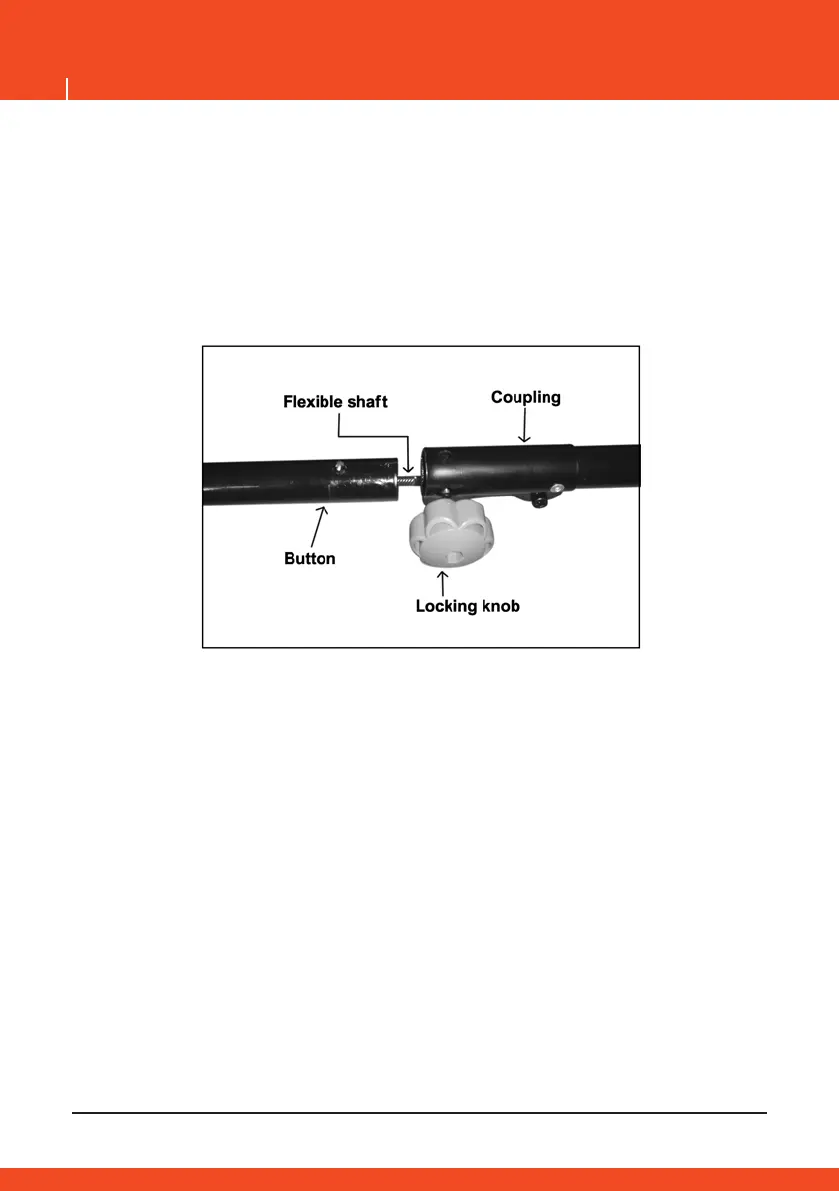
3. align the button on the attachment shaft with the guide recess on the
upper shaft.
4. Carefully press the button and slide the attachment shaft into the
upper shaft until the button clicks into place.
5. Tighten the locking knob securely by turning it clockwise.
NOTE: if the button does not releases completely into the guide recess,
the shafts are not locked, slightly rotate the attachment shaft until the
button is locked in place.
WARNING
Do not operate the tool if the attachment shaft is not securely locked in
to the place.
WARNING
During operation, periodically check the that button is engaged and that
the locking knob remains tight.
EN



 To Next Page