20
Initial Installation
6
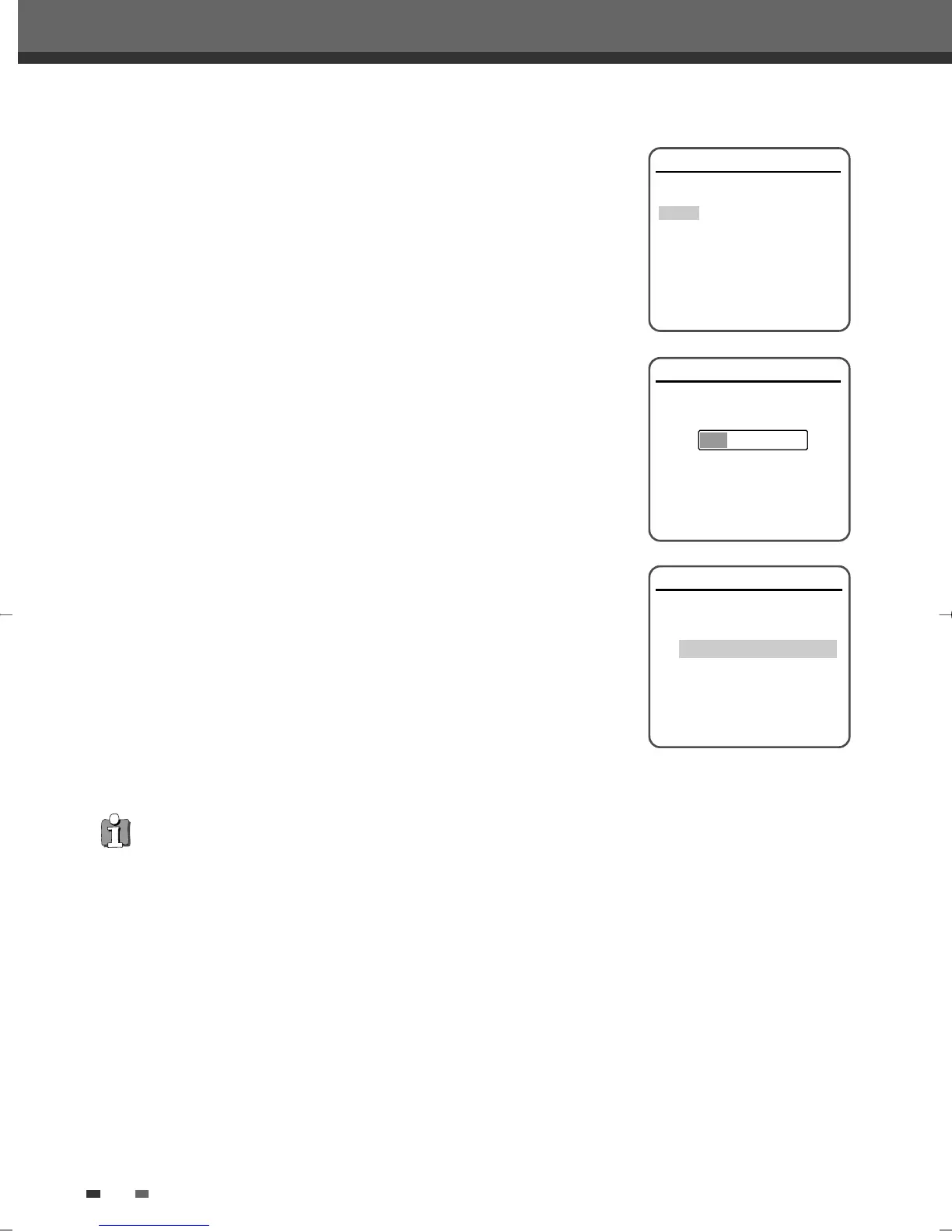
Select the desired disc playback subtitle language using […/†]. Press
[ENTER] to confirm.
7
The DVD Recorder+VCR detects channels automatically and stores them
in memory.
8
After finishing Auto Channel Search, set the clock.
9
Use [œ/√] to move left/right and use […/†] to change the settings.
10
After setting the clock, press [ENTER] to confirm. If you cancel the process
during Initial Installation, you should repeat this procedure.
Installation
Please select disc subtitle language:
Default
English
Spanish
French
Czech
Danish
German
Instructions
Enter-Confirm Setup-Exit Move …†
Installation
Searching for available TV stations:
2 channels found
Please wait...
Instructions
Setup-Exit
Set Clock
Please set the clock:
Time : 13 : 00
Date : Jan / 02 / 2010 (SAT)
Instructions
Enter-Confirm Setup-Exit Move …†
…
†
Re-Installation
This set is equipped with the muti-tuner for receiving many countries' broadcasting. In order to receive broadcasting of
different countries, follow as below.
1 Press [SETUP] and select the 'Restore Defaults' using [
œ
/
√
]. Then, RESET the set. (see page 32)
2 Power On, then you see the 'Initial Installation'.
3 Select the contry which you want to (see step 3 on page 19), then repeat the steps 4~10 on page 19~20.
DF-L71D1P-UA/TA 04.11.24 11:51 PM 페이지20



 To Next Page