34
Title
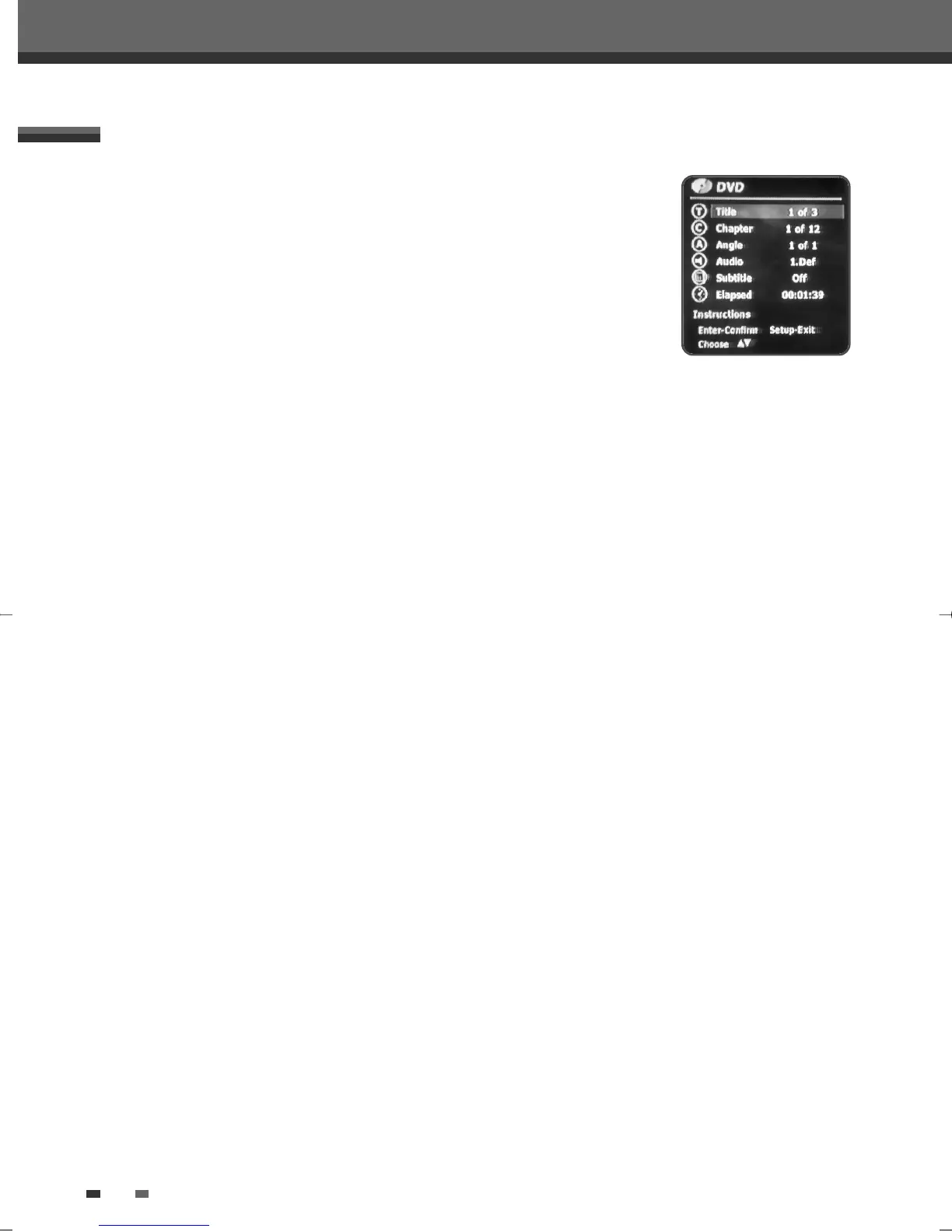
Shows the current title number and total number of titles, and skips to the desired title number.
1
Press [DISPLAY] during playback. The on-screen display appears on the TV screen.
2
Use […†] to select the ‘Title‘ icon on the on-screen display. Press [ENTER] to display a submenu.
3
Use […†] to change the numbers.
4
Press [ENTER] to confirm.
Chapter
Shows the current chapter number and total number of chapters, and skips to the desired chapter number.
1
Press [DISPLAY] during playback. The on-screen display appears on the TV screen.
2
Use […†] to select the ‘Chapter‘ icon on the on-screen display. Press [ENTER] to display a submenu.
3
Use […†] to change the numbers.
4
Press [ENTER] to confirm.
Angle
Shows the current angle number and total number of angles, and changes the angle number.
1
Press [DISPLAY] during playback. The on-screen display appears on the TV screen.
2
Use […†] to select the ‘Angle‘ icon on the on-screen display. Press [ENTER] to display a submenu.
3
Use […†] to change the numbers.
4
Press [ENTER] to confirm.
Audio
Shows the current audio soundtrack language, encoding method, and channel number, and changes the setting.
1
Press [DISPLAY] during playback. The on-screen display appears on the TV screen.
2
Use […†] to select the ‘Audio‘ icon on the on-screen display. Press [ENTER] to display a submenu.
3
Use […†] to change the numbers.
4
Press [ENTER] to confirm.
On-Screen Display Overview
During DVD playback, press [DISPLAY] to show information about the current disc.
While the disc information is displayed, press [DISPLAY] again to show the disc
remaining time.
OSD Menu Options for DVD
DF-L71D1P-UA/TA 04.11.24 11:51 PM 페이지34



 To Next Page