EasyManua.ls Logo

Daewoo DHC-X100E - User Manual

Daewoo DHC-X100E
22 pages
Print Icon
To Next Page IconTo Next Page
Loading...
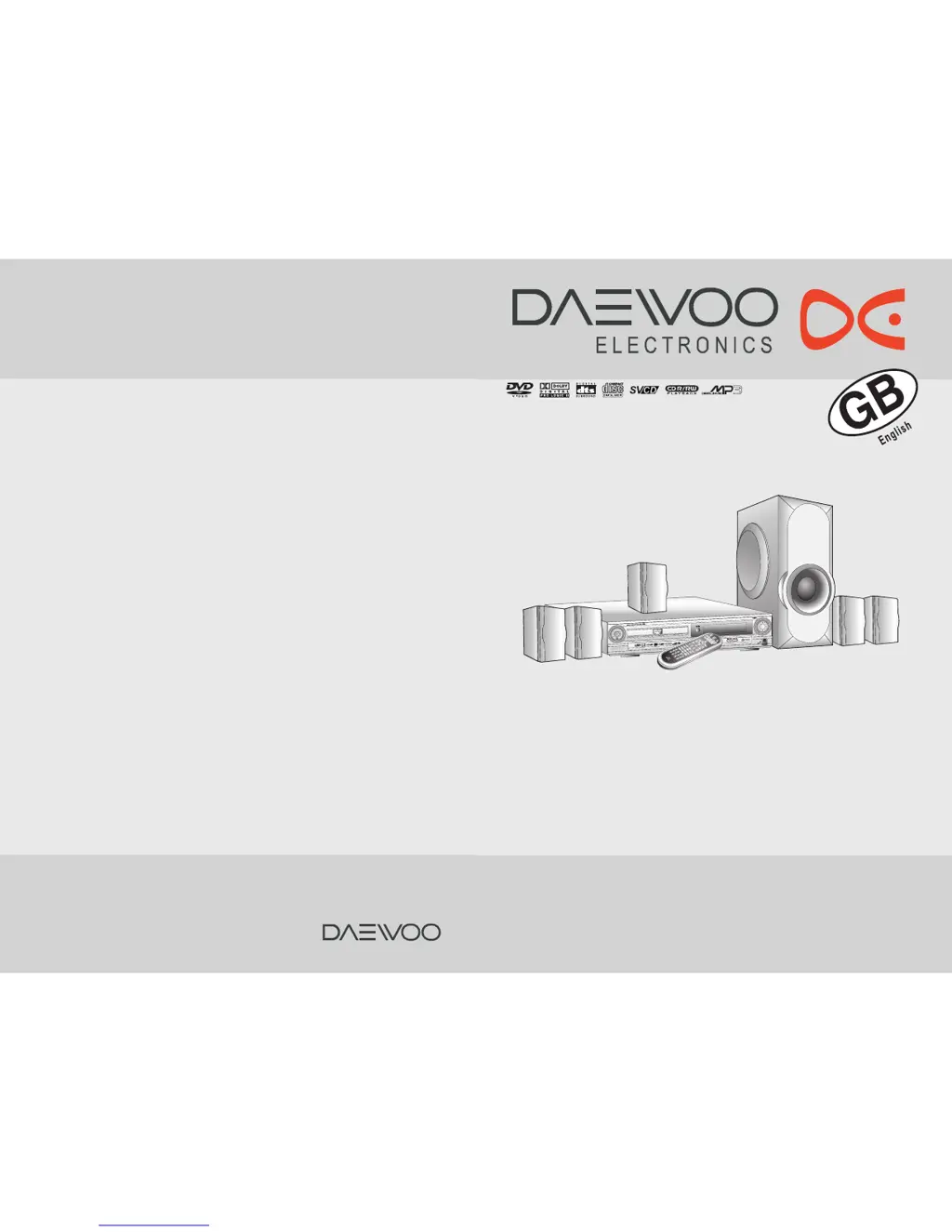
Instruction manual
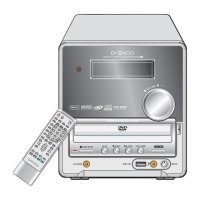
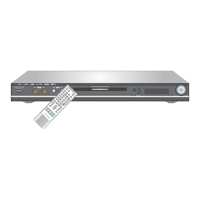
DIGITAL HOME CINEMA SYSTEM
DHC-X150E
Thank you for purchasing the Digital Home Cinema System.
Please read this manual thoroughly before making connections
and turning on the power.
Following the instructions in this manual will enable you to
obtain optimum performance and listening enjoyment from your
Digital Home Cinema System.
Please retain this manual for future reference.
S
T
A
N
D
B
Y
/
O
N

Questions and Answers

  • A
    annemooreAug 14, 2025
    Why is there no sound or very little sound from the center speaker on my Daewoo Home Theater System?
    • J
      Joseph WebsterAug 14, 2025
      If you're experiencing no sound or very little sound from the center speaker on your Daewoo Home Theater System, it could be because: * The speakers are not properly connected. Check the speaker connections. * The surround mode is set to 'STEREO'. Select the appropriate surround mode. * The channel level of 'CENTER' is set to minimum. Set the channel level of 'CENTER' to the appropriate level.
  • M
    Melissa AguirreAug 17, 2025
    Why do the buttons on my Daewoo DHC-X100E Home Theater System remote not work?
    • M
      Marc ChurchAug 17, 2025
      If the buttons on your Daewoo Home Theater System remote controller aren't working, there might be several reasons: * The remote may not have batteries. Insert new batteries. * The batteries might be worn out. Replace them with new ones. * The remote controller might not be pointed at the remote sensor of the machine. Point the remote controller at the remote sensor of the machine. * The remote controller might be too far from the machine. Operate the remote controller within 5 m.
  • S
    sethreyesAug 20, 2025
    What to do if my Daewoo Home Theater System machine doesn’t switch on and no sound is reproduced?
    • M
      Mary YoungAug 20, 2025
      If your Daewoo Home Theater System doesn't switch on and no sound is reproduced, consider the following: * The power cord may be disconnected. Check the connection of the power cord. * The muting function may be activated. Deactivate the muting function. * The machine might not be properly connected. Check the connections to the machine.
  • T
    Tara WilliamsAug 27, 2025
    Why is there no picture on my TV screen from my Daewoo Home Theater System?
    • K
      Kevin YoungAug 27, 2025
      If no picture appears on the TV screen when using your Daewoo Home Theater System, it could be due to the following: * The TV is not set to receive the output signals from the machine. Set the TV to the machine’s input. * The video cable is not connected securely. Check the connections between the machine and TV set. * Only S video connection is made. Make also video connection.
  • K
    kreyesAug 31, 2025
    What causes unstable brightness or noise on my Daewoo DHC-X100E playback picture?
    • S
      Sarah ChapmanAug 31, 2025
      If you're experiencing unstable brightness or noise on the playback picture of your Daewoo Home Theater System, it's possible that copy protection is activated. To resolve this, connect the machine directly to the TV, avoiding connection through a VCR.
  • A
    Angela EvansSep 2, 2025
    What to do if the remote controller and machine buttons on my Daewoo DHC-X100E don't operate?
    • G
      glen65Sep 2, 2025
      If the buttons on both the remote controller and the machine of your Daewoo Home Theater System do not operate, power supply fluctuations or other abnormalities such as static electricity may interrupt correct operation. Disconnect the power cord, then connect it again.
  • D
    Danielle ScottSep 6, 2025
    Why is the playback picture occasionally distorted on my Daewoo Home Theater System?
    • E
      Eric BassSep 6, 2025
      If the playback picture is occasionally distorted on your Daewoo Home Theater System, the disc may be dirty. Eject the disc and clean it.
  • D
    derekgreenSep 9, 2025
    Why doesn't playback follow the course of the disc’s programs on my Daewoo Home Theater System?
    • P
      pwilliamsSep 9, 2025
      If playback doesn’t follow the course of the disc’s programs on your Daewoo Home Theater System, the machine may be in repeat playback mode, memory playback mode, or random playback mode, etc. Resume normal playback.
  • G
    Gerald MooreNov 23, 2025
    What to do if my Daewoo DHC-X100E Home Theater System doesn't start playback?
    • B
      bcooperNov 23, 2025
      If your Daewoo Home Theater System does not start playback, consider the following: * No disc is inserted. Insert a disc, ensuring that 'DVD,' 'VCD,' or 'CD' is lit in the machine’s display. * The region number of the disc is unmatched to the machine. Only discs with the machine’s playable region code (see region code of the machine’s rear panel) or with no region number can be played by the machine. * An unplayable disc is inserted. Check the playable discs. * The disc is placed upside down. Place the disc with the playback side down. * The disc is not placed within the disc tray guide. Place the disc within the proper guide on the disc tray. * The disc is dirty. Eject the disc and clean it. * The parental lock function is activated. Deactivate the parental lock function or...

Summary

Important Safeguards

Precautions

Warranty Claim

Claims require the serial number found on the rear panel.

Recording Copyright

Copying copyrighted material for personal use is illegal without permission.

AC Fuse

The AC fuse is internal and requires service personnel for replacement.

Power

Check voltage compatibility before plugging in the unit for the first time.

Do not touch this unit with wet hands

Avoid handling the unit or power cord with wet hands to prevent shock.

Location of this unit

Ensure proper ventilation and avoid placing near speakers or in damp/dusty areas.

Features

A;V Digital Receiver Features

Details on power output and audio decoders like DTS and Dolby.

DVD;VIDEO CD;MP3 CD;Audio CD;JPEG File Player Features

Lists capabilities for playing various disc formats and file types.

High Fidelity AM;FM Tuner Features

Highlights tuner capabilities like preset stations and scanning.

Index to Parts and Controls

Front panel

Identifies and labels the controls and indicators on the front of the unit.

Index to Parts and Controls

Remote controller

Details the functions and labels of buttons on the remote control.

Display

Explains the indicators and information displayed on the unit's screen.

Rear Panel

Identifies and labels the connectors and ports on the rear of the unit.

Getting Started

Preparing the Remote Controller

Instructions for inserting batteries and using the remote control.

About This Instruction Manual

Explains the manual's content and how to use it.

Note on Copyright

Legal information regarding copying and copyright protection.

Notes on Discs

On Handling Discs

Guidelines on how to properly handle discs to prevent damage.

On Cleaning Discs

Instructions for cleaning discs to maintain playback quality.

On Storing Discs

Recommendations for storing discs to prevent warping or damage.

Note on Region Numbers

Information about DVD region codes and compatibility.

On VIDEO CDS

Details on playing VIDEO CDs, including PBC functionality.

Playable DiscS

Lists the types of discs supported by the machine.

Connecting to a TV

Before connecting

General precautions before connecting the unit to a TV.

Connecting to a TV without Color Difference Inputs

Instructions for connecting the unit to a TV without color difference inputs.

Connecting to a TV with Color Difference Inputs

Instructions for connecting to a TV with color difference inputs for better quality.

Connecting to Audio;Video Equipment

Before connecting

General precautions before connecting to audio/video equipment.

Connecting Speakers

Before connecting

Guidelines on connecting speakers, including impedance and wiring.

Positioning Speakers

Advice on optimal speaker placement for surround sound effects.

Making Antenna Connections

Connecting the Supplied Antennas

Instructions for connecting the FM and MW(AM) antennas.

Connecting the FM outdoor Antenna(not supplied)

Guidance on connecting an optional outdoor FM antenna.

Connecting the Power;Turning on the machine

Before connecting

Precautions regarding power connection and potential surges.

Speaker Setup

Adjusting Each Speakers Relative Volume Balance - Test Tone

How to use test tones to balance speaker volume levels.

Adjusting Surround Speakers Delay Time

Setting delay times for speakers to improve sound synchronization.

Basic Operation

Before playing

General instructions before playing discs.

About the DVD, VCD, CD and MP3 marks

Explains the meaning of various marks related to disc types.

Tip to obtain a higher quality picture

Advice on adjusting TV sharpness for better DVD picture quality.

OPEN;CLOSE

How to open and close the disc tray.

PLAY

How to start playback after placing a disc.

To remove the disc

Procedure for safely removing a disc from the tray.

To pause playback (still mode)

How to pause playback and use still/frame-by-frame modes.

To stop playback

How to stop playback and clear memory.

Slow searching

How to use slow-motion playback for DVDs and VCDs.

Basic Operation

Fast Searching

How to fast forward or reverse playback for different disc types.

To resume normal playback

How to return to normal playback from pause or slow modes.

Locating Specific Content

Locating a track using the PBC menu

How to use the PBC menu for VIDEO CD track selection.

Locating a specific location by entering the time

How to navigate to a specific playback time.

Locating a specific chapter

How to directly locate a chapter using its number.

Locating a title using the title menu

How to navigate titles using the on-screen title menu.

Basic Operation

Locating a specific title

How to find a specific title by its number.

Locating a specific track directly

How to find a specific track by its number.

Locating a specific chapter, track or MP3 file consecutively

How to locate consecutive chapters, tracks, or MP3 files.

Playing JPEG PHOTO File

To enjoy smart navigation

How to navigate and view JPEG files on screen.

To enjoy variety shows, when a picture is displayed on screen.

How to rotate, flip, zoom, and pan JPEG images.

Notes: Play modes of MP3 and JPEG files.

Explains different playback modes for MP3 and JPEG files.

Radio Listening

Tuning Stations

Methods for manual tuning to radio stations.

Programming Station Preset manually

How to manually store radio stations as presets.

Programming Station Preset Automatically

How to automatically scan and store radio stations.

Selecting Preset Stations

How to select stored preset radio stations.

Deleting Preset Stations

Procedure to delete stored preset radio stations.

Radio Features

Receiving FM stations with RDS

How to receive FM stations using RDS data like station names.

Switching the display contents

How to cycle through RDS display information (PS, PTY, RT).

Searching for a desired programme by PTY codes

How to find programs based on their type (PTY).

Adjusting the Volume

How to adjust the overall volume for all speakers.

Listening Through Headphones

How to connect and use headphones.

Muting the Sound

How to mute and unmute the audio output.

Using the Sleep Timer

How to set the sleep timer to automatically turn off the unit.

Enjoying the Sound Effects

DOLBY Surround

Describes the DOLBY Surround format and compatible media.

DSP[Digital Signal Processor]

Explains DSP modes and indicators for sound processing.

DOLBY PRO LOGIC Surround

Describes the DOLBY PRO LOGIC Surround format.

Playing Repeatedly

Repeating a Title, Chapter, or Track

How to repeatedly play a title, chapter, or track.

Repeating a Specific Segment

How to repeat a specific segment of playback (A-B repeat).

Playing in Random Order

Playing Chapters or Tracks in Random Order

How to play chapters or tracks randomly.

Zooming a Picture

Zooming a Picture and Shifting the Zoom Point

Instructions on how to zoom in on a picture and move the zoom point.

Selecting the Camera Angle

Changing the Camera Angle

How to change the camera angle for scenes recorded with multiple angles.

Selecting the Digest

INTRO

Plays each track for 10 seconds.

DISC

Displays digest screen based on the disc, playing tracks for 5 seconds.

TRACK

Displays digest screen based on the track, playing partitions for 5 seconds.

EXIT

Exits the digest function.

Selecting Subtitles Included on the DVD

Selecting a Subtitle Language

How to select subtitle languages from those included on the DVD video.

To turn subtitles off

How to turn off subtitles during playback.

Selecting the Audio Language;Sound Included on the Disc

Selecting a Playback Audio Setting

How to select audio language and sound system settings.

About recording systems

Information about supported sound systems (Dolby Digital, DTS, PCM).

Selecting Sound Channels

How to switch between left/right channels or mono.

Checking Disc Status

Customizing the Function Settings

Selecting a Setting

How to select categories like LANGUAGE, AUDIO, OPERATION for customization.

PARENTAL LOCK (DVD only)

PARENTAL

Setting the parental lock level for discs.

PASSWORD

How to change the parental lock password.

Customizing the Function Settings

TV DISPLAY

Setting the TV aspect ratio (WIDE, NORMAL/PS, NORMAL/LB).

TV TYPE

Setting the TV type for video output compatibility.

OSD LANG

Selecting the language for on-screen display messages.

DYNAMIC

Adjusting dynamic range for audio playback.

SPEAKER

Setting speaker configuration (LARGE/SMALL).

DIGITAL OUT

Controlling the output condition of digital coaxial out.

DELAY TIME

Setting speaker delay times for sound synchronization.

FRONT POSN

Setting the front speaker position.

CENTER POSN

Setting the center speaker position.

REAR POSN

Setting the rear speaker position.

Troubleshooting

Amplifier

Troubleshoots common issues related to the amplifier section.

DVD (VIDEO CD; Audio CD)

Troubleshoots common issues related to disc playback.

Tuner

Troubleshoots common issues related to the radio tuner.

Remote Controller

Troubleshoots issues with the remote control not operating.

Accessories

Lists included accessories like antennas and cables.

Specifications

General specifications

Provides overall specifications like power consumption and dimensions.

Front Amp. Section

Details specifications for the front amplifier section.

Center Amp Section

Details specifications for the center amplifier section.

Rear Amp Section

Details specifications for the rear amplifier section.

Subwoofer Section

Details specifications for the subwoofer output.

Video Section

Details specifications for video output signals.

FM Tuner Section

Details specifications for the FM tuner.

AM Tuner Section

Details specifications for the AM tuner.

To Add the Active Subwoofer System(User optional)

SUBWOOFER SPEAKER PLACEMENT

Advice on optimal placement of an active subwoofer.

CONNECTIONS

Guidance on connecting the active subwoofer.

Daewoo DHC-X100E Specifications

General IconGeneral
BrandDaewoo
ModelDHC-X100E
CategoryHome Theater System
LanguageEnglish

Related product manuals