EasyManua.ls Logo

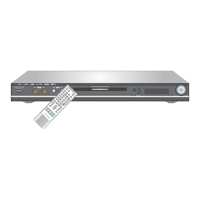
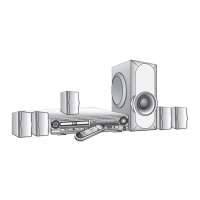
Daewoo DHC-X150E - User Manual

Daewoo DHC-X150E
22 pages
Print Icon
To Next Page IconTo Next Page
Loading...
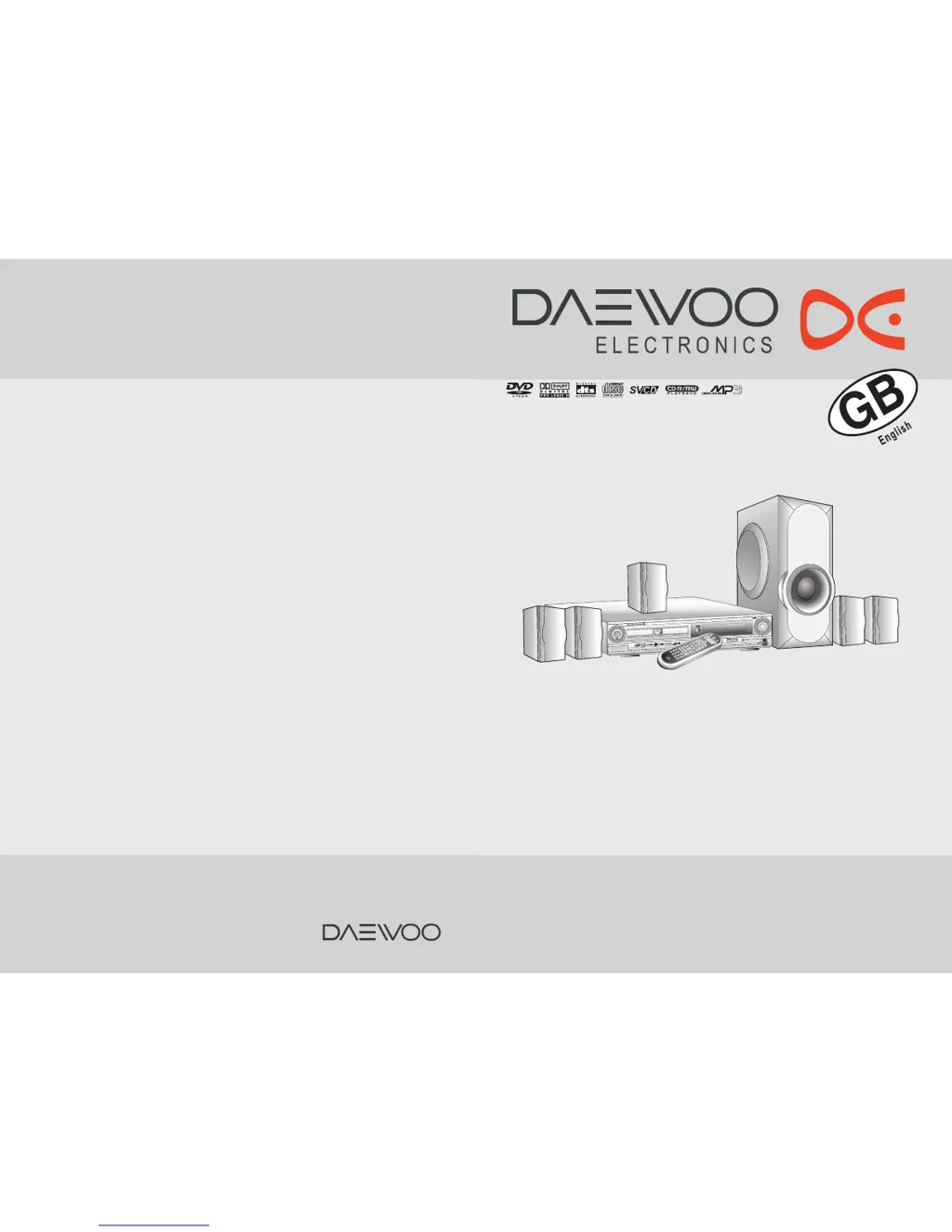
Instruction manual
DIGITAL HOME CINEMA SYSTEM
DHC-X150E
Thank you for purchasing the Digital Home Cinema System.
Please read this manual thoroughly before making connections
and turning on the power.
Following the instructions in this manual will enable you to
obtain optimum performance and listening enjoyment from your
Digital Home Cinema System.
Please retain this manual for future reference.
S
T
A
N
D
B
Y
/
O
N

Questions and Answers

  • N
    Nicholas CrossAug 14, 2025
    Why is there no sound or very little sound from the center speaker on my Daewoo DHC-X150E Home Theater System?
    • T
      thomas19Aug 14, 2025
      If you're experiencing no sound or very little sound from the center speaker on your Daewoo Home Theater System, it could be because: * The speakers are not properly connected. Check the speaker connections. * The surround mode is set to 'STEREO'. Select the appropriate surround mode. * The channel level of 'CENTER' is set to minimum. Set the channel level of 'CENTER' to the appropriate level.
  • J
    jjohnsAug 17, 2025
    Why do the buttons on my Daewoo DHC-X150E remote not work?
    • K
      kim41Aug 17, 2025
      If the buttons on your Daewoo Home Theater System remote controller aren't working, there might be several reasons: * The remote may not have batteries. Insert new batteries. * The batteries might be worn out. Replace them with new ones. * The remote controller might not be pointed at the remote sensor of the machine. Point the remote controller at the remote sensor of the machine. * The remote controller might be too far from the machine. Operate the remote controller within 5 m.
  • K
    Kelly McintoshAug 21, 2025
    What to do if my Daewoo Home Theater System machine doesn’t switch on and no sound is reproduced?
    • T
      Tyler GreenAug 21, 2025
      If your Daewoo Home Theater System doesn't switch on and no sound is reproduced, consider the following: * The power cord may be disconnected. Check the connection of the power cord. * The muting function may be activated. Deactivate the muting function. * The machine might not be properly connected. Check the connections to the machine.
  • S
    Stephen FlemingAug 27, 2025
    Why is there no picture on my TV screen from my Daewoo DHC-X150E?
    • I
      Isaac LunaAug 28, 2025
      If no picture appears on the TV screen when using your Daewoo Home Theater System, it could be due to the following: * The TV is not set to receive the output signals from the machine. Set the TV to the machine’s input. * The video cable is not connected securely. Check the connections between the machine and TV set. * Only S video connection is made. Make also video connection.
  • M
    Melissa TateAug 30, 2025
    What causes unstable brightness or noise on my Daewoo DHC-X150E playback picture?
    • N
      nbonillaAug 30, 2025
      If you're experiencing unstable brightness or noise on the playback picture of your Daewoo Home Theater System, it's possible that copy protection is activated. To resolve this, connect the machine directly to the TV, avoiding connection through a VCR.
  • T
    Tamara RoseSep 3, 2025
    What to do if the remote controller and machine buttons on my Daewoo DHC-X150E Home Theater System don't operate?
    • M
      Mark KaneSep 3, 2025
      If the buttons on both the remote controller and the machine of your Daewoo Home Theater System do not operate, power supply fluctuations or other abnormalities such as static electricity may interrupt correct operation. Disconnect the power cord, then connect it again.
  • M
    murraymarkSep 6, 2025
    Why is the playback picture occasionally distorted on my Daewoo DHC-X150E?
    • B
      bryan18Sep 6, 2025
      If the playback picture is occasionally distorted on your Daewoo Home Theater System, the disc may be dirty. Eject the disc and clean it.
  • V
    Victor GilbertSep 9, 2025
    Why doesn't playback follow the course of the disc’s programs on my Daewoo Home Theater System?
    • F
      Francisco HodgeSep 9, 2025
      If playback doesn’t follow the course of the disc’s programs on your Daewoo Home Theater System, the machine may be in repeat playback mode, memory playback mode, or random playback mode, etc. Resume normal playback.
  • J
    Jennifer SmithNov 23, 2025
    What to do if my Daewoo Home Theater System doesn't start playback?
    • C
      Carrie HarrisNov 23, 2025
      If your Daewoo Home Theater System does not start playback, consider the following: * No disc is inserted. Insert a disc, ensuring that 'DVD,' 'VCD,' or 'CD' is lit in the machine’s display. * The region number of the disc is unmatched to the machine. Only discs with the machine’s playable region code (see region code of the machine’s rear panel) or with no region number can be played by the machine. * An unplayable disc is inserted. Check the playable discs. * The disc is placed upside down. Place the disc with the playback side down. * The disc is not placed within the disc tray guide. Place the disc within the proper guide on the disc tray. * The disc is dirty. Eject the disc and clean it. * The parental lock function is activated. Deactivate the parental lock function or...

Summary

Important Safeguards

Important Safety Instructions

Detailed instructions to prevent fire, electric shock, and ensure safe operation of the appliance.

Precautions

Index to Parts and Controls

Getting Started

Connecting to a TV

Connecting to Audio;Video Equipment

Connecting Speakers

Positioning Speakers

Recommendations for speaker placement to achieve the best surround sound experience.

Making Antenna Connections

Connecting the Power;Turning on the machine

Speaker Setup

Adjusting Each Speakers Relative Volume Balance - Test Tone

Using test tones to balance the volume levels of individual speakers.

Adjusting Surround Speakers Delay Time

Setting delay times for surround speakers to synchronize audio arrival.

Basic Operation

Playing DVD Videos; VIDEO CDs; MP3 CDs; Audio CDs

Instructions for basic playback of various disc formats.

Adjusting the Volume

Enjoying the Sound Effects

Playing Repeatedly

Playing in Random Order

Selecting the Camera Angle

Selecting Subtitles Included on the DVD

Selecting the Audio Language;Sound Included on the Disc

Customizing the Function Settings

PARENTAL LOCK (DVD only)

Setting parental control levels to restrict playback of certain DVD content.

Speaker Setup

Configuring speaker output settings, including size and type.

Troubleshooting

Specifications

General specifications

Overall power, dimensions, and operating parameters of the system.

Front Amp. Section

Technical specifications for the front amplifier channels.

Center Amp Section

Technical specifications for the center amplifier channel.

Rear Amp Section

Technical specifications for the rear amplifier channels.

Subwoofer Section

Technical specifications for the subwoofer output.

Daewoo DHC-X150E Specifications

General IconGeneral
Audio Channels5.1
Total Power Output1000W
Built-in DecoderDolby Digital, DTS
Radio SystemFM
DVD PlayerYes
USB PortYes
HDMI OutputYes
RadioYes
Remote ControlYes
TypeDVD Home Theater System
Media TypeDVD
Output Power1000W

Related product manuals