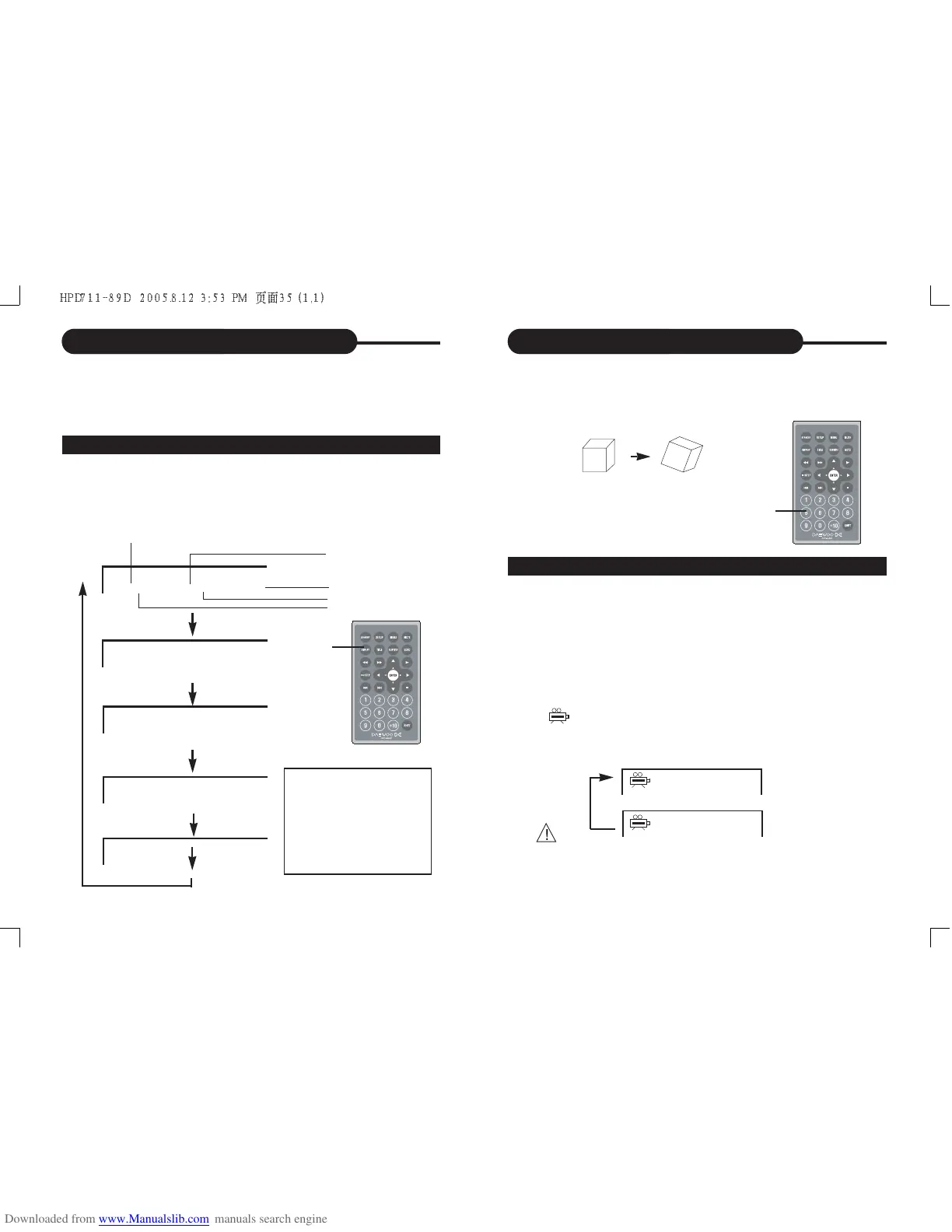
If the DVD video disc was recorded with multiple angles,
you have the option to change the camera angle of the
scene you are watching.
Press the ANGLE button while playing back a scene
recorded with multiple angles (with SHIFT on).
• You may only press the ANGLE button when the angle
icon is flashing on the DVD display.
• Each time you press the ANGLE button, the angle will
change.
Selecting the Camera Angle
This DVD video player allows you to select from several
different angles.
ANGLE 1 ANGLE 2
Selecting the camera angle
HOW TO CHANGE THE CAMERA ANGLE
• The angle function will not work on DVD video discs
that does not contains recorded with multiple angles.
2/2
1/2
Using the On-Screen Display
This unit allows you to view the operational status and
disc information on your TV screen.
CHECKING THE OPERATIONAL STATUS
DISPLAY


 To Next Page
 Loading...