3938
DVD Operation
Playing desired scene
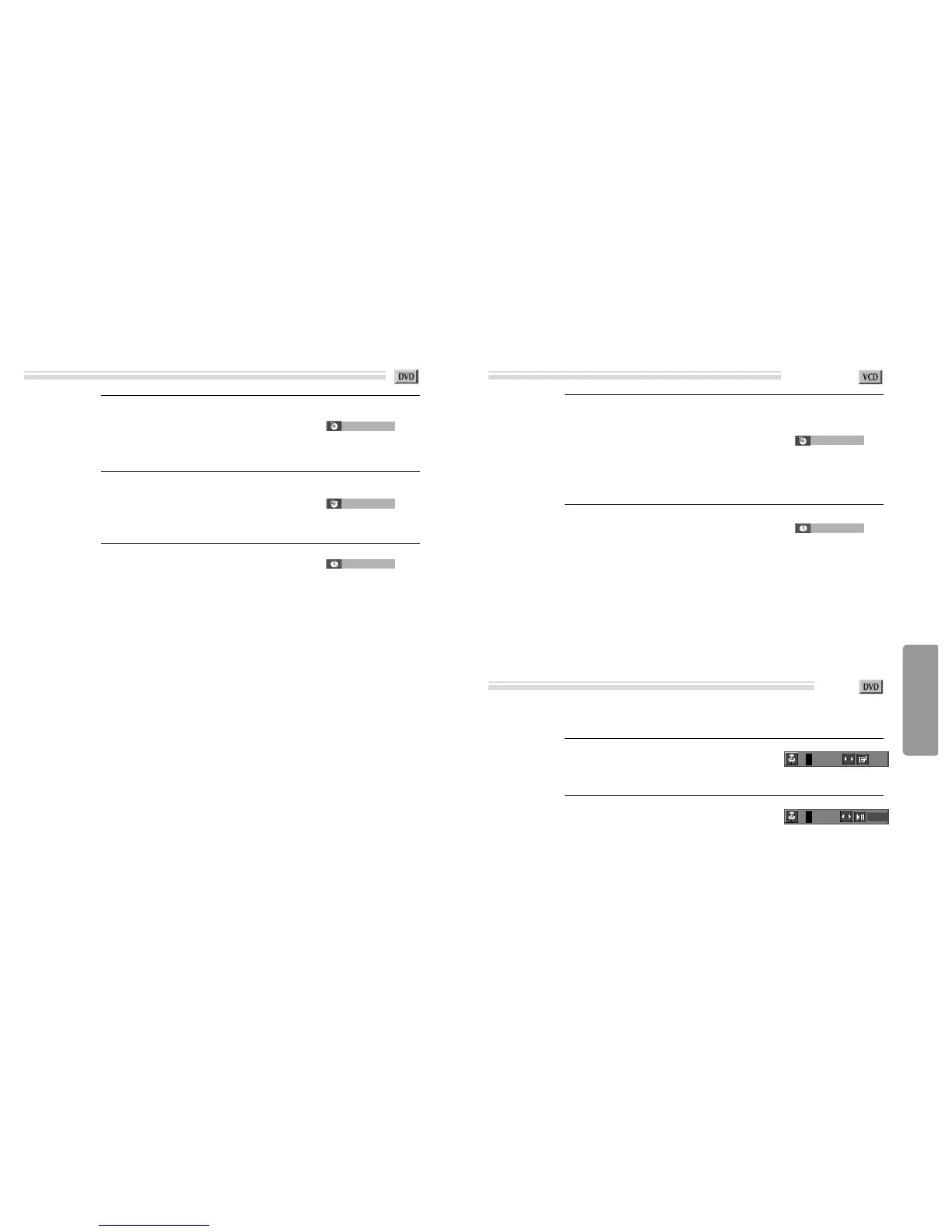
If you want to search with a title number, press
[SEARCH] button one time.
It shows current and total title numbers. Please enter
the new title number to be searched using the
[NUMBER] buttons.
1
If you want to search with a time, press
[SEARCH] button three times.
Please enter the new time to be searched using the
[NUMBER] buttons.
In completing entering, please press [ENTER]
button.
PLAY starts from the selected position.
3
If you want to search with a chapter number,
press [SEARCH] button twice.
It shows current and total chapter numbers.
Please enter the new chapter number to be searched
using the [NUMBER] buttons.
2
001/003
➟
total title
number
➟
current title
number
001/023
➟
total chapter
number
➟
current chapter
number
_ _
:
_ _
:
_ _
Searching DVD with a title number, a chapter number or a time
Playing desired scene
If you want to search with a track number, press
[SEARCH] button one time.
In case of PBC OFF, the screen like the right figure
appears. It shows current and total track
numbers. Please enter the new track number to
be searched using the [NUMBER] button.
* If it is PBC ON, pressing track number converts PBC
to OFF mode automatically.
1
If you want to search with a track time, press
[SEARCH] button twice.
In case of PBC OFF, the screen like the right figure
appears.
It shows total track time.
Please enter the new time to be searched using the
[NUMBER] button.
In completing entering, please press [ENTER].
PLAY starts from the selected position.
2
001/013
➟
total track
number
➟
current track
number
_ _
:
_ _
■ Storing a MARKER in the DVD memory is similar to marking your page in a book. It allows you to
quickly return to any point on the disc.
Storing a marker in the memory.
Press [MARK] during play and press [ENTER]
at the starting point to be viewed (listened to)
again.
1
Recalling/Clearing a marker
Press [MARK] during playback. Press [œ √] to
select the marker to be recalled/cleared.
Press [PLAY] to recall a marker. Or press
[CLEAR] to clear a marker.
Play resumes from the point corresponding to
the selected marker, or the selected marker is
cleared.
2
Searching VCD with a track or track time
Storing markers in memory to be viewed (listened to) again
- - -
OK
1 - - CLEAR



 To Next Page