4140
DVD Operation
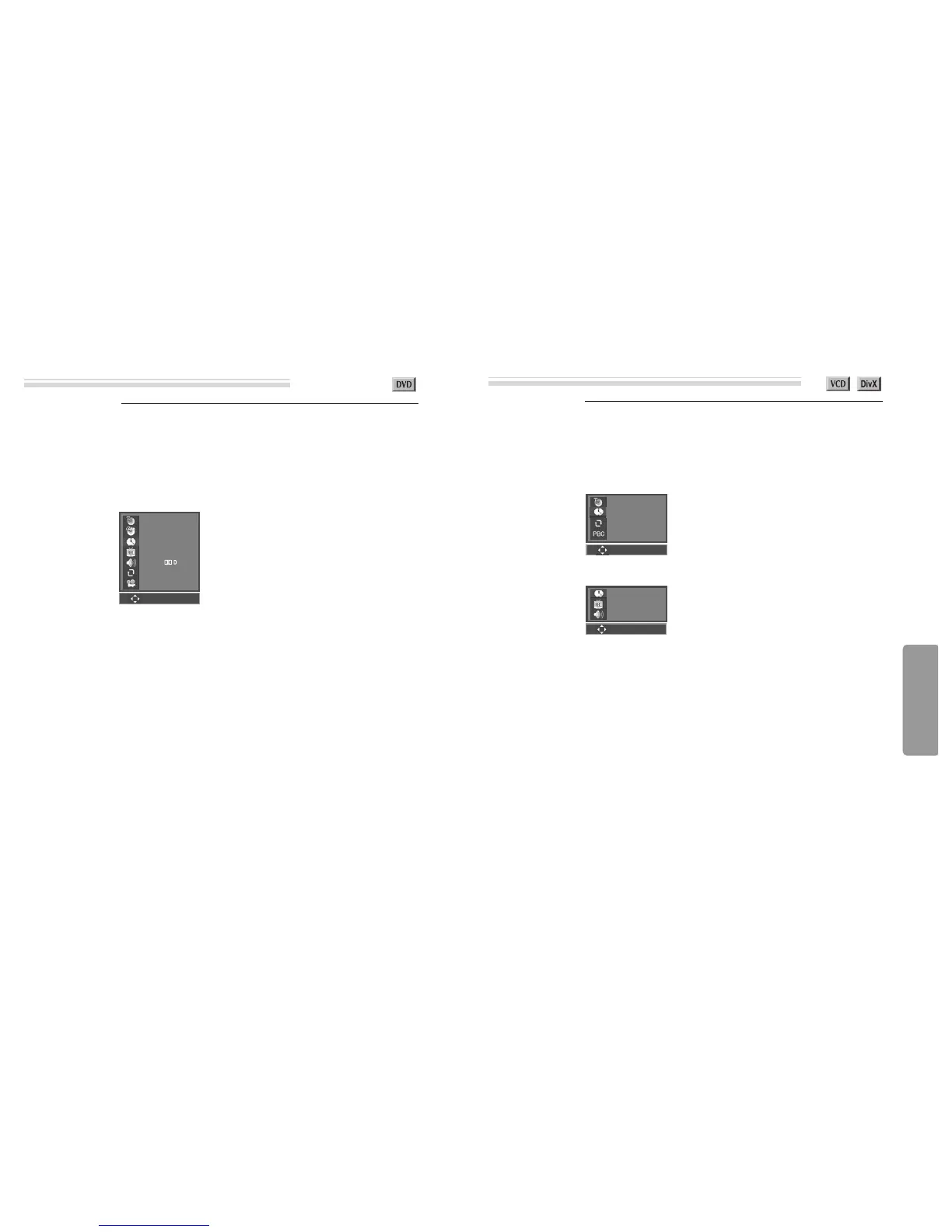
Confirming the current PLAY mode on screen
While in playing, press [DISPLAY] button.
It shows the current disc mode.
If you want to change the mode, select the item with up/down (
…†
) cursor and enter
the new settings with [number], [
œ
] or [
√
] button. In completing entering, press
[ENTER] button.
To exit from Display mode, press [DISPLAY] button again.
➟ current title / total title
➟ current chapter / total chapter
➟ time elapsed
➟ current subtitle / total subtitle / subtitle selected
➟ current audio / total audio / audio language selected
➟ repeat playback mode
➟ current angle / total angle
001/002
001/001
00:02:04
01/06 ENG
01/06 ENG
OFF
01/04
Confirming the current DVD disc mode
Confirming the current PLAY mode on screen
While in playing, press [DISPLAY] button.
It shows the current disc mode.
If you want to change the mode, select the item with up/down (
…†
) cursor and enter
the new settings with [number], [
œ
] or [
√
] button. In completing entering, press
[ENTER] button.
To exit from Display mode, press [DISPLAY] button again.
➟ current track / total track number
➟ time elapsed
➟ repeat playback mode
➟ PBC mode
001/001
00:00:02
OFF
ON
Confirming the current VCD and DivX disc mode
- VCD DISC -
➟ time elapsed
➟ current subtitle / total subtitle
➟ current audio/ total audio
00:08:05
01/01
01/01
- DivX DISC -
0~9
ENTER
0~9
ENTER
0~9
ENTER



 To Next Page