4342
DVD Operation
Selecting an AUDIO language,
SUBTITLE language and 3D AUDIO
■ The user may select an audio language and subtitle language if a disc includes Multi-language.
Keep pressing [AUDIO] button till the user’s preferred language appears in
playback mode.
If DVD disc includes audio information, every time the user presses [AUDIO] button,
English (ENG), French (FRE), Spanish (SPA) and others appear one by one.
Keep pressing [SUBTITLE] button till the user’s preferred language appears in
playback mode.
If a DVD disc includes subtitle information, every time the user presses [SUBTITLE]
button, English (ENG), French (FRE), Spanish (SPA), ... and OFF appear one by one.
A certain disc
may not support audio
select or subtitle select.
01/06 5.1CH ENG
SUBTITLE 01/06 ENG
Press [3D].
Every time you press [3D], the 3D sound toggles
between 3D ON › 3D OFF.
■ You can enjoy a virtual 3D sound effect from 2-channel sources.
3D ON
3D OFF
Selecting an audio language
Selecting a subtitle language
Selecting 3D Audio
Selecting ZOOM and Multi Angle
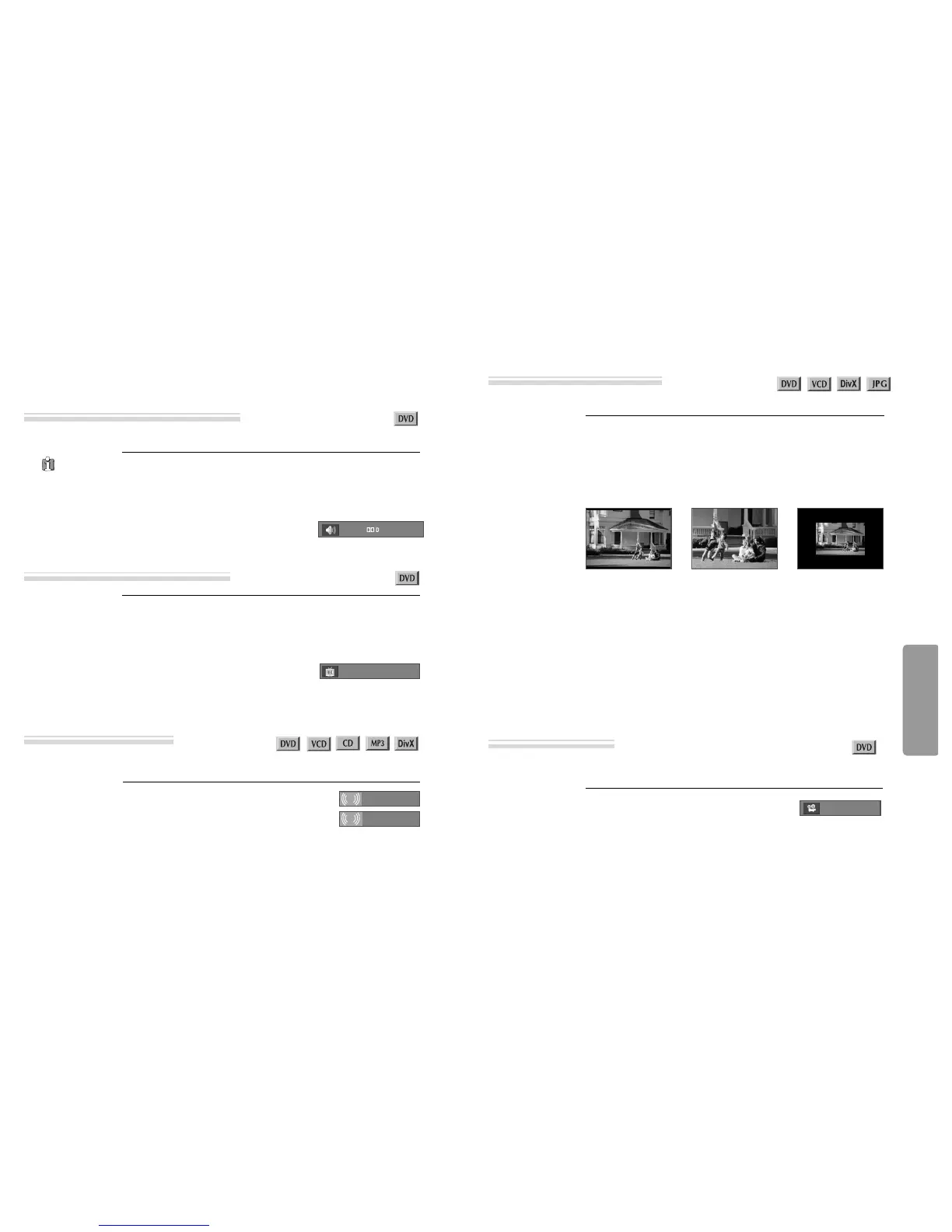
■ The user can enlarge the current screen about 0.25 or 3 times.
Keep pressing [ZOOM] button till the preferred zoom appears.
A magnification ratio of display is increased or decreased by one step in order
upon pressing the [ZOOM] button.
A base point to be enlarged is centre and the point can be changed with the operation of
[
œ √…†
] button.
■ If a disc includes multi angle information, the user can watch a screen in multi angles. The function is limited
to a DVD disc supporting multi angle information.
Keep pressing [ANGLE] button till the preferred
angle appears.
Every time the user presses [ANGLE] button, an angle
degrees changes in a consecutive order.
3/4
Using a zoom function
Different Angle
• DVD/VCD : 1.5 times (X1.5)
➝
2 times (X2)
➝
3 times (X3)
➝
OFF.
• DivX : 2 times (X2)
➝
OFF.
• JPEG : 0.25 times (X0.25)
➝
0.5 times (X0.5)
➝
1 times (X1)
➝
1.5 times (X1.5)
➝
2
times (X2).
When playing JPG, it can be displayed in various directions by using [
œ √…†
]
button.
[
œ √
] : Rotate 90 degrees to clock wise or counter clock wise.
[
…†
]: Turn over the screen by 180 degrees horizontally or vertically.



 To Next Page