4544
DVD Operation
About MP3, JPG and DivX® discs
You will play a MP3 file or a JPG file recorded in disc.
Press the [OPEN/CLOSE] button to open the disc tray.
Put a MP3 disc on the disc tray with the label side up.
Press the [OPEN/CLOSE] button to close the disc tray.
It will take some time to recognize a disc and to show up the directory structure.
1
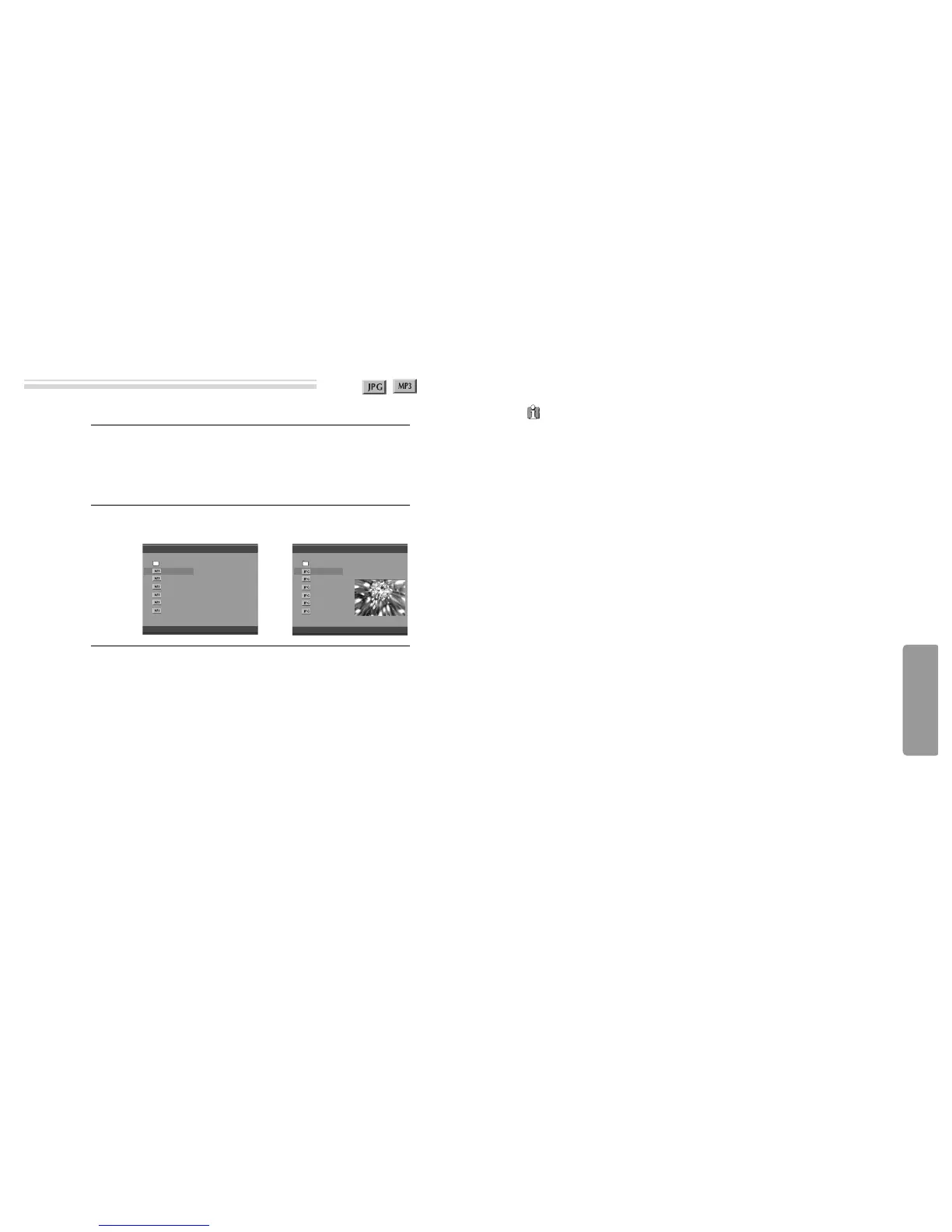
It will display MEDIA PLAYER.
2
Select a file or folder to play.
Select a desired folder or file by pressing the [
…†
] button and then press on
the [ENTER] button. It will select or play the file or folder selected.
■ Play or pause
It will change into Play or Pause while pressing the [
√√
/
❚❚
] button.
■ SEARCH
The [SEARCH] button does not run in a disc of DivX, CD, MP3, or JPG.
■ STOP
The [STOP] button.
■ Pass over to a next or previous file.
• When you press the [
√√❚
NEXT] button on the remote control, it will move on
the first part of a next file and start to play it. And it will continue to move on the
first part of a next file and play it upon pressing the button.
• When you press the [Previous
❚
œœ
] button on the remote control, it will move
on the first part of a previous file and start to play it. And it will continue to move
on the first part of a previous file and play it upon pressing the button.
3
Playing a disc containing MP3 or JPG files
About MP3, JPG and DivX® discs
■ Recognizing range for a MP3 disc is stated below.
• The maximum number of directories should not exceed 32.
• The maximum depth level of directories should not exceed 4.
•
It may break of a sound while playing for a file in which it was recorded with a variable
bit rate(VBR) from low bit rate to high bit rate (Ex.:64~256kbps) in itself.
• A file name must be composed with not exceeding 24 characters and figures and
the extension must be MP3.
■ Recognizing range for a JPG disc is stated below.
• File name is ****.jpg which is composed with characters and figures.
• Some of JPG files may become not only slow to play but also impossible to play
since the capacities are too large.
• The state or saving method of a disc may cause not to play it.
Cautions upon a use of MP3, JPG disc.
• Try to avoid the use the CD-RW(Rewritable) disc if possible because it can not be
played back according to the recording format.
• The CD-R must be recorded with the standard format because it can not be played
back according to the recording format.
• The CD-R should be written using the ‘disc at once’ method.
• The disc which is made with ISO 9660 format can be played back.
MP3 JPG
MEDIA PLAYER
/MP3 - 10 FI/ARTIST - TRACK 01.MP3
Total : 10
Length : 03:51
00:00:02
0 -
1 ARTIST -TRA
2 ARTIST -TRA
3 ARTIST -TRA
4 ARTIST -TRA
5 ARTIST -TRA
6 ARTIST -TRA
MEDIA PLAYER
/JPEG FILES /9268-2.JPG
Total : 11
Res. : 1024x768
0 -
1 9268-2
2 AAFALLROAD12
3 ALL_NITE
4 AMEILEENDONA
5 AMFUNKYFLOWE
6 AMPOPPIESDAI


 To Next Page
 Loading...









