4746
DVD Operation
About MP3, JPG and DivX® discs
After selecting a desired folder by pressing the
[
…†
]
button, press the
[OK/ENTER] button.
2
After selecting a desired track by pressing the
[
…†
]
button, press the
[
√√
/
❚❚
]
button or the [OK/ENTER] button.
3
Insert a DivX disc.
Press the [Open/Close] button
and then it will open the disc
compartment.
Insert a DivX disc into the disc
compartment while putting the
playing side downward and
then it will display MEDIA
PLAYER.
1
Press the [■ ] button when you want to stop playing.
• It will return to the display of MEDIA PLAYER.
4
Playing a disc containing DivX® files
About MP3, JPG and DivX® discs
■ DivX® video technology, often called the “MP3 of video”, enables large
video files like DVDs or home videos to be converted to a fraction of the
size.
• Types of playable DivX files : ".avi", ".divx", “.mpg”, “.mpeg”
• Types of playable Codec formats : MP42, MP43, DIV2, DIV3, DIV4, DIV5,
DIV6, DX45, DX50, DXSB, RMP4, XVID
• It may not be played according to a type of DivX files, a recording method, or a
disc state. (The device was authenticated for DivX files from the DivX Networks,
Inc. and it is available for playing a normal DivX file but may be unavailable for
playing the DivX files that have been manufactured with an illegal or abnormal
Codec.)
• When the image / sound structure of a recorded file have not been undergone the
interleave, it will output either the image or the sound.
• When the frame number of screens per a second is more than 30, it may not play it
normally.
• It will not support a DivX file coded with ‘dts'.
• It will not support GMC or Q-Pel(Quarter Pixel).
• It will not support Q-Pel (Quarter Pixel).
• It will be available to play a file with a resolution size will be below 720 x 576
(width x length) pixels only.
• If it has a code unable to display, it will display the mark of (_).
• A file name of DivX subtitles must be made with up to English 20 characters only.
• A file of DivX subtitles only supports a file named with the extensions of .smi,
.srt, or .sub.
• The subtitles will not be displayed if the file capacity of subtitles will exceed
250KB.
The language of subtitle is English, French, Spanish, German, Italian and
Dutch only.
• When the subtitles are not displayed provided although it has a file of subtitles:
1. Move to the display of MEDIA PLAYER by pressing the [Stop] button.
2. Place the cursor on a file of subtitles you want by using it.
3. Select the file of subtitles at that time by pressing the [SUBTITLE] button.
4. After moving the file of subtitles on the DivX file by using the cursor, play it by
pressing the [OK/ENTER] button.
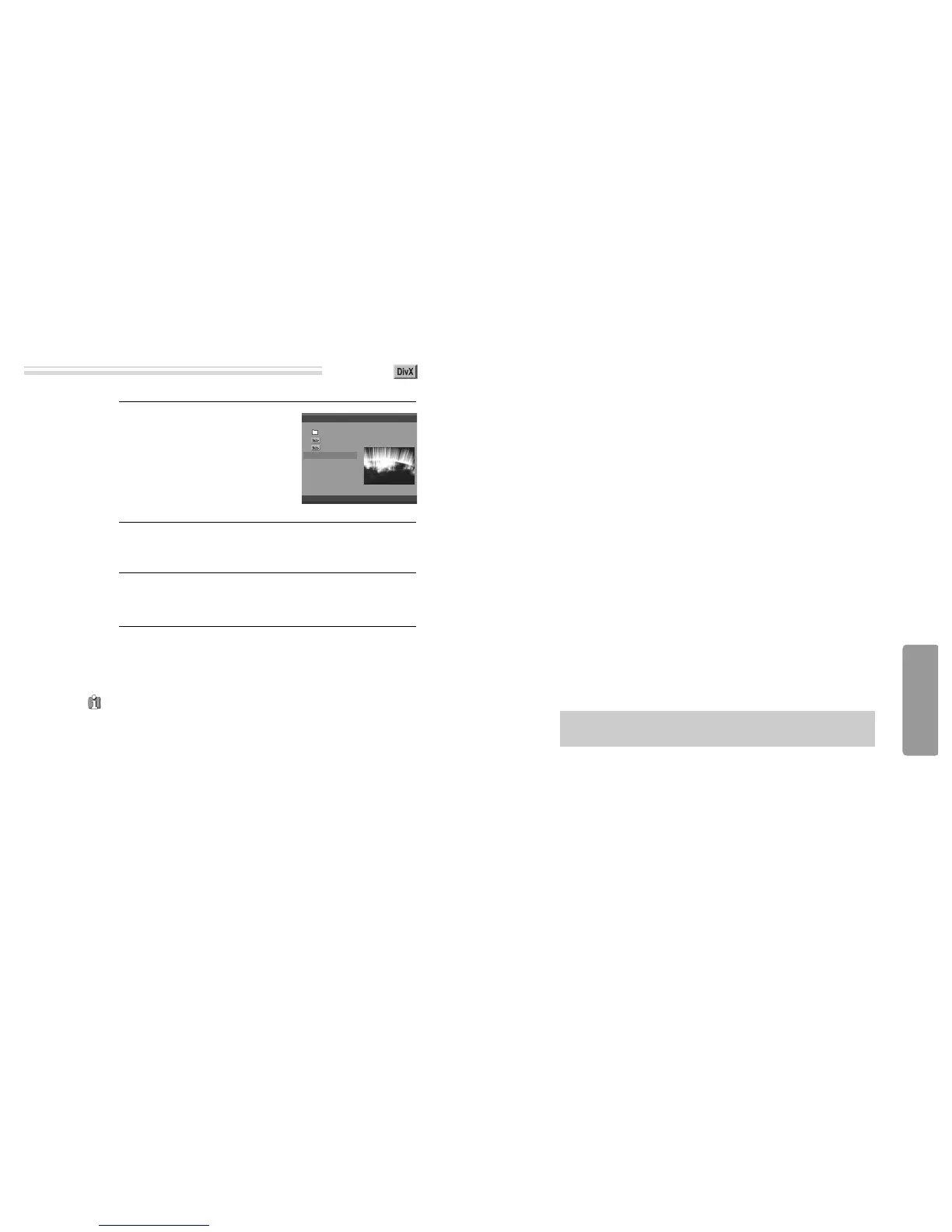
MEDIA PLAYER
/THE ADVENTURES OF ROCKY.AVI
Total : 3
Length : 01:31:51
0 ROOT
1 ETHE ADVENTU
2 HTHE ADVENTU
3 THE ADVENTUR
00:00:05
• DivX, DivX Certified and associated logos are trademarks of DivXNetworks,
Inc. and are used under license.


 To Next Page
 Loading...









