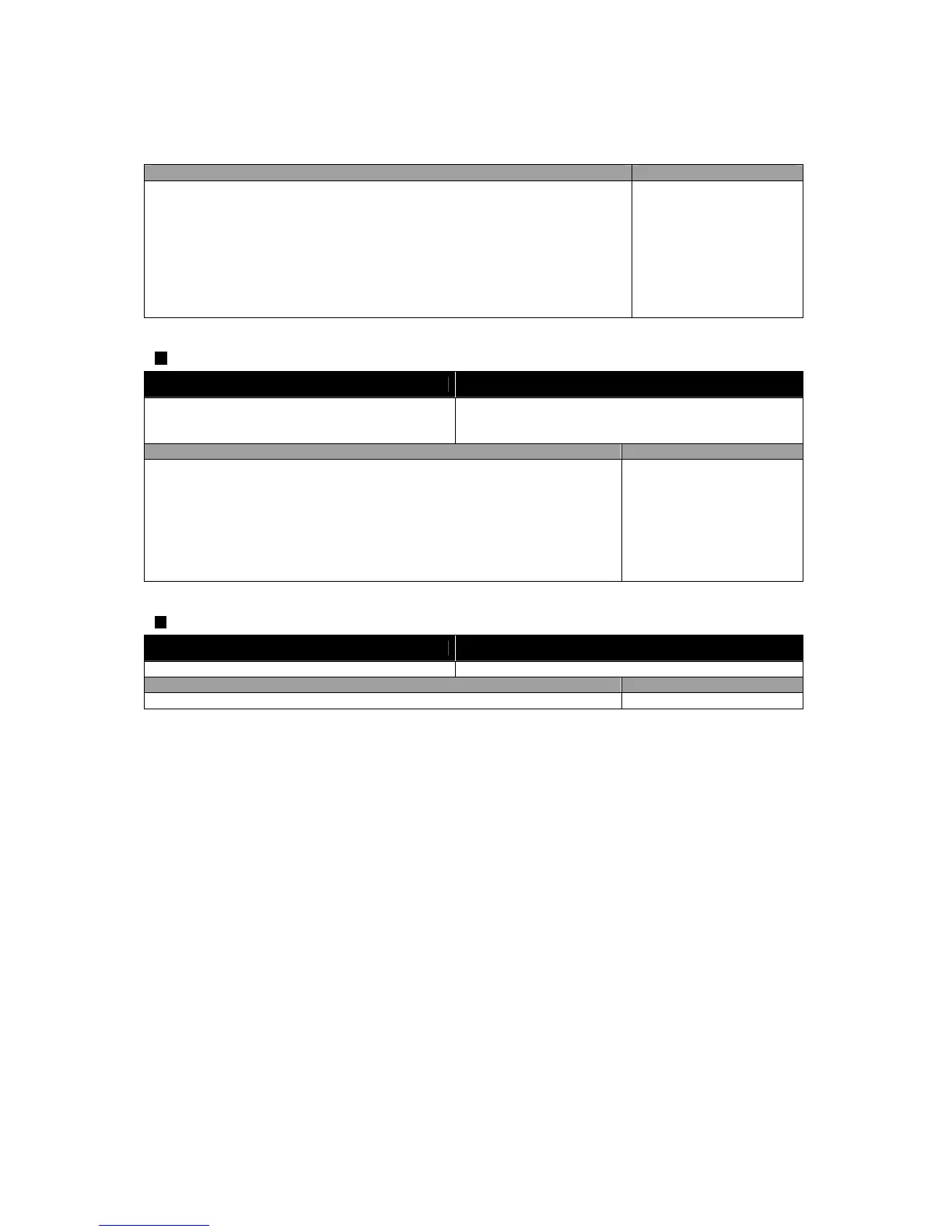
CONTENTS REMARKS
1. Conditions to turn on LCD Light
1) Power input (plugin)
2) When any button on the panel is pushed, first the back light turns on, then
button control is done.
3) When F/R door is open, the light turns on.
2. Conditions to turn off the light
1) The back light turns off 10 seconds after F/R door is closed
2) 1 minute after button control
Explanation After Delivery
INPUT Control Object
“FRZ SET. ” button
“REF SET. ” button
Power Cord
Electrical components and LCD
CONTENTS REMARKS
1. Start
Push “REF SET. ” button for 3 seconds within 10 seconds just after power
input.
2. Control
1) Electrical components are OFF for 3 hours.
2) Display operates in normal way.
Prevention of Compressor Restart
INPUT Control Object
None Comp.
CONTENTS REMARKS
Comp. does not start again for 6 minutes though F-sensor is ON. 6min. delay
- 28 -



 To Next Page