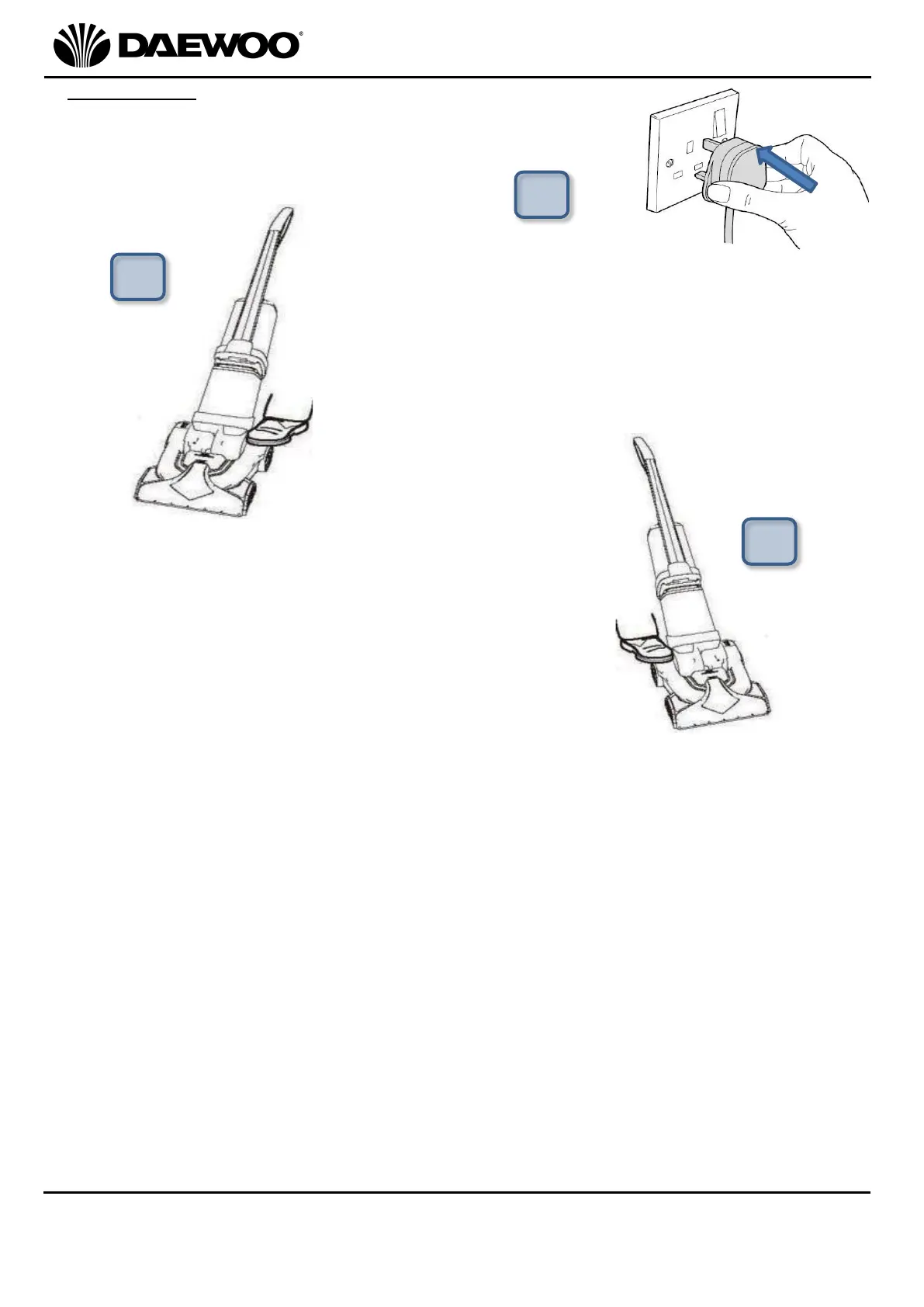
2. Fully unwind the Mains Cable (13) and insert the
mains plug into the nearest mains socket and switch
the socket on (if applicable).
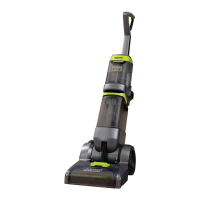
3. Hold the cleaner by the Handle (1) and then
step on the Handle Release Pedal (11) shown
right and gently lower the Handle (1) into the
cleaning position:
4. Step on the On/Off Pedal (12) to operate the Carpet
Cleaner:
5. Whilst pressing the Solution Release Trigger (2) to release the cleaning
solution, pull the cleaner backwards towards you.
6. Once you have reached the edge of the carpet, release the Solution Release
Trigger (2) and then push the cleaner forwards along the same path to remove
the dirty cleaning solution from the carpet.
7. Repeat the above steps 3 & 4 to clean the rest of the carpet or heavily soiled
areas.
8. Once the cleaning is complete, step on the On/Off Pedal (12) to switch the
cleaner off.
9. Lift the Handle (1) up to the upright position until it locks into place.
10. To store the cleaner, wrap the Mains Cable (13) around the cable storage on the
back of the cleaner.



 To Next Page