Playing a programmed order
While STOP or Playback, press
[PROGRAM] button.
While the right figure is appearing, please
input desired Title and Chapter number with
NUMBER buttons. Press [ENTER] to
memorize. Then input next number.
* In case of VCD and CD, please input TRACK
Number.
1
After completing setting, press [PLAY] button.
Then, titles and chapters (track) are played in the above-programmed order.
To exit from Program Play mode, press [PROGRAM] button.
2
PROGRAM
PROGRAM
TITLE CHAPT SEL.
000 1-54
TITLE CHAPT TITLE CHAPT
01 - - - - - 06 - - - - -
02 - - - - - 07 - - - - -
03 - - - - - 08 - - - - -
04 - - - - - 09 - - - - -
05 - - - - - 10 - - - - -
PRG.PLAY : PLAY SELECT : ENTER EXIT : PRG.
00
Playing desired scene Playing desired scene
To cancel, move
the cursor to the
desired parts and
press [CLEAR]
button.
34
DVD Operation
35
Repeating a defined period
• CHAPTER : Current chapter will be repeatedly playback.
• TITLE : Current title will be repeatedly playback.
• TRACK : Current track will be repeatedly playback.
• DISC : Current disc will be repeatedly playback.
• RANDOM : Tracks in the disc will be playback in random order.
• FOLDER : Current folder will be repeatedly playback.
• OFF : Repeat playback will be cancelled.
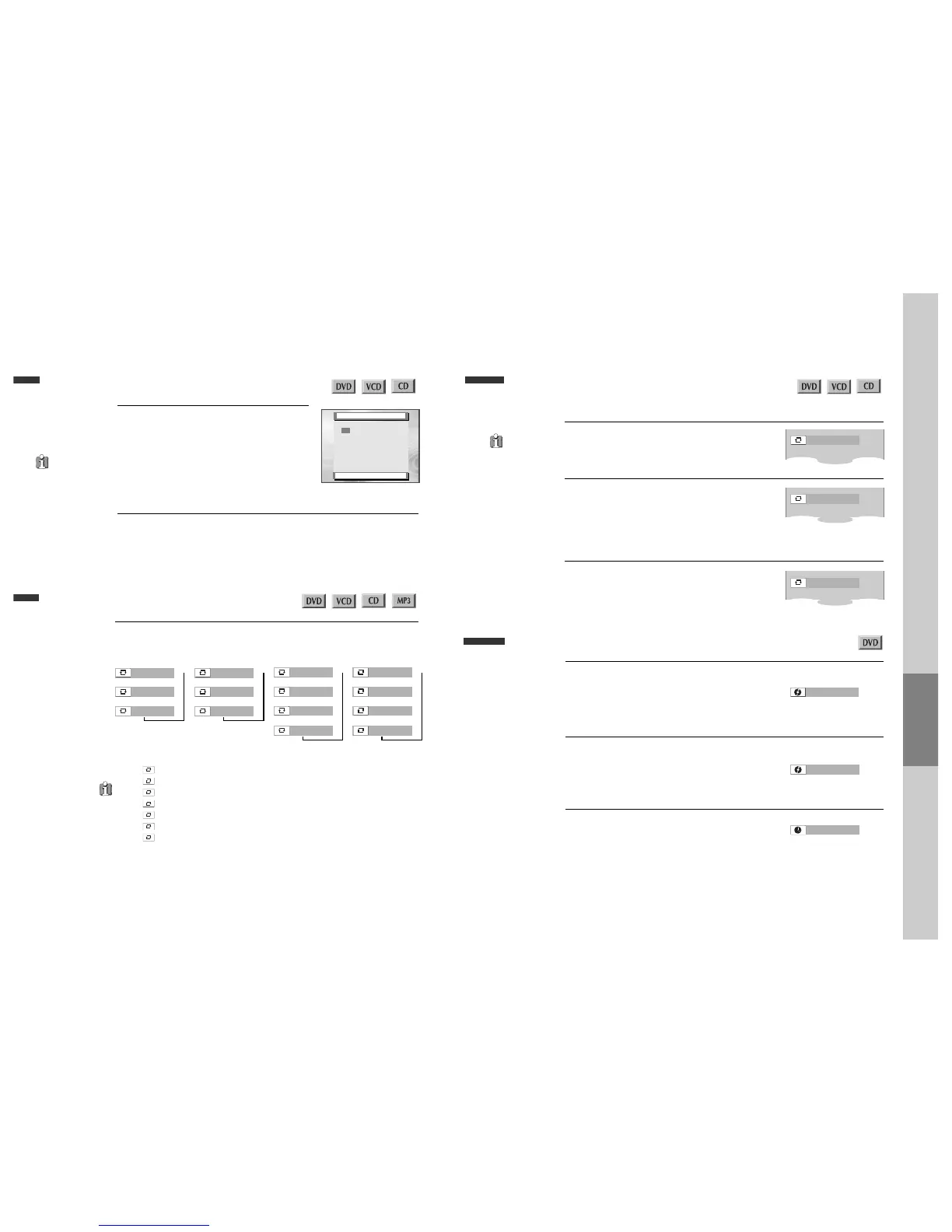
Each time you press [REPEAT] button in playback mode, repeat playback starts as below.
• DVD •
CHAPTER
TITLE
OFF
➝➝
➝
• VCD •
TRACK
DISC
OFF
➝➝
➝
• CD •
TRACK
DISC
RANDOM
➝➝
OFF
➝
➝
• MP3 •
TRACK
FOLDER
RANDOM
➝➝
OFF
➝
➝
Repeating a defined period from A to B
■ You may repeat a defined period from A to B.
A MP3 disc may
not be repeated
from A to B.
At the point where you want to start the repeat
playback, press [A-B] button.
The right figure appears and repeat playback start
position (A) is set.
1
At the point where you want to end the repeat
playback, press [A-B] button again.
The repeat playback end position (B) is set and a
defined period from A to B is playback repeatedly.
2
To exit from repeat playback mode, press [A-B]
button.
It enters into Normal Playback mode.
3
A-
A-B
OFF
Searching DVD with a title number, a chapter number or a time
If you want to search with a title number, press
[SEARCH] button one time.
It shows current and total title numbers. Please enter
the new title number to be searched using the
[NUMBER] buttons.
1
If you want to search with a time, press
[SEARCH] button three times.
Please enter the new time to be searched using the
[NUMBER] buttons.
In completing entering, please press [ENTER]
button.
PLAY starts from the selected position.
3
If you want to search with a chapter number,
press [SEARCH] button twice.
It shows current and total chapter numbers.
Please enter the new chapter number to be searched
using the [NUMBER] buttons.
2



 To Next Page