EasyManua.ls Logo

Dahlert DT-WP-22 - User Manual

Dahlert DT-WP-22
48 pages
Print Icon
To Next Page IconTo Next Page
Loading...
Model: DT-WP-22
KEEP THIS MANUAL IN GOOD CONDITION, PLEASE
READ THIS MANUAL CAREFULLY BEFORE USING
THE MACHINE
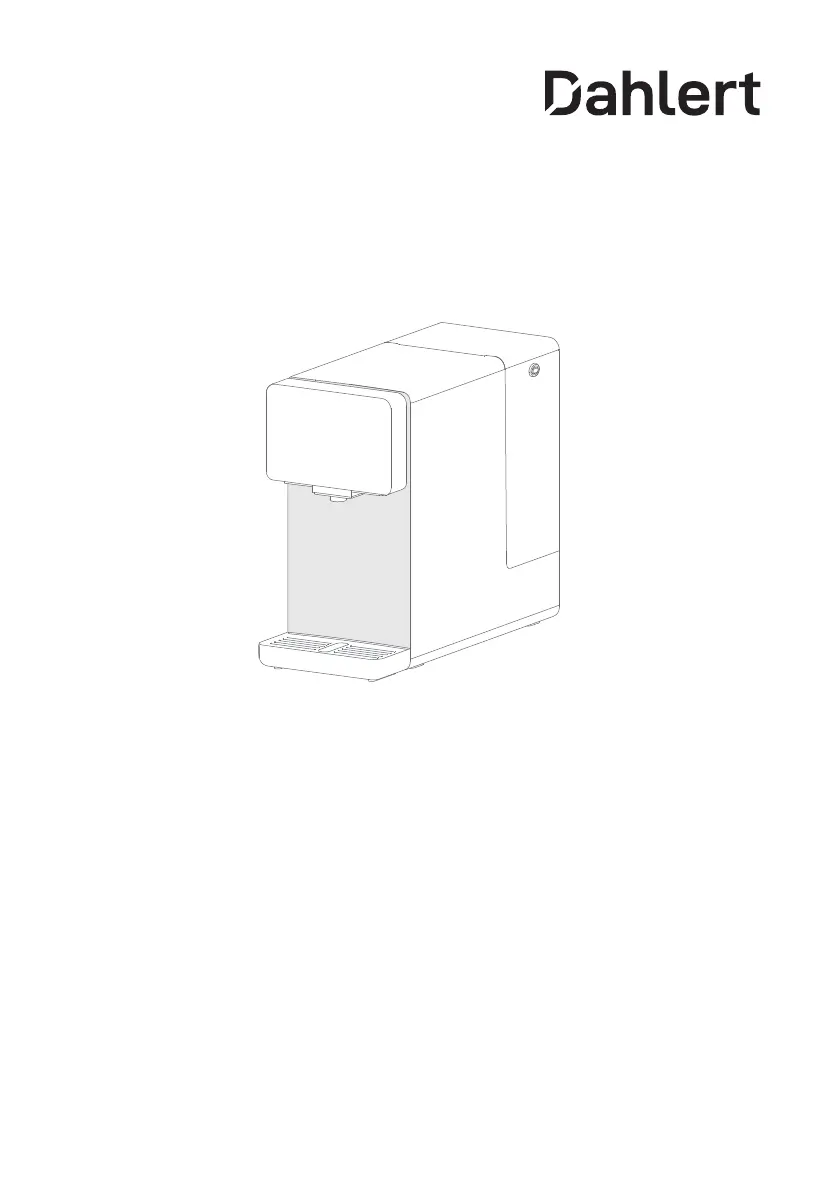
Desktop Water Dispenser & Purifier
Instruction Manual
Before installing and operating your water purifier, please read the instruction
manual carefully and keep it for future reference.

Questions and Answers

  • J
    Joshua NashAug 7, 2025
    What to do if my Dahlert DT-WP-22 is leaking?
    • J
      Janice VargasAug 7, 2025
      If your Dahlert Water Dispenser is leaking, first, ensure the water tank is correctly installed. Next, check that the filter and filter cover are properly positioned. If the issue persists, consider replacing the filter.
  • J
    Jesse LeeAug 14, 2025
    Why won't my Dahlert DT-WP-22 produce water normally?
    • B
      Brandon RyanAug 14, 2025
      If your Dahlert Water Dispenser isn't producing water normally, check the following: * Ensure the water tank is correctly installed and contains water. * Verify the filter and filter cover are properly installed. * Inspect the water tank and inlet for blockages. * Check if the filter life is expired.
  • H
    hsteeleAug 21, 2025
    How to fix a Dahlert DT-WP-22 Water Dispenser screen that doesn't turn on?
    • S
      sara17Aug 21, 2025
      If the screen of your Dahlert Water Dispenser doesn't turn on, unplug the power plug and then plug it back in to power it on again.
  • K
    Kristine SimmonsAug 30, 2025
    Why does my Dahlert Water Dispenser have an odor?
    • J
      Jamie ParrishAug 30, 2025
      To address odor issues with your Dahlert Water Dispenser, clean the machine regularly to ensure cleanliness. If the dispenser is not in use for an extended period, empty the water tank and drain the purified water tank by holding the "Normal Temperature Water" and "Brewing Milk" buttons for 3 seconds.

Summary

Safety Warning

Product Introduction

Parts Display

Visual identification of the machine's components and their locations.

Operation Panel

Description of the control interface and its interactive elements.

Button Instructions

Water Shortage Indicators

Explanation of indicators for raw and purified water tank levels.

Standby and Wake-up

Procedure for entering and exiting standby mode.

Quantitative Water Output

Instructions for using the quantitative water dispensing feature.

Filter Replacement Procedure

Steps for indicating and resetting filter life.

Instructions for Use

First Use Instruction

Step-by-step guide for initial setup and operation.

Take Water

Guide on selecting temperatures and dispensing water.

Replace the Filter

Instructions on when and how to replace the filter.

Service Guide

Product Parameters

Technical specifications and performance data of the water dispenser.

Water Treatment Process Diagram

Flowchart illustrating the water purification stages.

Filter Configuration

Filter Layers and Lifespan

Details on filter composition, quantity, service life, and function.

Special Tips for Filter Maintenance

Guidance on filter life cycle and maintenance advice.

Electric Schematic Diagram

Electrical wiring diagram of the machine's components.

Troubleshooting

Common Abnormalities and Solutions

Table listing phenomena, checks, and recommended solutions.

Normal Operating Sounds

Description of sounds considered normal during operation.

Dahlert DT-WP-22 Specifications

General IconGeneral
MaterialPlastic
Water temperatureHot and Cold
Capacity5L
Power Supply220V/50Hz
Heating Capacity5 liters/hour