User’s Manual
157
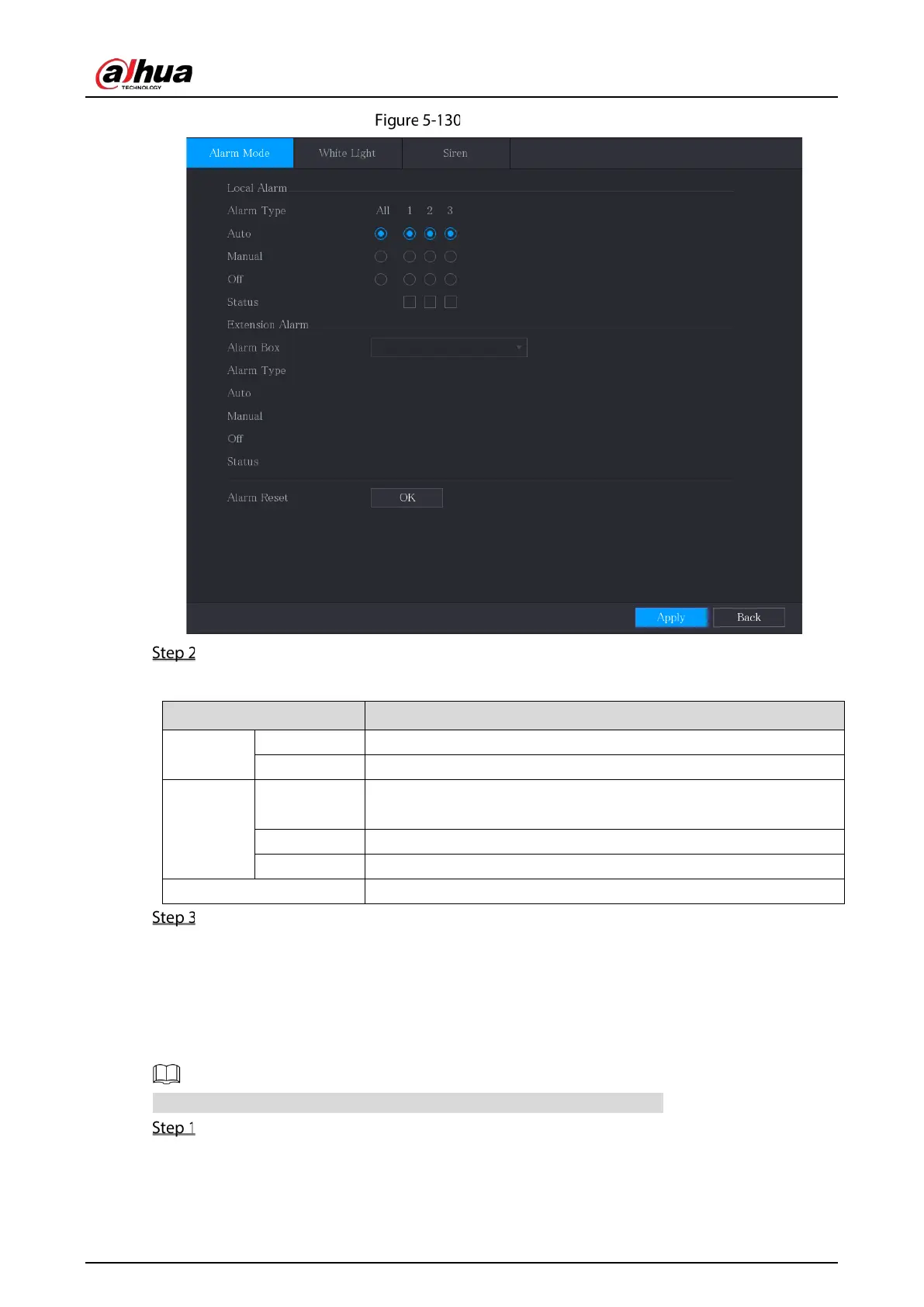
Alarm mode
Configure the settings for the alarm output.
Table 5-28 Alarm output settings
Local
Alarm
Alarm Type Select alarm type for each alarm output port.
Status Indicates the status of each alarm output port.
Extension
Alarm
Alarm Box
Select the alarm box number corresponding to the address number
configured by the DIP switch on the Alarm Box.
Alarm Type Select the alarm type for each alarm output ports.
Status Indicates the status of each alarm output port.
Alarm Reset Click
to
clear all alarm output status.
Click Apply to save the settings.
5.10.3.2 Configuring White Light
When the motion detection alarm is activated, the system links the camera to generate white light
alarm.
To use this function, connect at least one white light camera to your Device.
Select Main Menu > ALARM > Alarm-out Port > White Light.


 To Next Page
 Loading...
