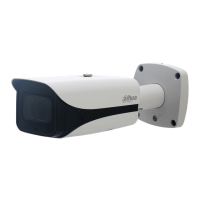
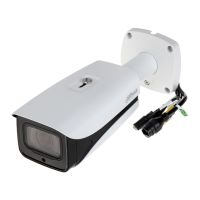
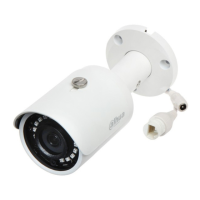
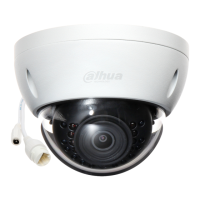
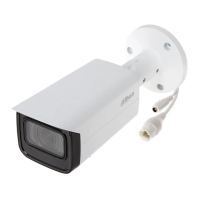
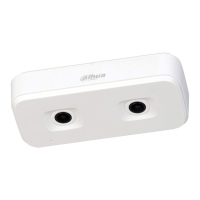
2 Product Appearance
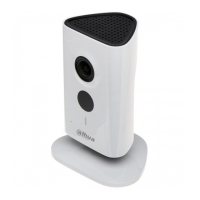
Figure 2-1 Figure 2-2 Figure 2-3
Please refer to the following sheet for more details about each port.
Sheet 2-1
Note:
For reset, long press for 8 seconds and then the light off; For WPS (Wi-Fi Protected Setup), one quick
press.
Please refer to the following sheet for more details about status of indicator light.
Green light slow flashing
Booting completed, await wifi config, enter smart
config status;
Green light quick flashing
Wifi smart config in progress, including WPS (Wi-Fi
Protected Setup), management frame and etc.
Wifi connection succeeded, operate normally.
Red and green lights flash
alternately
Network connection failure or disconnection after
network connection success.
Device malfunction, fail to boot up; alarm or SD card
malfunction
Sheet 2-2
Reset/ WPS (Wi-Fi Protected Setup) button


 To Next Page
 Loading...