User’s Manual EM11A015B
intelligent Touch Manager
204
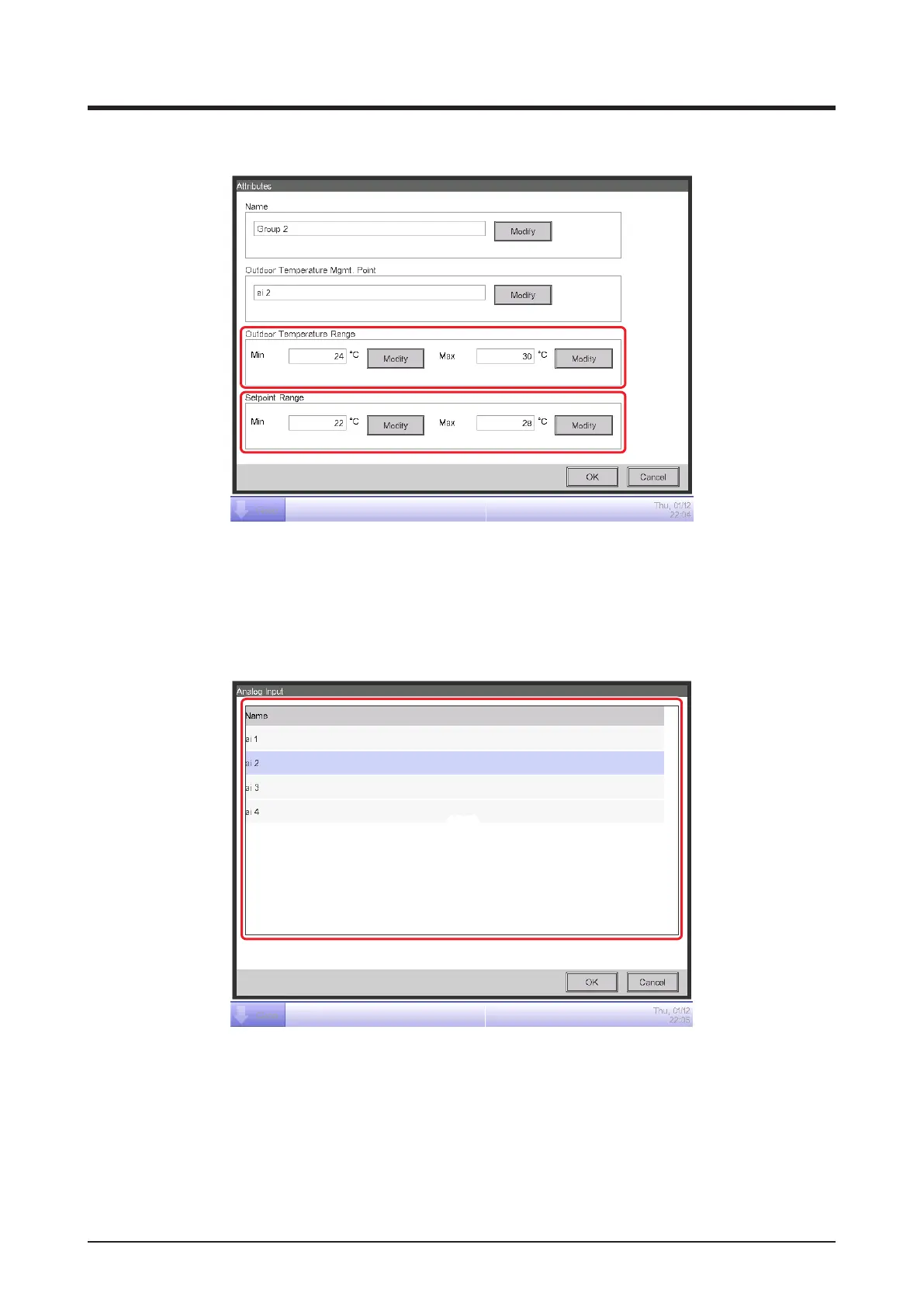
4. Display the Attribute screen and set up the group attributes.
(11)
(8)
(9)
(12)
Touching the Modify button (8) displays the Text Input dialog where you can change the group
name.
Touching the Modify button (9) displays the Analog Input screen where you can register the Ai
management point at which the outdoor temperature will be measured.
(10)
Select the Ai management point you want to register from the list (10). You can register the same
Ai management point in multiple groups.
Touch the OK button to return to the Attribute screen.



 To Next Page