User’s Manual EM11A015B
intelligent Touch Manager
205
Using the Numerical Input dialog, enter the upper and lower limit outdoor temperatures in (11).
Using the Numerical Input dialog, enter the upper and lower limit setpoints in (12).
For upper limit outdoor temperature, you can set a temperature in the 18°C to 34°C range, in
increments of 1°C, while for lower limit outdoor temperature, you can set a temperature in the
16°C to 32°C range, in increments of 1°C.
When nished, touch the OK button to return to the Sliding Temperature Settings screen.
(14)
(13)
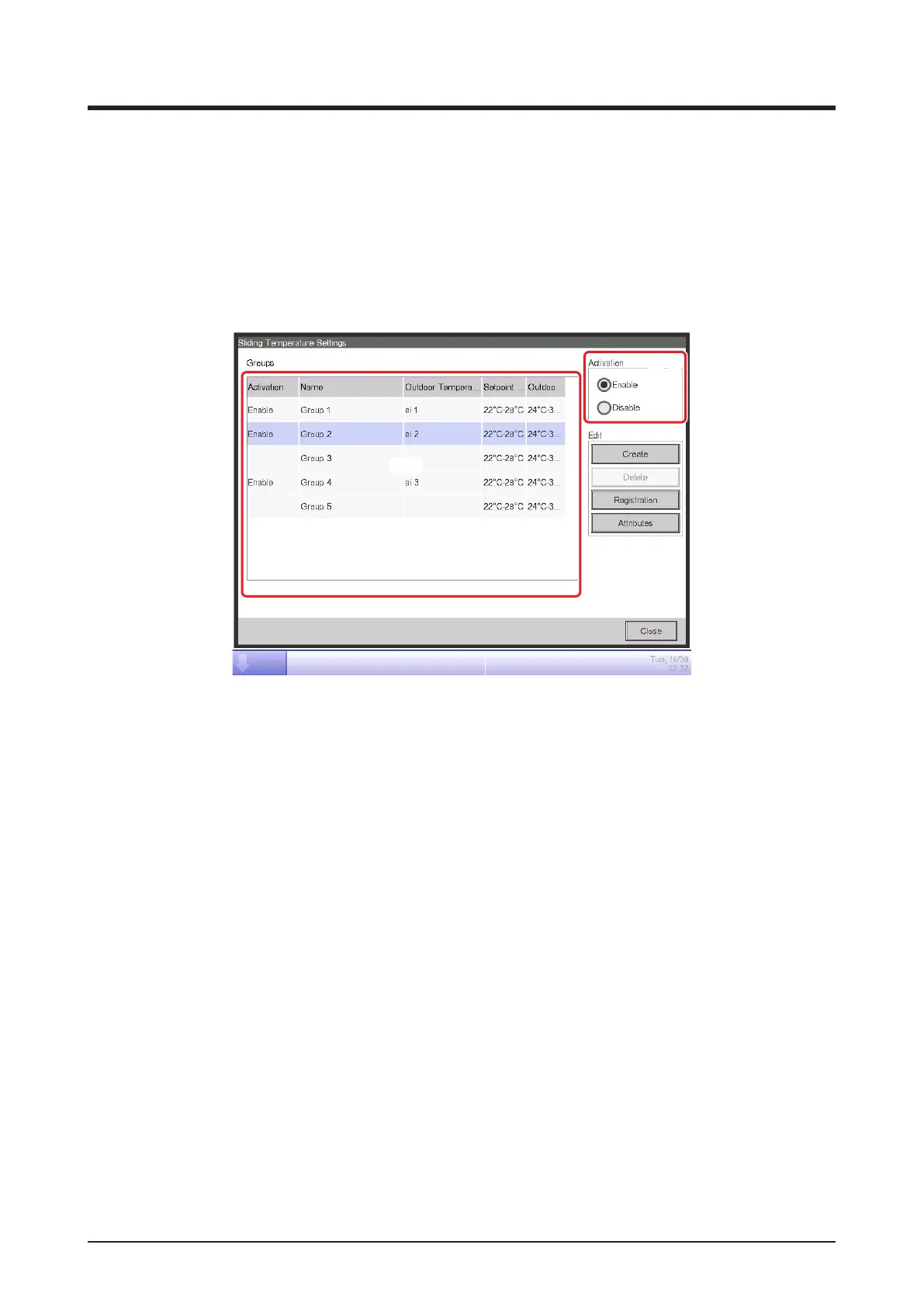
5. To enable the Sliding Temperature function for the group selected in (13), select the Enable
button in the Activation radio button area (14). To disable, select the Disable button.
When nished, touch the Close button and close the screen.



 To Next Page