5 | Operation
User reference guide
35
EBLA04~08E2V3+E23V3 + EDLA04~08E2V3+E23V3
Daikin Altherma 3 M
4P685231-1 – 2022.04
Example: In [7.4.2] User settings > Quiet > Schedule (weekly schedule for
when the unit has to use which quiet mode level), you can use the following
system-defined preset values: Quiet/More quiet/Most quiet.
5.8.2 Using and programming schedules
About schedules
Depending on your system layout and installer configuration, schedules for
multiple controls may be available.
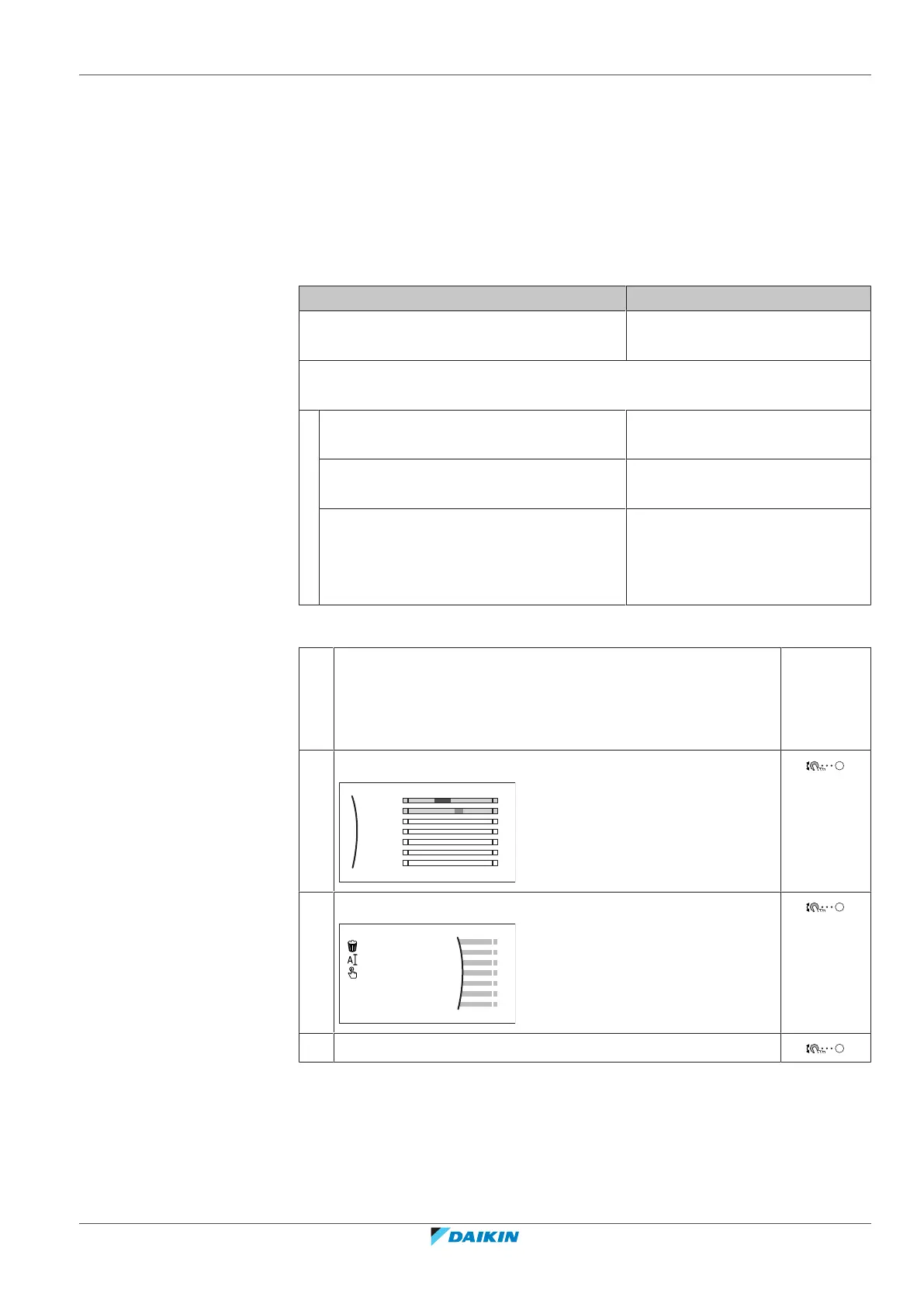
You can… See…
Set if a specific control needs to act according
to a schedule.
"Activation screen" in "Possible
schedules"[435]
Select which schedule you currently want to use for a specific control. The system
contains some predefined schedules. You can:
Consult which schedule is currently
selected.
"Schedule/Control" in "Possible
schedules"[435]
Select another schedule if needed. "To select which schedule you
currently want to use"[435]
Program your own schedules if the
predefined schedules are not satisfactory.
The actions you can program are control
specific.
▪ "Possible actions" in "Possible
schedules"[435]
▪ "5.8.3 Schedule screen:
Example"[438]
To select which schedule you currently want to use
1 Go to the schedule for the specific control.
See "Schedule/Control" in "Possible schedules"[435].
Example: For the schedule for the desired room temperature in
heating mode, go to [1.2] Room > Heating schedule.
2 Select the name of the current schedule.
Mon
Sat
Wed
Fri
Thu
Tue
Sun
User defined 1
3 Select Select.
4 Select the schedule that you currently want to use.
Possible schedules
The table contains the following information:




 To Next Page