5 | Operation
User reference guide
39
EBLA04~08E2V3+E23V3 + EDLA04~08E2V3+E23V3
Daikin Altherma 3 M
4P685231-1 – 2022.04
3 Go to [1.2]: Room > Heating schedule.
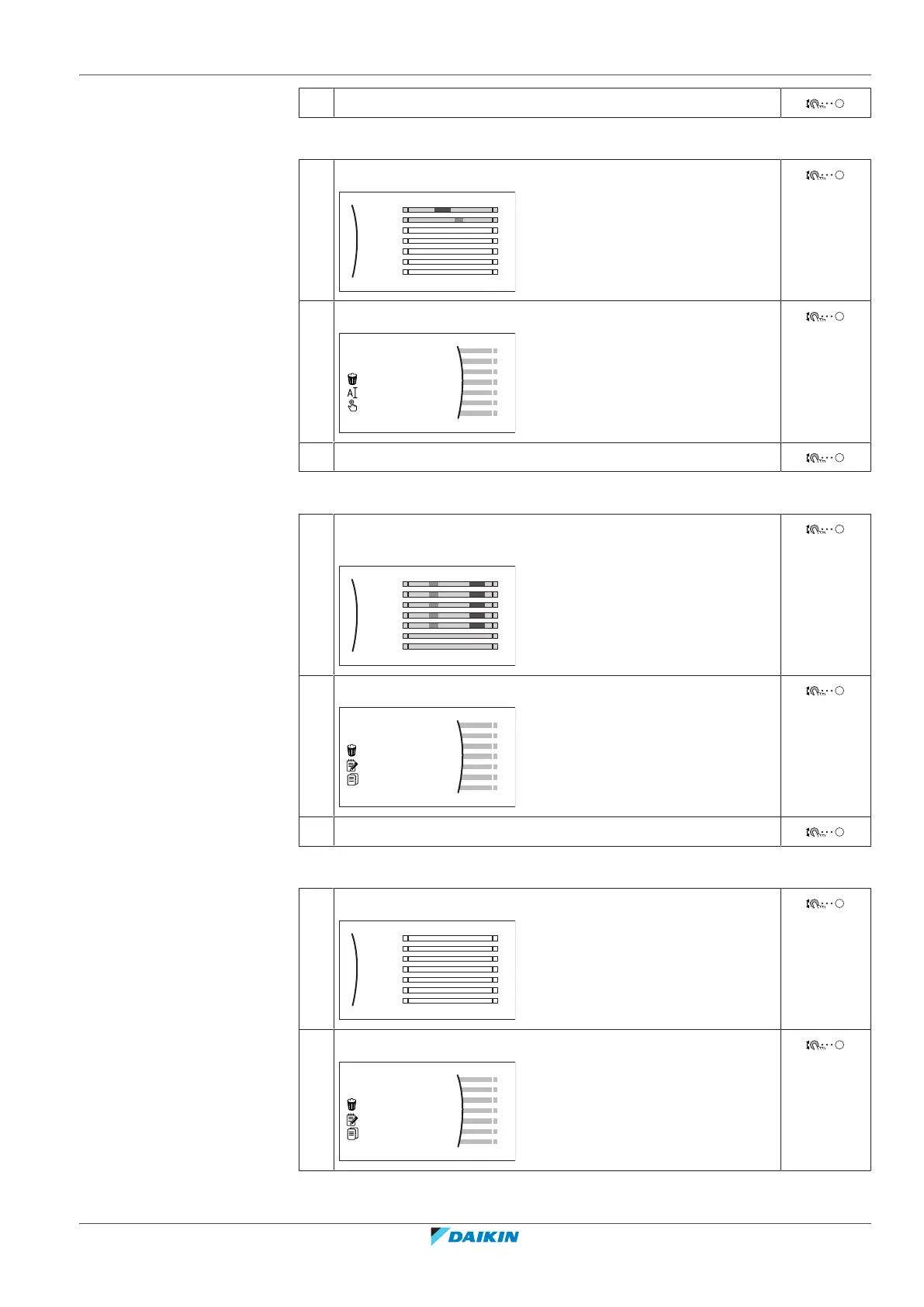
To clear the content of the week schedule
1 Select the name of the current schedule.
Mon
Sat
Wed
Fri
Thu
Tue
Sun
User defined 1
2 Select Delete.
3 Select OK to confirm.
To clear the content of a day schedule
1 Select the day of which you want to clear the content. For
example Friday
Mon
Sat
Wed
Fri
Thu
Tue
Sun
User defined 1
C
2 Select Delete.
3 Select OK to confirm.
To program the schedule for Monday
1 Select Monday.
Mon
Sat
Wed
Fri
Thu
Tue
Sun
User defined 1
2 Select Edit.



 To Next Page