5 | Operation
User reference guide
32
EWAA004~008D2 + EWYA004~008D2
Packaged air-cooled water chillers
and packaged air to water heat pumps
4P688016-1 – 2022.04
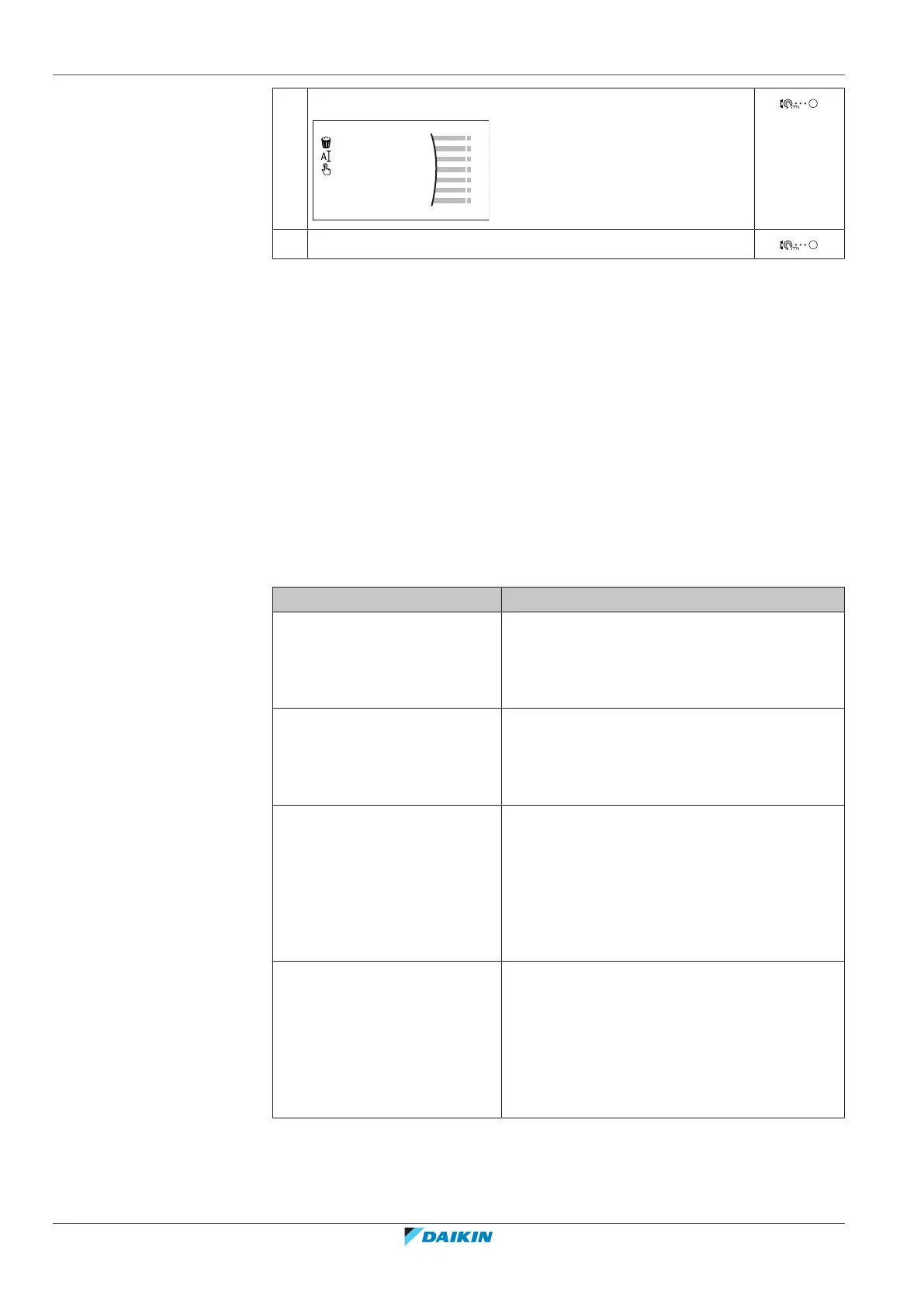
3 Select Select.
4 Select the schedule that you currently want to use.
Possible schedules
The table contains the following information:
▪ Schedule/Control: This column shows you where you can consult the currently
selected schedule for the specific control. If needed, you can:
- Select another schedule. See "To select which schedule you currently want to
use"[431].
- Program your own schedule. See "5.7.3Schedule screen: Example"[433].
▪ Predefined schedules: Number of available predefined schedules in the system
for the specific control. If needed, you can program your own schedule.
▪ Activation screen: For most controls, a schedule is only effective if it activated in
its corresponding activation screen. This entry shows you where to activate it.
▪ Possible actions: Actions you can use when programming a schedule. For most
schedules, you can program up to 6 actions per day.
Schedule/Control Description
[1.2] Room > Heating
schedule
Schedule for the desired room
temperature in heating mode.
Predefined schedules: 3
Activation screen: [1.1] Schedule
Possible actions: Temperatures within range.
[1.3] Room > Cooling
schedule
Schedule for the desired room
temperature in cooling mode.
Predefined schedules: 1
Activation screen: [1.1] Schedule
Possible actions: Temperatures within range.
[2.2] Main zone > Heating
schedule
Schedule for the desired leaving
water temperature for the
main zone in heating mode.
Predefined schedules: 3
Activation screen: [2.1] Schedule
Possible actions:
▪ In case of weather-dependent: Shift
temperatures within range.
▪ Otherwise: Temperatures within range
[2.3] Main zone > Cooling
schedule
Schedule for the desired leaving
water temperature for the
main zone in cooling mode.
Predefined schedules: 1
Activation screen: [2.1] Schedule
Possible actions:
▪ In case of weather-dependent: Shift
temperatures within range.
▪ Otherwise: Temperatures within range




 To Next Page