21
Useful Functions Useful Functions
NOTE
Note on MOLD PROOF setting
• The display automatically returns to the default screen after 60 seconds. To return to the default screen sooner, press twice.
Notes on MOLD PROOF operation
• After DRY or COOL operation stops, the air conditioner starts MOLD PROOF operation automatically, and FAN and HEAT operation will operate
for approximately 120 minutes and then stops automatically.
• This operation dries the inside of the air conditioner while streamer discharge is performed to reduce the development of mold and odour
inside the air conditioner. But the function does not remove any adhered dust and mold.
• MOLD PROOF operation is not available when the unit is turned off using the OFF TIMER or turned off using a smartphone.
• The ap may sometimes close during MOLD PROOF operation to increase the drying effect inside the air conditioner.
• MOLD PROOF operation may not be performed if the COOL or DRY operation time is short.
• MOLD PROOF operation is not possible when the indoor temperature is 25°C or higher and the outdoor temperature is 24°C or higher.
• If MOLD PROOF operation does not suit your preference, set operation to “Off”.
Page 20
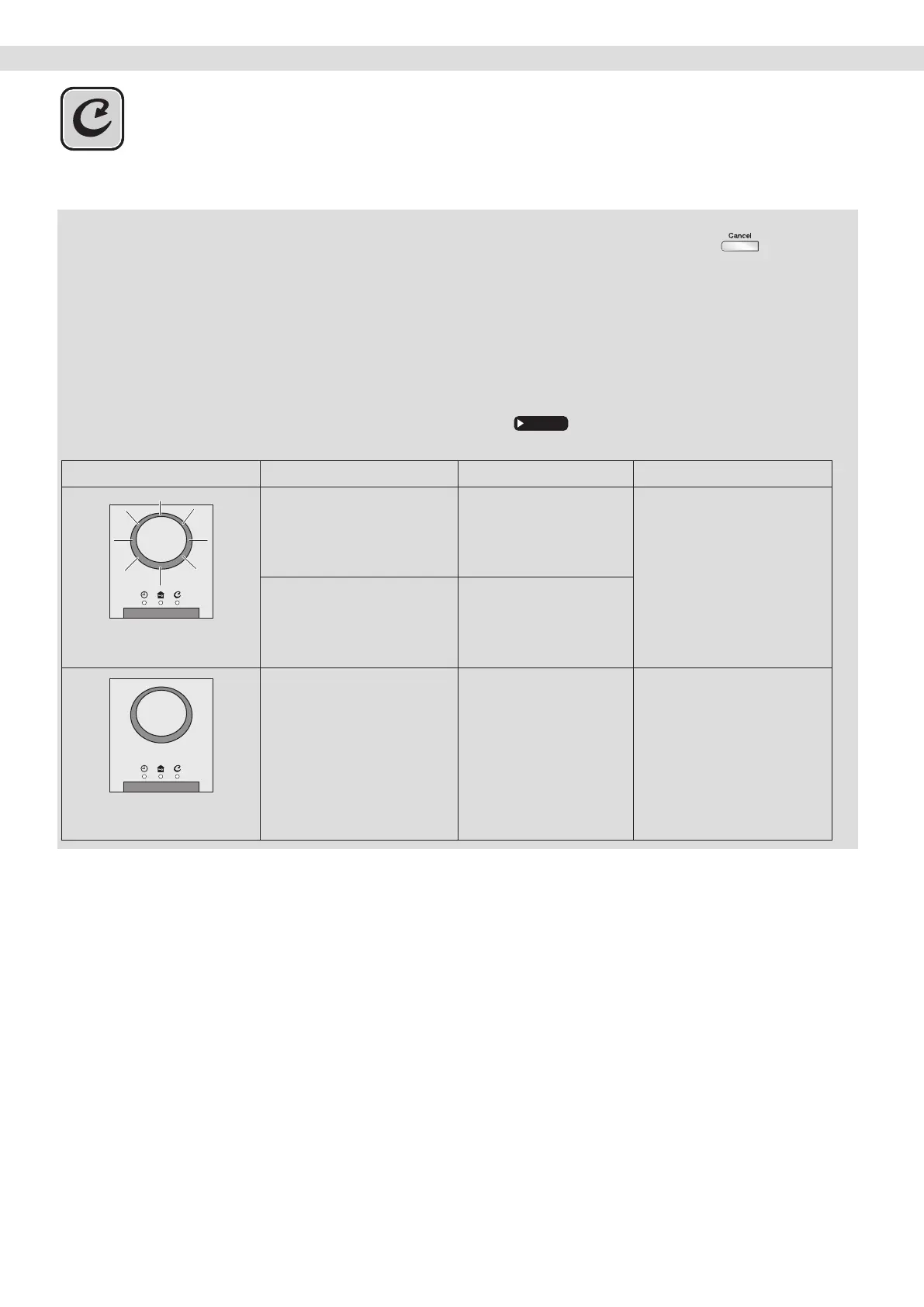
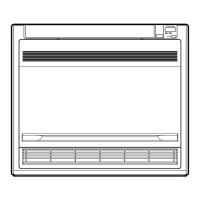
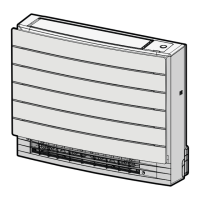
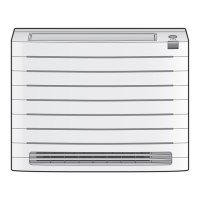
Relation between MOLD PROOF operation and indoor unit lamps
Air conditioner MOLD PROOF setting MOLD PROOF lamp DAIKIN EYE lamps
Air conditioner operating
(DAIKIN EYE lamp lights up)
MOLD PROOF is “ON”
Lights up
(green)
Blinks
(colour depends on mode setting)
MOLD PROOF is “OFF” Goes off
Air conditioner stopped
(DAIKIN EYE lamp goes off)
MOLD PROOF is “ON”
Lights up
(green)
Goes off
MOLD PROOF Operation
01_EN_3P705032-11D.indd 2101_EN_3P705032-11D.indd 21 06-Feb-24 2:19:37 PM06-Feb-24 2:19:37 PM



 To Next Page