EasyManua.ls Logo

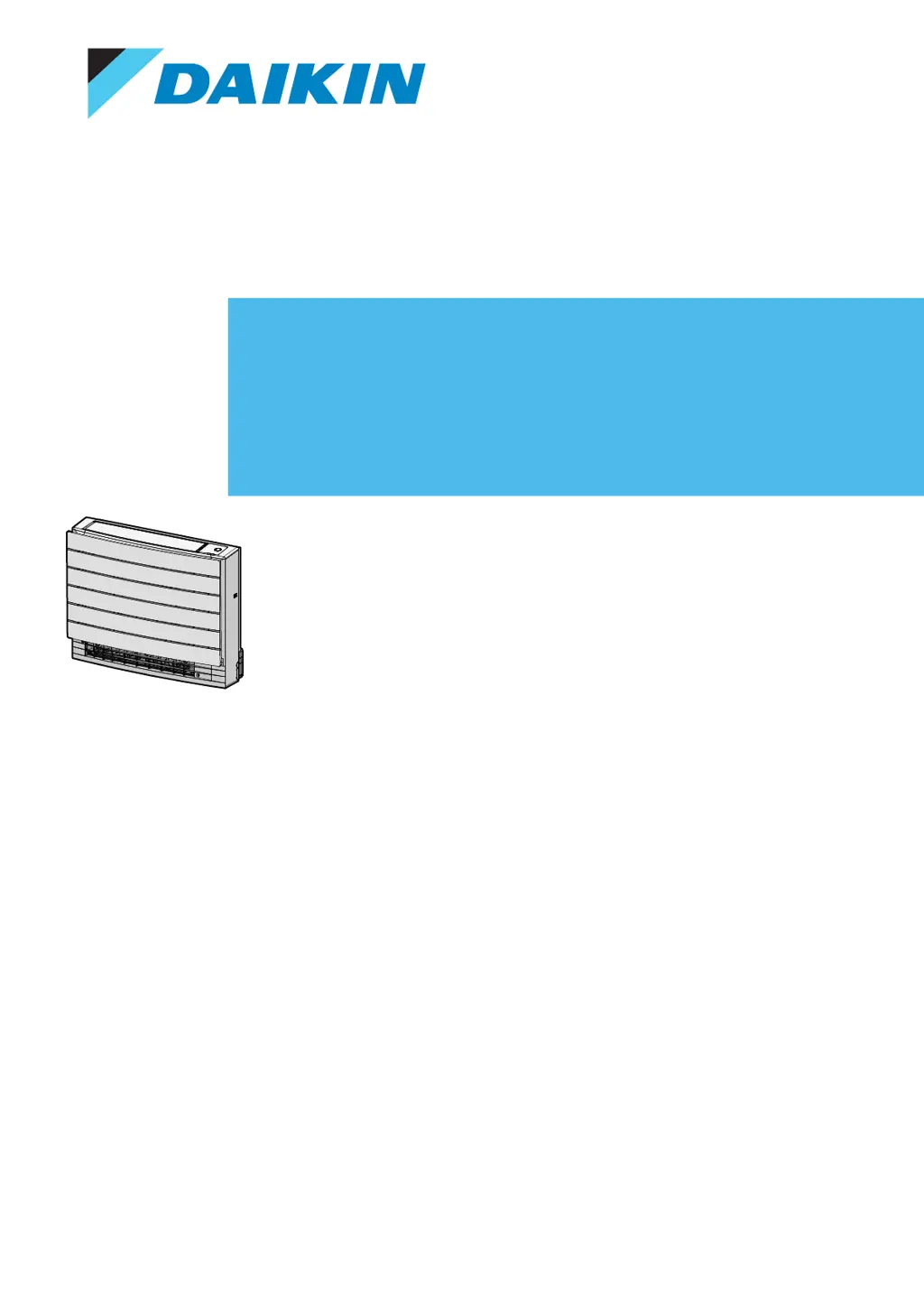
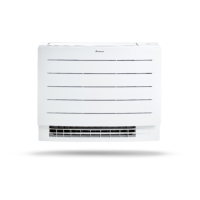
Daikin FVXM35A2V1B - User Manual

Daikin FVXM35A2V1B
60 pages
Print Icon
To Next Page IconTo Next Page
Loading...
User reference guide
Split system air conditioners
CVXM20A2V1B FVXM25A2V1B
FVXM35A2V1B
FVXM50A2V1B

Table of Contents

Other manuals for Daikin FVXM35A2V1B

Questions and Answers

  • J
    Jose AyalaAug 14, 2025
    What to do if my Daikin FVXM35A2V1B suddenly stops?
    • R
      Richard CrawfordAug 14, 2025
      If your Daikin Air Conditioner suddenly stops operating, first check if the air inlet or outlet of the outdoor or indoor unit is not blocked by any obstacles. Remove any obstructions to ensure free airflow. The system might also halt temporarily due to voltage fluctuations, but it should automatically resume operation after approximately 3 minutes.
  • M
    Michelle LiuAug 17, 2025
    Why is my Daikin Air Conditioner not cooling or heating enough even though air is blowing?
    • M
      Mary ValdezAug 17, 2025
      If your Daikin Air Conditioner operates but doesn't cool or heat sufficiently (air is blown from the unit), start by checking the air filters for clogs and clean them if necessary. Ensure that all doors and windows are closed to prevent drafts. Also, verify whether the unit is running in Econo mode and if furniture is obstructing the indoor unit; adjust as needed.
  • M
    Michael PerryAug 20, 2025
    What to check if my Daikin Air Conditioner is not turning on?
    • L
      Larry AllisonAug 21, 2025
      If your Daikin Air Conditioner system does not operate at all, check for a power failure and wait until the power is restored. If the power failure occurred during operation, the system will automatically restart immediately after power is restored. Also, check if a fuse has blown or a breaker has been activated; replace the fuse or reset the breaker if needed. Lastly, check the batteries in the user interface.
  • D
    danielrodriguezAug 25, 2025
    Why is my Daikin FVXM35A2V1B Air Conditioner not cooling or heating properly?
    • R
      Rita LongAug 25, 2025
      If your Daikin Air Conditioner operates, but cooling or heating is insufficient, check the airflow rate and temperature settings. Also, ensure the airflow direction is appropriate and that no obstacles block the air inlet or outlet of either the outdoor or indoor unit. Remove any obstructions to allow for free airflow.
  • C
    Cameron NewtonAug 27, 2025
    Why is my Daikin Air Conditioner blowing no air but running?
    • C
      Christopher LeblancAug 27, 2025
      If the Daikin Air Conditioner operates, but cooling or heating is insufficient and no air is blown from the unit, the air conditioner may be warming up for heating operation, so wait for 1 to 4 minutes. Alternatively, the unit may be in defrost operation.
  • M
    mikayla81Aug 31, 2025
    What to do if my Daikin Air Conditioner remote display is blank?
    • A
      annariosAug 31, 2025
      If the user interface display of your Daikin Air Conditioner is blank, replace the batteries in the user interface.
  • F
    Frank MillerSep 3, 2025
    Why is my Daikin FVXM35A2V1B Air Conditioner not responding to the remote?
    • M
      Megan ChenSep 3, 2025
      If the Daikin Air Conditioner unit does not receive signals from the user interface, check the batteries and ensure the transmitter is not exposed to direct sunlight. Also, check for electronic starter type fluorescent lamps in the room, and if the problem persists, contact your dealer.
  • M
    Monica WilsonSep 6, 2025
    Why does the Daikin app show a different temperature than my thermostat?
    • A
      Alexander GregorySep 6, 2025
      If the Daikin Residential Controller app displays a different indoor/outdoor temperature value than other appliances, note that the app shows the temperature specifically for the area around the indoor/outdoor unit. Variations can occur due to different environmental conditions such as direct sunlight or frost. The temperature displayed is for informational purposes only.
  • A
    amynelsonSep 9, 2025
    What to do if the Daikin FVXM35A2V1B Air Conditioner operation switch is not working?
    • E
      Emily BeckSep 10, 2025
      If the operation switch on your Daikin Air Conditioner does not function properly, turn off the power supply.

Summary

About the documentation

About this document

Explains the purpose and content of the user reference guide and its related documentation.

General Safety Precautions

Meaning of Warnings and Symbols

Defines safety symbols and their meanings for user safety.

User Safety Instructions

General Safety

Provides general safety warnings and precautions for operating the unit.

Safe Operation Instructions

Details crucial safety guidelines for operating the air conditioner unit.

System Overview

Indoor Unit Description

Describes the components and features of the indoor unit.

Daikin Eye Indicator

Explains the meaning and colors of the Daikin eye indicator lamp.

User Interface Basics

Provides guidance on factors affecting the user interface's operation and signal.

User Interface Components

Details the various buttons and parts of the remote control user interface.

User Interface LCD Status

Explains the icons and their meanings displayed on the user interface LCD.

Operating the User Interface

Provides instructions on how to aim the remote control and understand operational sounds.

Before Operation

Overview of Pre-Operation Steps

Outlines the steps required before operating the air conditioner unit.

Power Supply and Battery Installation

Instructions on turning on power and inserting remote control batteries.

Mounting the User Interface Holder

Instructions for securely mounting the remote control holder.

Setting the Clock

Step-by-step guide to setting the internal clock of the unit.

Indoor Unit Display Brightness

How to adjust the brightness of the indoor unit's display or turn it off.

Operation

Operation Range

Specifies the recommended temperature and humidity ranges for unit operation.

Feature Usage Guide

Table explaining the use of basic and advanced features for different tasks.

Operation Modes and Temperature

Explains how to select operation modes and adjust temperature settings.

Starting and Stopping Operation

Step-by-step instructions for starting, stopping, and setting the unit's operation mode and temperature.

Airflow Rate Adjustment

Details on adjusting fan speed and airflow levels.

Airflow Direction Control

Guidance on adjusting the direction of air flow (vertical/horizontal).

Vertical Airflow Direction

Steps to set the vertical swing or fixed position of airflow.

Louver Adjustment

Instructions for manually adjusting the vertical louvers.

Air Outlet Selection

How to choose automatic air outlet selection or top air outlet only.

Floor Warming Operation

Details on the floor warming feature for effective heating.

Powerful and Heat Plus Operation

Information on maximizing cooling/heating effect and increasing air temperature.

Econo and Outdoor Unit Quiet Operation

Information on energy-saving and noise-reduction features.

Flash Streamer (Air Cleaning)

Information about the air cleaning function using Flash Streamer technology.

OFF;ON Timer Operation

Guidance on using timer functions to automatically switch the unit on/off.

24-Hour Timer Setting

Instructions for setting 24-hour timers to start or stop the unit.

12-Hour Countdown Timer

Guide to setting countdown timers for automatic operation.

Weekly Timer Operation

How to set up to 4 timer settings for each day of the week.

Managing Weekly Timer Settings

Instructions for copying, confirming, deactivating, and deleting timer reservations.

Wireless LAN Connection

Wireless LAN Precautions

Important safety and operational precautions for wireless LAN usage.

Installing the Controller Application

Guide on downloading and installing the controller app.

Setting Up Wireless Connection

Instructions for connecting the unit to a wireless network.

Connecting via WPS or SSID;KEY

Steps to connect the unit to a home network using WPS or SSID/KEY.

Resetting and Disabling Wireless

Guide to resetting settings to default and disabling the wireless function.

Multi-System Operations

Priority Room Setting

Explanation of priority room settings for multi-unit systems.

Night Quiet Mode

Details on the mode to reduce outdoor unit noise at night.

Mode Lock in Multi-System

Details on cooling/heating mode lock in multi-system.

Energy Saving and Operation

Maintenance and Service

Maintenance Overview and Safety

Introduces regular maintenance importance and safety for service.

Cleaning the Indoor Unit and Interface

Instructions for cleaning the indoor unit and remote control.

Cleaning the Front Panel

Steps for removing and cleaning the front panel of the indoor unit.

Air Filter Information

Explains the function and importance of air filters.

Filter Removal and Cleaning

Detailed instructions for removing and cleaning air and deodorizing filters.

Filter Replacement and Reinstallation

Instructions for replacing, reinstalling filters and re-attaching the front panel.

Preparing for Long Idle Periods

Steps to prepare the unit for extended periods of non-use.

Troubleshooting

Wireless LAN Troubleshooting

Solutions for common problems encountered with wireless LAN setup.

Non-Malfunction Symptoms

Lists common sounds or occurrences that are not actual unit malfunctions.

Error Code Diagnosis

How to check and interpret error codes for fault diagnosis.

Disposal

Glossary

Daikin FVXM35A2V1B Specifications

General IconGeneral
Cooling Capacity3.5 kW
Heating Capacity4.0 kW
Energy Efficiency RatingA++
RefrigerantR32
Outdoor Unit Dimensions (H x W x D)550 x 765 x 285 mm
Outdoor Unit Weight32 kg
TypeSplit System
Noise Level (Indoor Unit)19 dB (Low)
Power Supply220-240 V, 50 Hz
Noise Level (Outdoor Unit)48 dB

Related product manuals