EasyManua.ls Logo

Daikin RXYQ20T7Y1B - User Manual

Daikin RXYQ20T7Y1B
92 pages
Print Icon
To Next Page IconTo Next Page
Loading...
Installer and user reference guide
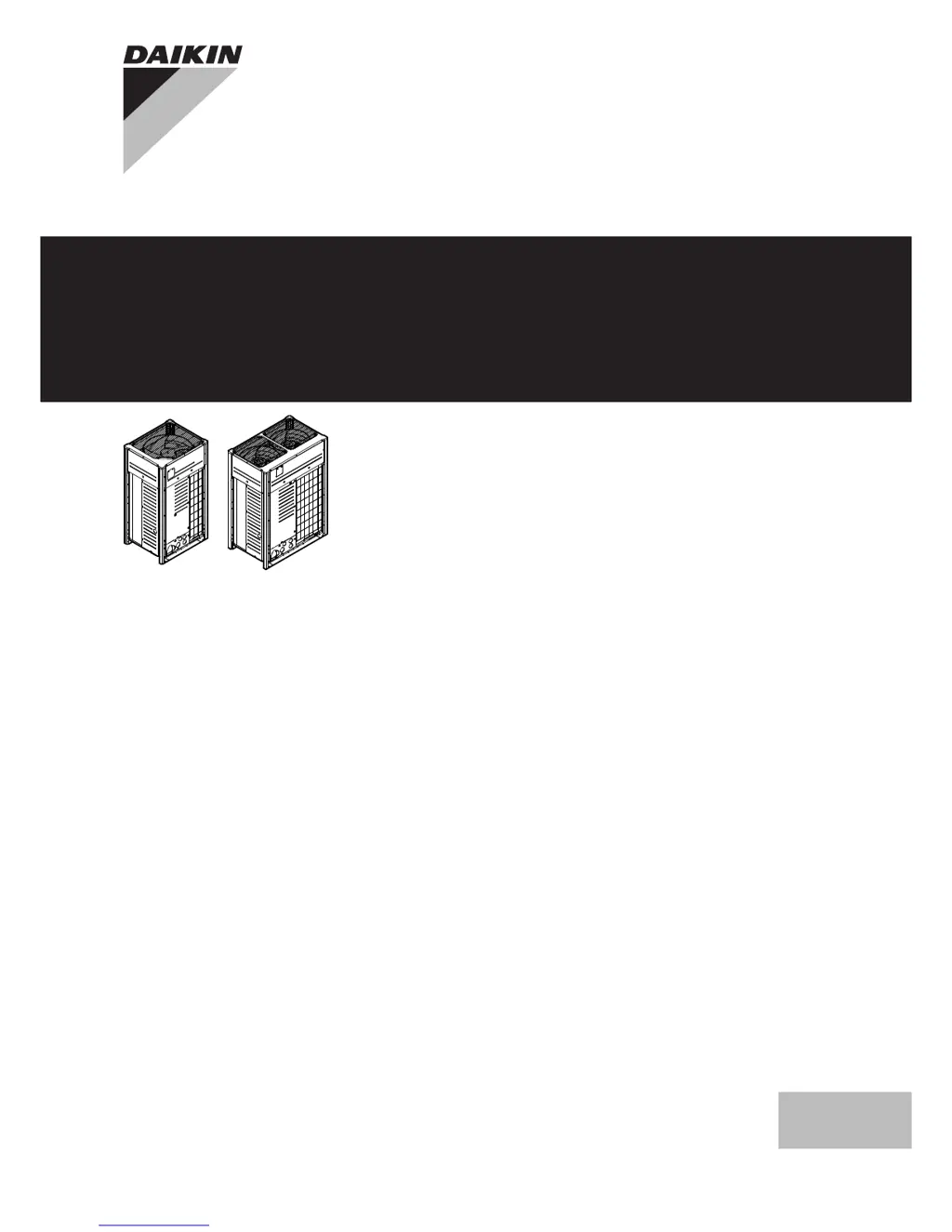
VRV IV system air conditioner
English
Installer and user
reference guide
VRV IV system air conditioner
RYYQ8T7Y1B*
RYYQ10T7Y1B*
RYYQ12T7Y1B*
RYYQ14T7Y1B*
RYYQ16T7Y1B*
RYYQ18T7Y1B*
RYYQ20T7Y1B*
   
RYMQ8T7Y1B*
RYMQ10T7Y1B*
RYMQ12T7Y1B*
RYMQ14T7Y1B*
RYMQ16T7Y1B*
RYMQ18T7Y1B*
RYMQ20T7Y1B*
   
RXYQ8T7Y1B*
RXYQ10T7Y1B*
RXYQ12T7Y1B*
RXYQ14T7Y1B*
RXYQ16T7Y1B*
RXYQ18T7Y1B*
RXYQ20T7Y1B*

Table of Contents

Other manuals for Daikin RXYQ20T7Y1B

Questions and Answers

Summary

1 General safety precautions

1.1 About the documentation

Explains the documentation set and audience.

1.2 For the user

Safety advice for users on operation and handling.

1.3 For the installer

Crucial safety instructions and precautions for installers.

2 About the documentation

2.1 About this document

Describes the purpose and audience of this specific document.

3 About the box

3.1 Overview: About the box

Explains what to do after receiving the outdoor unit box.

3.2 To unpack the outdoor unit

Provides instructions for safely unpacking the outdoor unit.

4 About the units and options

4.1 Overview: About the units and options

Introduces information on unit identification and system layout.

4.2 Identification label: Outdoor unit

Explains the model identification codes and their meanings.

4.3 About the outdoor unit

Details the VRV IV heat pump system and its applications.

4.4 System layout

Illustrates how the outdoor unit fits into the system.

4.5 Combining units and options

Covers guidelines for combining units and available options.

5 Preparation

5.1 Overview: Preparation

Introduces key preparation steps before installation.

5.2 Preparing installation site

Details site requirements for the outdoor unit installation.

5.3 Preparing refrigerant piping

Guides on selecting appropriate piping and adhering to requirements.

5.4 Preparing electrical wiring

Covers electrical wiring compliance and safety device requirements.

6 Installation

6.1 Overview: Installation

Introduces the chapter on installing the system.

6.2 Opening the units

Provides instructions for opening the outdoor unit and its electrical box.

6.3 Mounting the outdoor unit

Covers procedures for securely mounting the outdoor unit.

6.4 Connecting the refrigerant piping

Guides on connecting refrigerant piping with safety precautions.

6.5 Checking the refrigerant piping

Covers leak testing and vacuum drying procedures for refrigerant piping.

6.6 To insulate the refrigerant piping

Emphasizes the importance of insulating refrigerant piping after leak testing.

6.7 Charging refrigerant

Covers the process of charging refrigerant into the system.

6.8 Connecting the electrical wiring

Covers electrical wiring installation and precautions.

7 Configuration

7.1 Overview: Configuration

Introduces the chapter on system configuration and field settings.

7.2 Making field settings

Explains how to perform manual field settings using push buttons and DIP switches.

7.3 Energy saving and optimum operation

Explains advanced energy-saving features and their parameters.

7.4 Using the leak detection function

Covers automatic and manual leak detection functions.

8 Commissioning

8.1 Overview: Commissioning

Introduces the chapter on verifying system operation after installation and configuration.

8.2 Precautions when commissioning

Lists safety precautions to be observed during commissioning.

8.3 Checklist before commissioning

Provides a checklist of items to verify before powering up the unit.

8.4 About test run

Explains the purpose of the test run and what it checks.

8.5 To perform a test run

Details the step-by-step procedure for performing a system test run.

8.6 Correcting after abnormal completion of the test run

Guides on how to address and correct issues identified during the test run.

9 Maintenance and service

9.1 Overview: Maintenance and service

Introduces the chapter on maintenance and service procedures.

9.2 Maintenance safety precautions

Lists essential safety precautions for maintenance work.

9.3 About service mode operation

Explains how to use service mode for operations like vacuuming.

10 Troubleshooting

10.1 Overview: Troubleshooting

Introduces the chapter on identifying and solving problems.

10.2 Solving problems based on error codes

Guides on how to resolve issues based on displayed error codes.

10.3 Error codes: Overview

Provides a comprehensive table of error codes, their causes, and solutions.

11 Disposal

12 Technical data

12.1 Overview: Technical data

Introduces the technical data section, mentioning website resources.

12.2 Dimensions: Outdoor unit

Provides dimensional drawings for outdoor units of different HP classes.

12.3 Service space: Outdoor unit

Specifies required service space dimensions around the outdoor unit.

12.4 Components: Outdoor unit

Shows component diagrams for outdoor units of various models.

12.5 Components: Electrical component box

Illustrates the layout of components within the electrical component box.

12.6 Piping diagram: Outdoor unit

Provides piping diagrams for outdoor units of various models.

12.7 Wiring diagram: Outdoor unit

Presents the wiring diagram for the outdoor unit.

13 About the system

For the user

Information for users on system usage and precautions.

13.1 System layout

Illustrates the system layout and available outdoor unit models.

14 User interface

15 Before operation

16 Operation

16.1 Operation range

Specifies safe and effective operating temperature and humidity ranges.

16.2 Operating the system

Details procedures for operating the system, including power and startup.

16.3 Using the dry program

Describes how to use the dry program for humidity control.

16.4 Adjusting the air flow direction

Covers adjusting air flow direction and flap positions.

16.5 Setting the master user interface

Explains how to set the master user interface for system control.

16.6 About control systems

Describes alternative control systems available for the units.

17 Energy saving and optimum operation

17.1 Available main operation methods

Explains basic, automatic, and Hi-sensible/economic operation modes.

17.2 Available comfort settings

Outlines comfort levels (Powerful, Quick, Mild, Eco) for optimizing operation.

18 Maintenance and service

18.1 Maintenance after a long stop period

Provides instructions for maintenance after a long period of inactivity.

18.2 Maintenance before a long stop period

Details maintenance procedures before a long period of inactivity.

18.3 About the refrigerant

Discusses refrigerant type and global warming potential.

18.4 After-sales service and warranty

Covers warranty information and recommended maintenance.

19 Troubleshooting

19.1 Error codes: Overview

Provides a comprehensive table of error codes, their causes, and solutions.

20 Relocation

21 Disposal

22 Glossary

Daikin RXYQ20T7Y1B Specifications

General IconGeneral
BrandDaikin
ModelRXYQ20T7Y1B
CategoryAir Conditioner
LanguageEnglish

Related product manuals