EasyManua.ls Logo

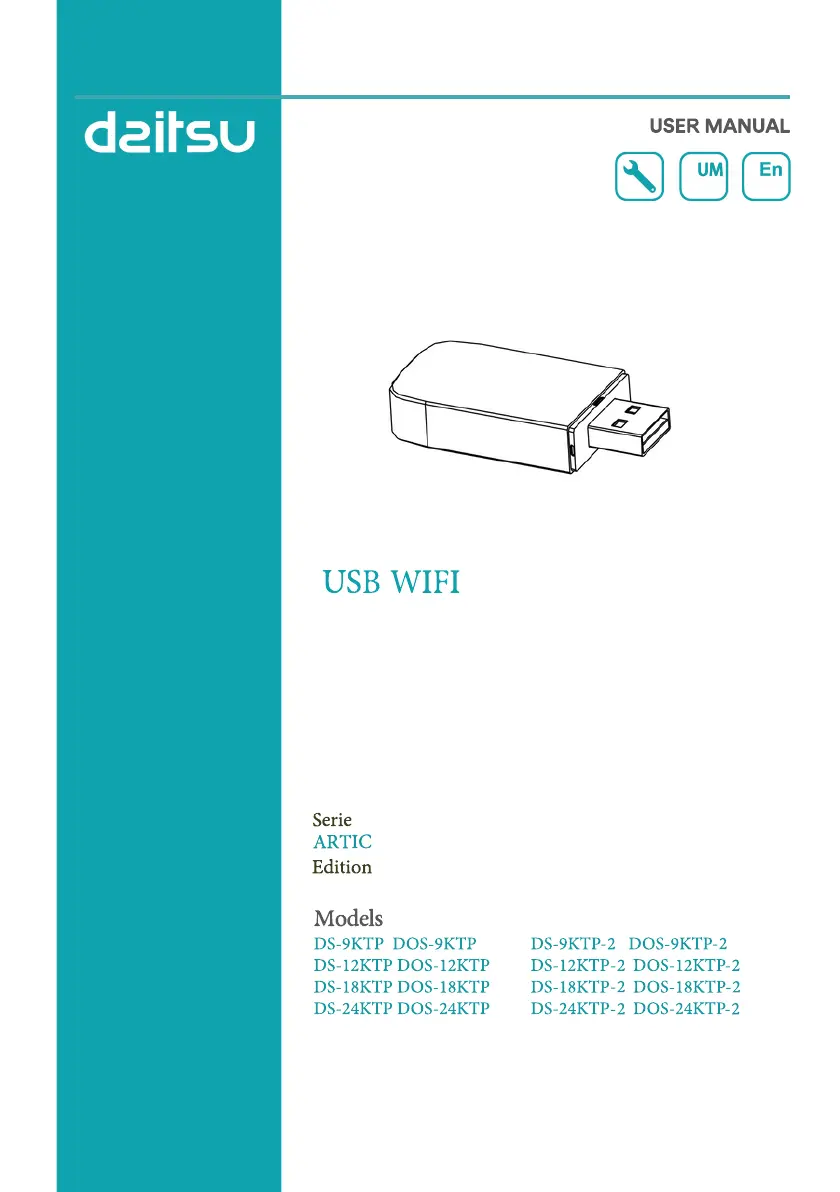
Daitsu DS-12KTP-2 - User Manual

Daitsu DS-12KTP-2
184 pages
Print Icon
To Next Page IconTo Next Page
Loading...
05/06

Questions and Answers

  • J
    Joshua ShawAug 8, 2025
    What to do if mobile can't find Daitsu DS-12KTP-2 Air Conditioner?
    • J
      Jocelyn LevyAug 8, 2025
      If the Daitsu Air Conditioner is not found by your mobile device, verify these conditions: * The air conditioner has been reconfigured. * The air conditioner is out of power. * The router is out of power. * The air conditioner cannot connect to the router. * The air conditioner cannot connect to the network through the router. * The mobile device cannot connect to the network. If the device disappears after adding it, refresh the device list by holding and sliding down. If there's no change, close and restart the app.
  • A
    amy66Aug 25, 2025
    Why mobile can't control Daitsu DS-12KTP-2?
    • B
      Brenda WarrenAug 25, 2025
      If your mobile device loses control of the Daitsu Air Conditioner, it might be due to the air conditioner (WLAN module) being rebooted, and the app displays 'Device remove'. Ignoring this confirmation will cause the mobile device to lose control permission. To regain control, reconnect the air conditioner via CF mode. In the event of a power failure, the mobile device will lose control permission for 3 minutes after the power outage. If control is not restored after power is restored, you will need to reconnect the air conditioner through CF mode.

Summary

Wi-Fi Module Specifications

Wi-Fi Module Technical Parameters

Details network frequency, WLAN standards, security protocols, and RF power.

Smart App Download & Installation

Android App Installation

Methods to download and install the app on Android devices via QR code or Play Store.

iOS App Installation

Methods to download and install the app on iOS devices via QR code or App Store.

Smart App Activation

Activation Procedures

Guides on activating the app using a QR code scan or manual activation code entry.

User Account Registration

Registration Steps

Steps for creating a new account, accepting policies, and providing email for verification.

User Login

Logging In to Existing Account

Instructions for logging in using registered account credentials.

Adding Devices to the App

CF Mode Device Addition

Procedure for adding a device using the CF mode connection method.

AP Mode Device Addition

Procedure for adding a device using the AP mode connection method.

Bluetooth Mode Device Addition

Procedure for adding a device using the Bluetooth connection method.

Air Conditioner Control

Control Form 1 Interface Overview

Overview of the main control screen elements for Control Form 1.

Control Form 2 Interface Overview

Overview of the main control screen elements for Control Form 2.

Control Form 1 Operations

Main Control Interface (Form 1)

Detailed explanation of the main control screen layout and features for Form 1.

Control Form 1 Functions

Control Form 2 Operations

Main Control Interface (Form 2)

Detailed explanation of the main control screen layout and features for Form 2.

Control Form 2 Functions

Control Form 2 Timer Settings

Device Details and Management

Troubleshooting Guide

Configuration Issues

Solutions for problems encountered when configuring the air conditioner successfully.

Control and Connectivity Issues

Troubleshooting steps for mobile device control and connectivity problems.

Device Discovery Problems

Solutions for when the mobile device cannot find or connect to the air conditioner.

Daitsu DS-12KTP-2 Specifications

General IconGeneral
BrandDaitsu
ModelDS-12KTP-2
CategoryAir Conditioner
LanguageEnglish

Related product manuals