Minute ect.)
With the “
” light on,it means open time.
HOUR Press “
” button 4
th
times, LED display front “00” twinkle,
press“
” two buttons set the Hours from 01--00(01=1 o’clock,02=2
o’clock...00=24 o’clock ect.)
MINUTE Press “
” button 5
th
times,LED display behind “00” twinkle
“
” two buttons set the Hours from 00--59(01=1 Minute,02=2
Minute ect.)
With the “
” light on,it means close time.
The above are finised set Monday Timer.
3. Press “ ” button once more,” ” lights on,means “Tuesday”.Pls
noted that the operate with open time HOUR/MINUTE and close time
HOUR/MINUTE are all same as before Monday.
4. From Monday-Sunday are all set finished,press “
” button on remote
control 7
th
times to set from Monday to Sunday’s temperature and
press“
” two buttons,select the temperature which you need,the
temperature range from 10℃ to 49℃.
PS:In Week timer function,when you set today’s temperature,the
thermostat function will start,the rules same as 4) THERMOSTAT
INSTRUCTIONS,pls noted.
You can set different open time ,closed time and temperature within
whole week.
6) Window Open Function
1. Open the appliance as working conditions,(fan,warm,hot are all ok).This
function only through by Remote control.
2. Press “ ” button, the “
” light is on.The appliance is working as
smart saving energy models.(In this function,the appliance is check and
record environment temperature in immediately.It will stop working,when
the appliance check the environment are drop ≧3 ℃ within 1 minute.The
user should restart the appliance with “ON/OFF” button)
3..Press “ ” button again, the “
” light is off.Window Open
Function is closed.
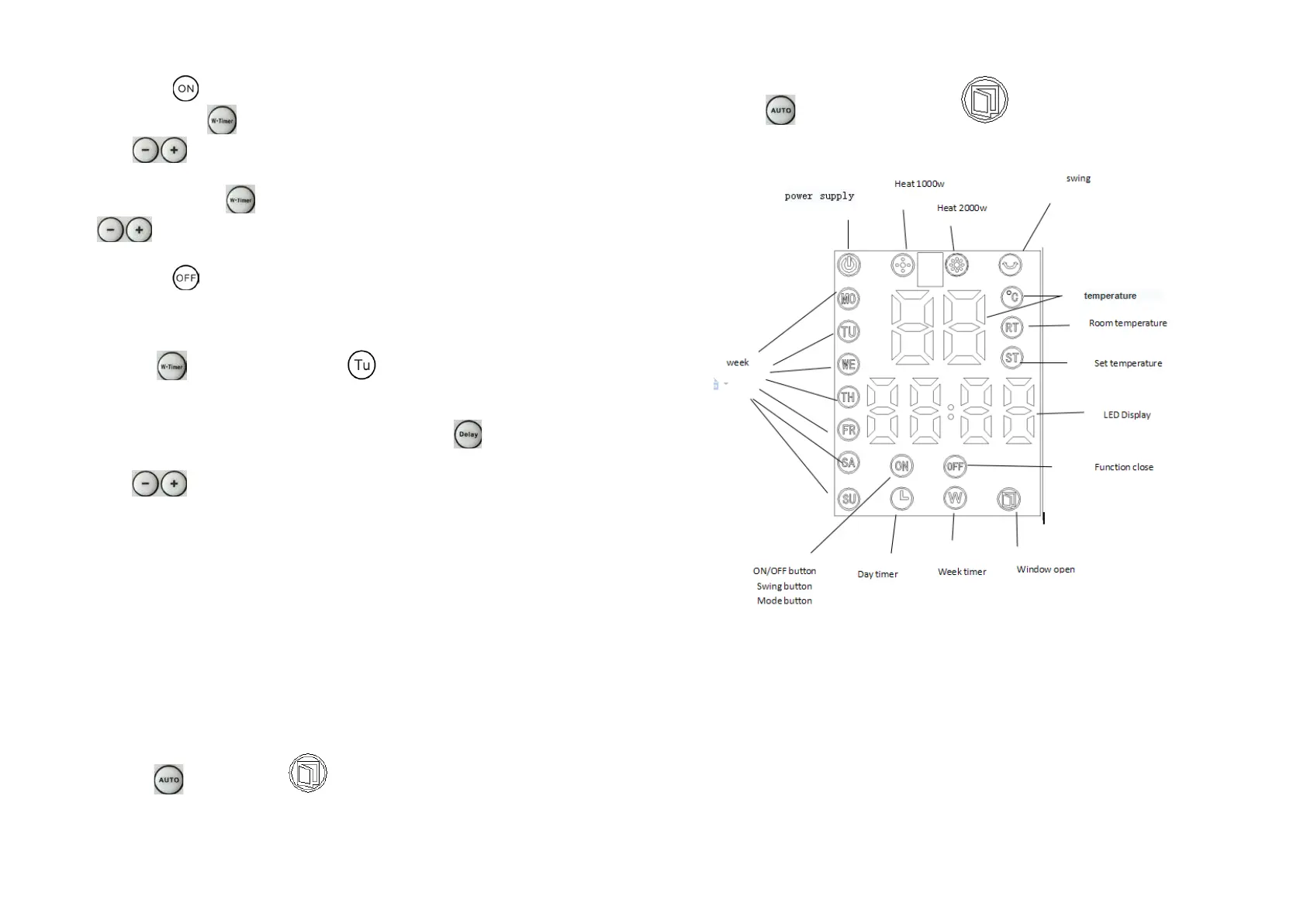
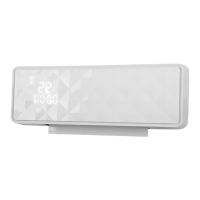
CONTROL PANEL VIEW


 To Next Page