
 Need help?
Do you have a question about the DAM MADCAT TOPCAT and is the answer not in the manual?
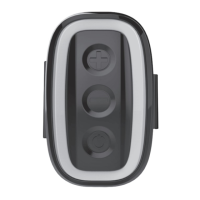
Instructions for long pressing the power button to switch the alarm on or off.
How to adjust volume and sensitivity using '+' and '-' buttons.
Procedure for long pressing the '+' button to enable or disable the night light.
How to quick mute sound and information regarding tone adjustability.
Details on charging the internal li-on battery and charging indicators.
The alarm remembers settings and alerts for low battery status.
Features for anti-theft protection and vibration detection.
Explanation of slow bite and drop back alarm detection modes.
 General
| Brand | DAM |
|---|---|
| Model | MADCAT TOPCAT |
| Category | Security System |
| Language | English |

 To Next Page