Page 10 | Danapad V3 app guide
Settings
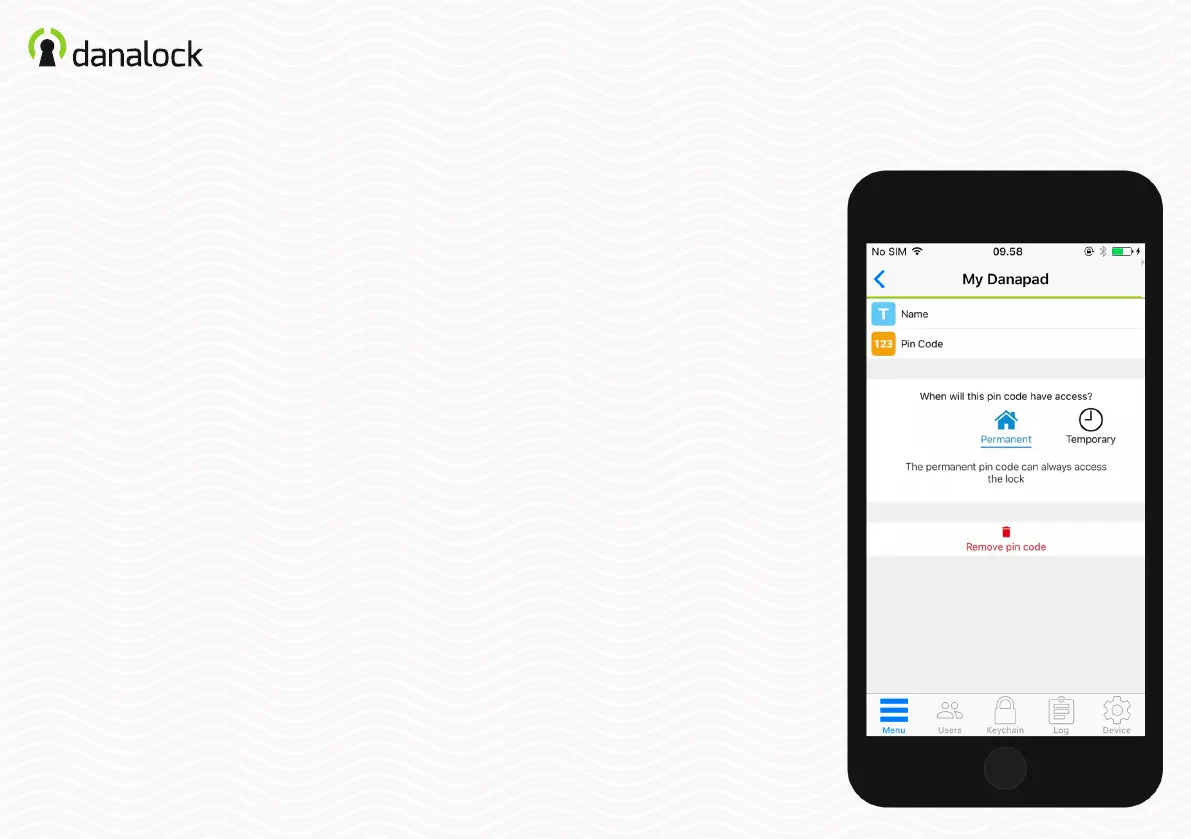
Create a pin code
In the Danapad V3 settings select PIN CODES. Create a new pin
code by pressing the ADD button.
Enter a pin code combination between 4 –10 digits and select if
the pin code should be permanent or temporary.
Temporary pin codes
Temporary pin codes are active in a
single time interval. With this access
type, you dene the interval in which
you want the pin codes to work.
Permanent pin codes
Permanent pin codes are always
active.


 To Next Page