Page 7 | Danapad V3 app guide
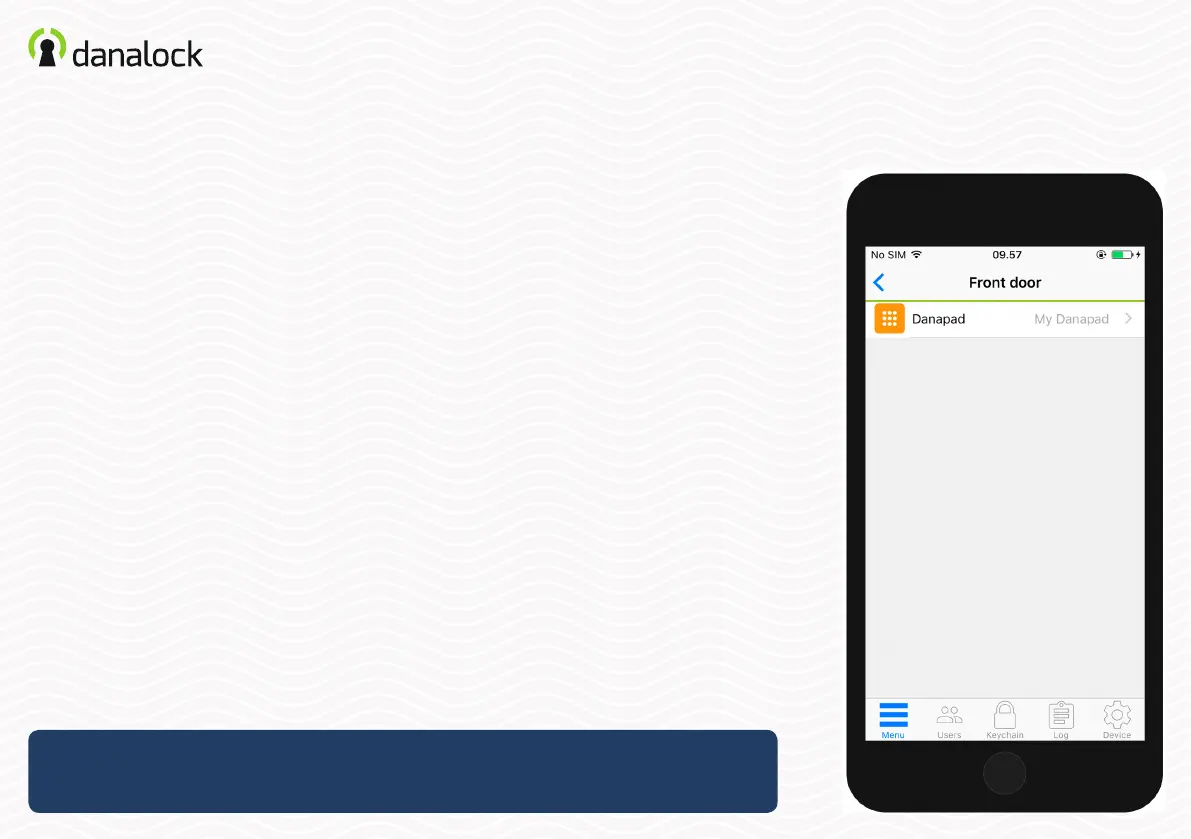
Settings
To change Danapad V3 settings you must be within Bluetooth range of the
device. Go to: MENU > MY ACCESSORY DEVICES. Choose the Danapad V3
from the list to view device information.
To change the settings of your Danapad V3 you need to be within
Bluetooth range of Danapad V3 and Danalock V3.


 To Next Page