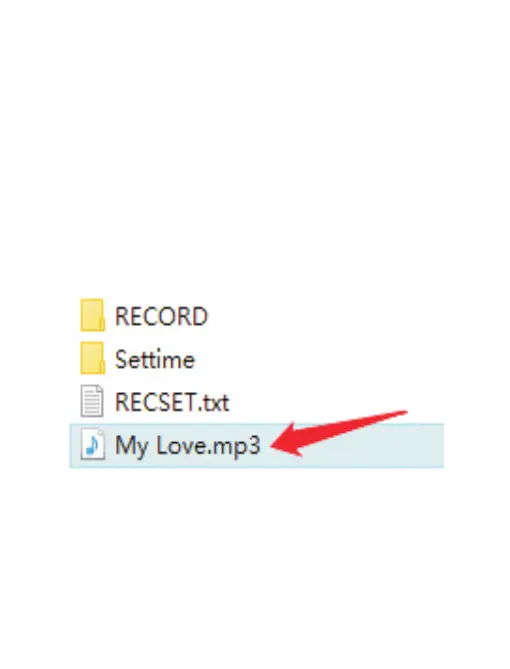
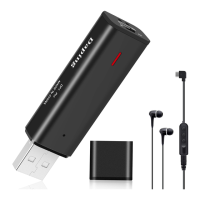
Also, please do not put the music file in the folder, put it
directly in the drive. If you put a music file in the “RECORD”
folder, it will be played as a recording file. Even if I press
and hold the mode/play button for a long time, it cannot be
played back because it cannot be recognized as a music file.
4
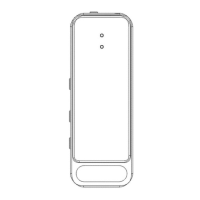
Mode switching: When playing music or recordings, press and
hold the mode/play button to switch between music mode and
playback mode. (When switching modes, the record light will flash
once to indicate that the mode has been successfully switched.)
(Note: You cannot switch to recording mode with the mode/play
button. To switch from playback mode to recording mode, turn off
the power/recording button, and then turn it on again.)


 To Next Page